A well-structured inspection template doesn't just make your reports look professionalit speeds up your workflow, reduces errors, and helps clients actually understand what you found. This guide breaks down the proven template structure that top inspectors use to create clear, consistent, and defensible reports.
Template Best Practices
Follow these guidelines to maximize template effectiveness:
Use Pre-Written Comments
Build a library of standard comments for common findings. Ensures consistency and saves time. Edit for specifics as needed.
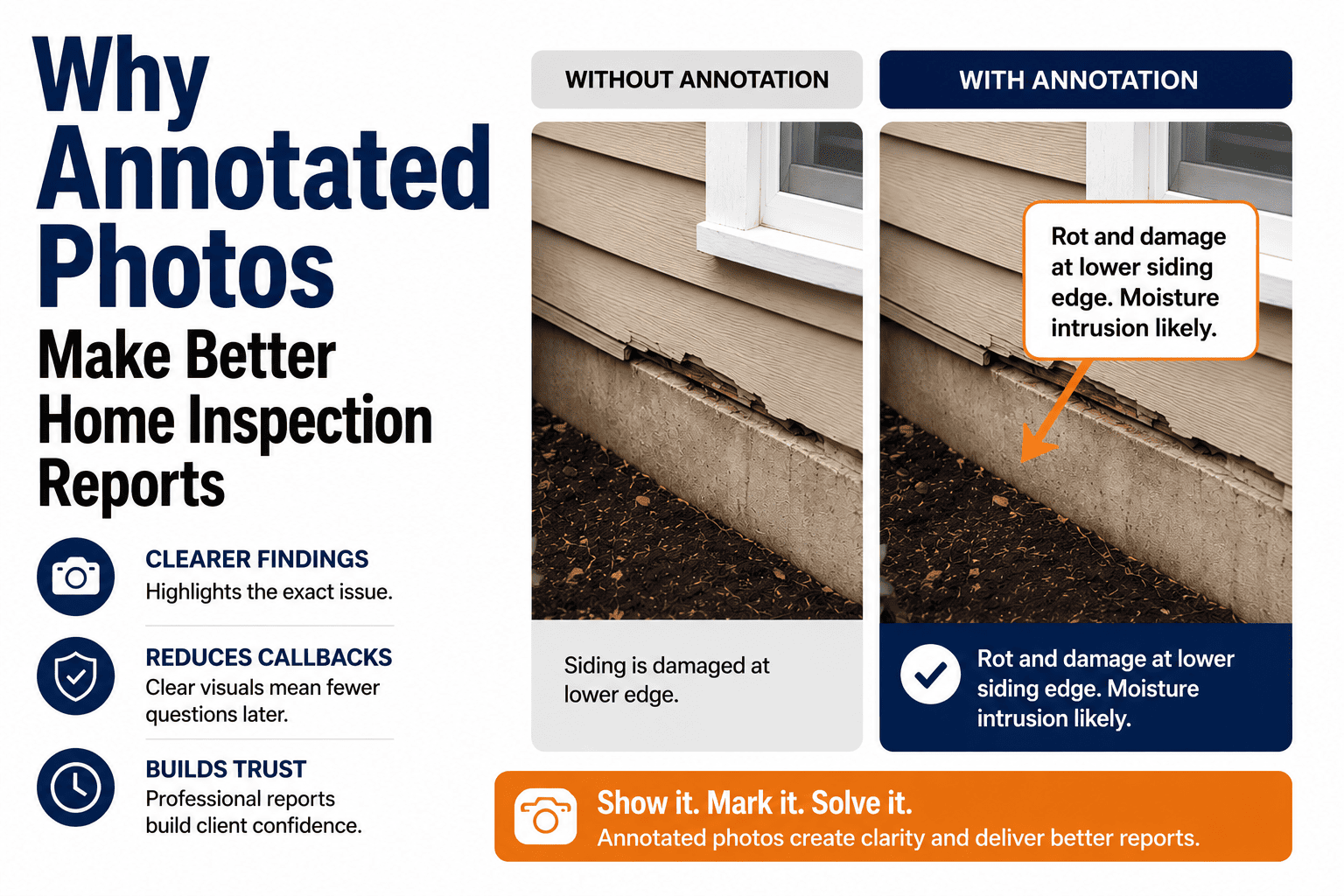
Photos Near Findings
Place photos directly with the related finding, not in a separate gallery. Context is lost when photos are separated from text.
Explain the "Why"
Don't just state the issue—explain why it matters and what could happen if ignored. This helps clients prioritize.
Write for Your Audience
Clients aren't contractors. Avoid jargon, use plain language, and include a glossary for technical terms that must be used.
Consistent Formatting
Use the same fonts, colors, and layouts throughout. Inconsistency looks unprofessional and confuses readers.
Include Limitations
Document what you couldn't inspect and why. This protects you legally and sets appropriate expectations.
Why Template Structure Matters
The right template structure impacts every aspect of your inspection business:
Faster Reporting
A logical flow means less jumping around. You work through the template in the same order you inspect, cutting report time by 30-40%.
Consistency
Every report follows the same structure. Clients, agents, and attorneys can find information quickly because it's always in the same place.
Fewer Omissions
Built-in checklists ensure you don't forget systems or components. The template guides you through every required item systematically.
Client Clarity
Clients understand reports better when information is organized logically with clear priority levels and actionable recommendations.
Professional templates built in. HomeInspecto includes optimized templates that follow this exact structure—ready to use from day one. Schedule a demo →
The Ideal Report Structure
Here's the proven template layout that balances thoroughness with readability:
Cover Page
Property photo, address, inspection date, client name, inspector info, company branding
Table of Contents
Clickable links to each section for easy navigation in digital reports
Executive Summary
High-priority findings at a glance—safety issues, major defects, items needing immediate attention
Property Details
Year built, square footage, construction type, number of stories, foundation type, roof type
Inspection Scope & Conditions
Weather, occupancy status, utilities on/off, areas not inspected and why
Each system section should follow the same internal structure for consistency:
Recommended Section Order
The order of system sections should follow a logical inspection flow. Here's the recommended sequence:
| # | Section | Key Components | Why This Order |
|---|---|---|---|
| 6 | Exterior | Siding, trim, windows, doors, grading | Start outside, work your way in |
| 7 | Roofing | Covering, flashing, gutters, chimneys | Inspect before entering attic |
| 8 | Structure | Foundation, framing, floors, walls | Core building integrity |
| 9 | Electrical | Panel, wiring, outlets, GFCI/AFCI | Safety-critical system |
| 10 | Plumbing | Supply, drain, water heater, fixtures | Flows logically from electrical |
| 11 | HVAC | Heating, cooling, ductwork, thermostat | Major mechanical system |
| 12 | Interior | Rooms, floors, walls, ceilings, stairs | General living spaces |
| 13 | Attic | Insulation, ventilation, structure, wiring | Groups overhead spaces |
| 14 | Garage | Door, opener, fire separation, floor | Separate from living space |
| 15 | Appliances | Kitchen, laundry, built-in equipment | Optional/bonus items last |
Swipe to see full table →
Back Matter Sections
These final sections wrap up the report professionally:
Maintenance Tips
Seasonal maintenance checklist and general homeowner guidance. Adds value and positions you as a resource.
Glossary
Definitions of technical terms used in the report. Helps clients understand without feeling talked down to.
Standards & Scope
Reference to InterNACHI/ASHI standards, state requirements, and your scope of work. Important for liability.
Inspector Credentials
Your certifications, license number, insurance info, and contact details. Builds trust and credibility.
Defect Classification System
A clear classification system helps clients prioritize. Here's a proven approach:
Safety Hazard
Immediate risk to health or safety. Requires urgent attention before or immediately after closing.
Major Defect
Significant issue affecting function, value, or leading to further damage if not corrected.
Minor Defect
Issue that should be corrected but doesn't pose immediate risk or major expense.
Maintenance Item
Normal wear or routine maintenance need. Part of regular homeownership.
Monitor
Condition to watch over time. May or may not develop into an issue.
Auto-categorize findings by severity. HomeInspecto lets you assign defect levels and automatically groups them in the summary. Start your free trial →
Common Template Mistakes
Avoid these issues that make reports harder to use:
Too Much Boilerplate
Pages of legal disclaimers before findings buries the important stuff. Keep front matter concise.
No Summary Section
Forcing clients to read 40 pages to find major issues. They won't—they'll miss critical information.
Photos Separated from Text
All photos dumped at the end or in separate section. Clients can't connect photos to findings.
Inconsistent Section Structure
Each system section formatted differently. Confuses readers and looks unprofessional.
No Defect Prioritization
All findings listed equally—safety hazards mixed with cosmetic issues. Clients can't prioritize.
Too Technical
Written for contractors, not homebuyers. Jargon and abbreviations without explanation.
Frequently Asked Questions
How long should an inspection report be?
A typical single-family home report runs 25-40 pages, including photos. Don't pad for length—focus on clarity and completeness. A well-organized 30-page report is better than a disorganized 60-page one. The goal is thorough documentation, not volume.
Should I use checkboxes or narrative format?
Use both strategically. Checkboxes work great for component lists and conditions (inspected/not inspected, functional/deficient). Narrative comments add context, explain issues, and provide recommendations. The best templates combine both approaches.
How do I customize templates for different property types?
Create template variants for common property types: single-family, condo, townhome, multi-family, new construction. Each can share the same core structure but include/exclude relevant sections. For example, condos may skip exterior/roof if not inspected; new construction adds code compliance sections.
Should I include recommendations for contractors?
Recommend the TYPE of professional (licensed electrician, roofing contractor, structural engineer) but avoid specific company names to prevent conflict of interest concerns. Your job is to identify issues and recommend who should address them, not to make referrals.
How often should I update my templates?
Review templates annually at minimum. Update when: standards change (InterNACHI/ASHI/state requirements), you identify common omissions, you get consistent client feedback, or new technology/materials become common. Keep a log of changes for consistency.
Professional Templates Ready to Use
HomeInspecto includes optimized templates that follow this proven structure—customizable to match your style and state requirements.
- SOP-compliant structure
- Pre-written comment library
- Auto-generated summaries
- Fully customizable