

Every inspector wants templates that fit their style. But customization without a plan creates chaos—inconsistent reports, confused clients, and liability risks. Here's how to personalize your templates while keeping everything professional and consistent.
The Customization vs. Consistency Balance
Think of template customization like adjusting a recipeyou can tweak ingredients, but change too much and you lose what made it work.
Customization
- Personal branding
- Property-specific sections
- Regional requirements
- Service add-ons
Consistency
- Same severity levels
- Standard section order
- Uniform language
- SOP compliance
What You CAN Customize (Safe Zone)
These elements can be personalized without compromising report quality:
Branding & Identity
- Company logo & colors
- Contact information
- Cover page design
- Footer disclaimers
Property-Type Sections
- Pool/spa for certain homes
- HOA-specific items
- Well & septic sections
- New construction items
Comment Library
- Pre-written defect comments
- Recommendation templates
- Regional code references
- Maintenance suggestions
Add-On Services
- Radon testing section
- Mold inspection add-on
- Thermal imaging pages
- Drone roof inspection
Need flexible templates? HomeInspecto lets you customize templates while locking critical elements for consistency. Start your free trial →
What You Should NEVER Change (Danger Zone)
Modifying these elements breaks consistency and creates liability:
Severity Classifications
Always use the same defect levels (Safety, Major, Minor, Maintenance). Clients compare reports—inconsistent ratings confuse everyone.
Core Section Order
Keep main systems in the same sequence. Jumping from HVAC to Exterior to Plumbing randomly makes reports hard to follow.
SOP-Required Items
InterNACHI/ASHI standards exist for a reason. Removing required inspection items exposes you to legal risk.
Photo Documentation Rules
Keep the same photo requirements. One report with 20 photos and another with 100 looks unprofessional.
The 3-Layer Customization Framework
Organize your template into layers—some locked, some flexible:
Layer 1: Core Structure
Section order, severity levels, SOP items, required disclaimers
Layer 2: Property Variants
Condo vs. single-family sections, pool/septic add-ons, age-specific items
Layer 3: Per-Inspection Notes
Specific findings, unique observations, property-specific comments
Property-Type Template Variants
Create template variants—not entirely new templates—for different property types:
| Property Type | Sections to ADD | Sections to REMOVE | Special Considerations |
|---|---|---|---|
| Single Family | Full standard template | None | Base template |
| Condo/Townhome | HOA common areas | Roof, Exterior (if not accessible) | Note HOA responsibilities |
| New Construction | Code compliance, builder warranty items | Age-related concerns | Focus on installation quality |
| Older Homes (50+ yrs) | Lead paint, asbestos, outdated systems | None | Historical considerations |
| Multi-Family | Unit-by-unit sections, common areas | Single-family specific | Duplicate per unit |
Swipe to see full table →
Comment Library: Customize Language, Keep Consistency
Pre-written comments are your secret weapon. Customize the wording but standardize the structure:
Multi-Inspector Team Consistency
If you have a team, customization gets trickier. Here's how to keep everyone aligned:
Master Template Owner
Designate one person to manage template changes. No rogue edits from individual inspectors.
Shared Comment Library
All inspectors use the same pre-written comments. Personal additions go through approval.
Quarterly Template Review
Schedule regular reviews to incorporate feedback and update for new regulations.
Version Control
Track template versions. If something breaks, you can roll back to the last working version.
Quick Customization Checklist
Before making any template change, ask yourself:
Frequently Asked Questions
How much customization is too much?
If you're spending more than 15 minutes adjusting templates for each inspection, you've over-customized. Templates should speed up reporting, not slow it down. Stick to enabling/disabling pre-built sections rather than rewriting content each time.
Can I have different severity levels for different property types?
No. Severity classifications (Safety Hazard, Major, Minor, etc.) should be universal across all your reports. What qualifies as a "safety hazard" shouldn't change whether you're inspecting a condo or a mansion. This consistency protects you legally and builds client trust.
Should I customize templates for different agents?
Your template content should remain consistent regardless of the referring agent. However, you can customize delivery preferences (PDF vs. online link, summary formatting) based on agent preferences without affecting the actual inspection content.
How do I handle state-specific requirements?
Create state-specific variants of your master template. Some states require specific disclosures, licensing information, or inspection scope statements. Add these as locked sections that appear only in that state's template variant.
Templates That Flex Without Breaking
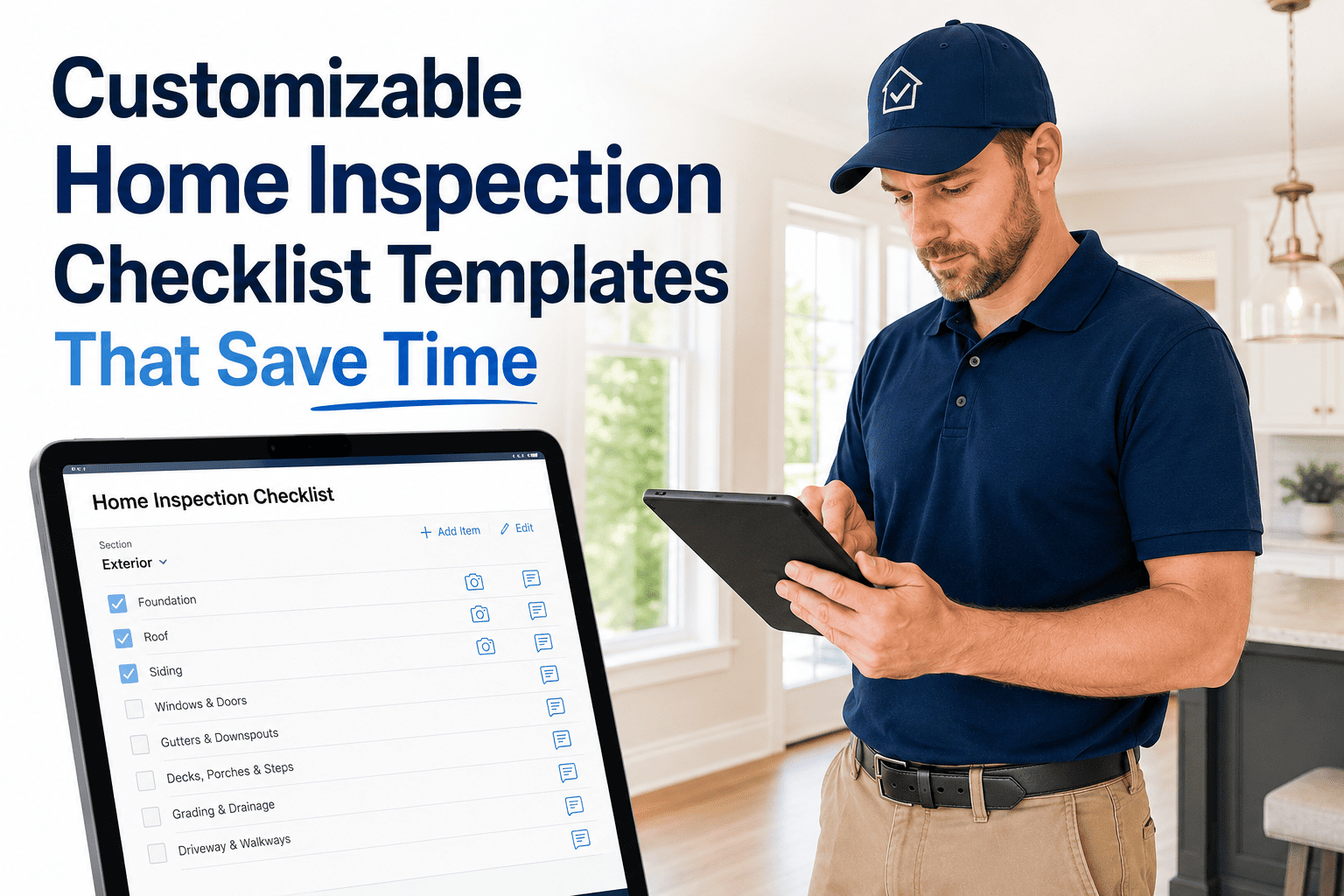
HomeInspecto gives you customizable templates with locked core elements—so you get flexibility where you need it and consistency where it matters.
- Property-type variants built in
- 500+ customizable comments
- Team template management
- Version control & rollback


"Missing GFCI protection was observed at the kitchen counter outlets. This is a safety concern as GFCI outlets help prevent electrical shock in wet areas. Recommend a licensed electrician install GFCI-protected outlets."