If your inspection ends at 1 PM but your workday does not end until the report is finally sent at 9 PM, the problem is rarely how fast you type. It is friction: rebuilding findings from memory, hunting for the right wording, sorting loose photos, and re-deciding severity on every single line. The fastest inspectors in the business deliver detailed, photo-rich reports in 90 minutes or less, and many report cutting their writing time roughly in half compared to where they started. None of them are working harder. They have simply removed drag from each step. Below is the field-tested workflow that gets you there, tactic by tactic. If you would rather see it in action than read about it, book a demo and watch a full report get built in real time.
First, Find Where Your Time Actually Leaks
Most inspectors assume the cure is typing faster. It is not. Report time bleeds out through five specific friction points — and once you can name them, each one has a fix. Be honest about which of these is eating your evening.
Writing from memory, hours later
You inspected at 9 AM but write at 8 PM, reconstructing what you saw from scribbled notes. The detail fades and the typing slows.
Re-typing the same defects
If you have typed "typical symptoms of moisture intrusion include…" more than fifty times, you are wasting time you will never get back.
Debating severity on every line
Decision-making is slower than typing. Re-deciding "is this a minor issue or a safety hazard?" each time burns mental energy and minutes.
Sorting and matching loose photos
A pile of un-named photos from a separate camera means a second job: figuring out which image belongs to which room and finding later.
Admin drag after the writing
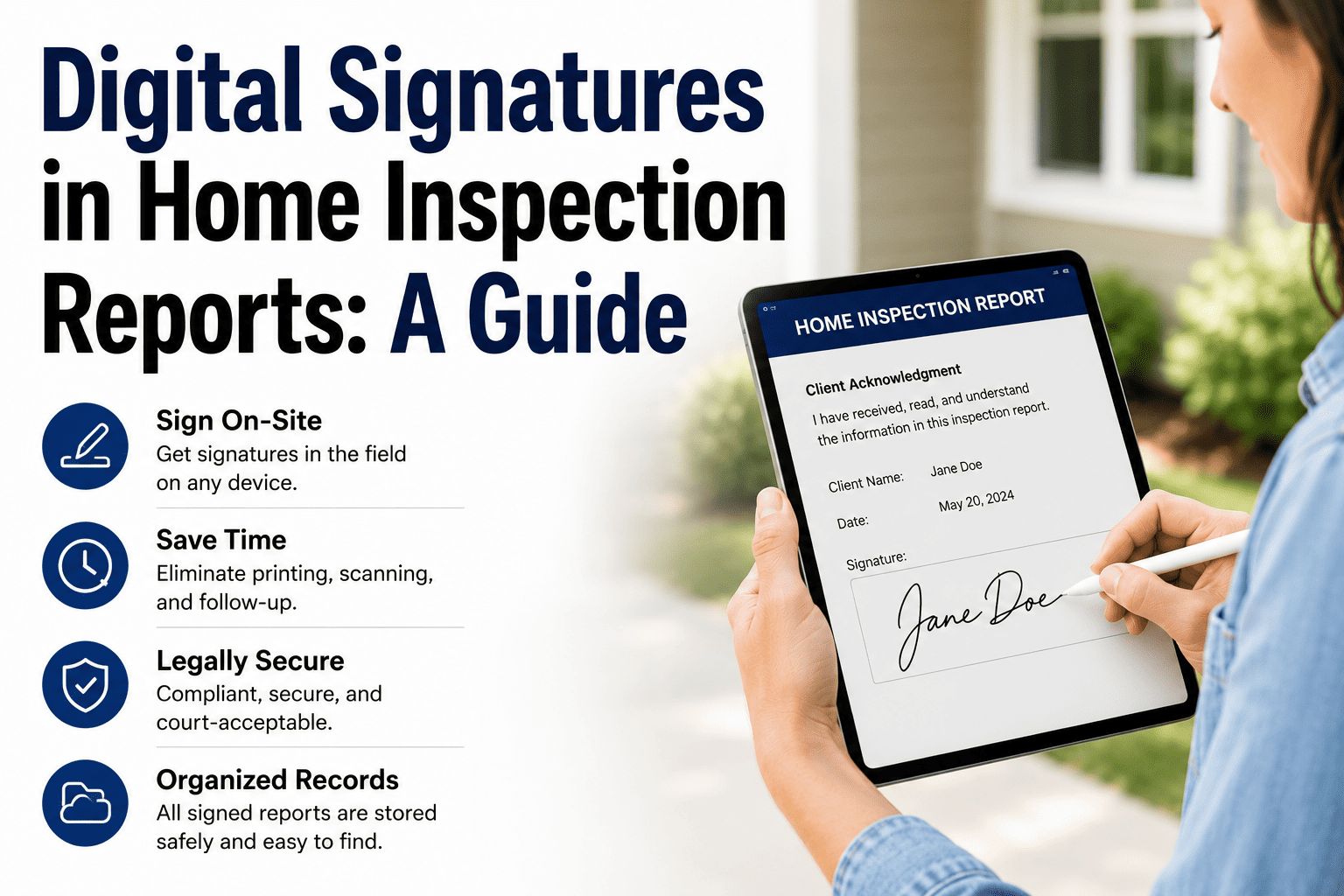
Chasing signatures, attaching invoices, and exporting files adds a hidden tail to every report long after the findings are done.
The 90-Minute Report Discipline
High-volume inspectors who consistently deliver reports in 90 minutes or less are not faster typists — they follow a fixed rhythm. The work is split into three timed blocks so you are never wondering what to do next. Here is exactly how that 90 minutes breaks down.
Speed of delivery is itself a competitive differentiator — agents refer the inspector whose report lands first.
The Single Biggest Time-Saver: A Comment Library
Across every fast inspector and platform, the same tool comes up first: a pre-built comment library. Instead of writing each finding from scratch, you select proven language and tweak only the specifics. You are assembling, not authoring. Here is what that transformation looks like for one defect.
Seven Tactics That Compound
No single trick cuts your time in half. It is the stack — each habit removing a little friction until the whole report flows. Here are the seven that move the needle most, with the kind of time each tends to give back.
Capture narrative on-site
Biggest winSpeak or tap the core finding the moment you see it — "double taps, shock risk, recommend electrician." You paste the full template narrative later and tweak only specifics.
Use voice notes, not thumbs
~40% fasterDictate findings naturally on the job site. Smart search can even match your spoken note to the right library comment automatically.
Lock your severity tiers
Less decision dragTie each severity level to consistent phrasing and a recommendation type. Your brain stops debating wording and urgency on every line.
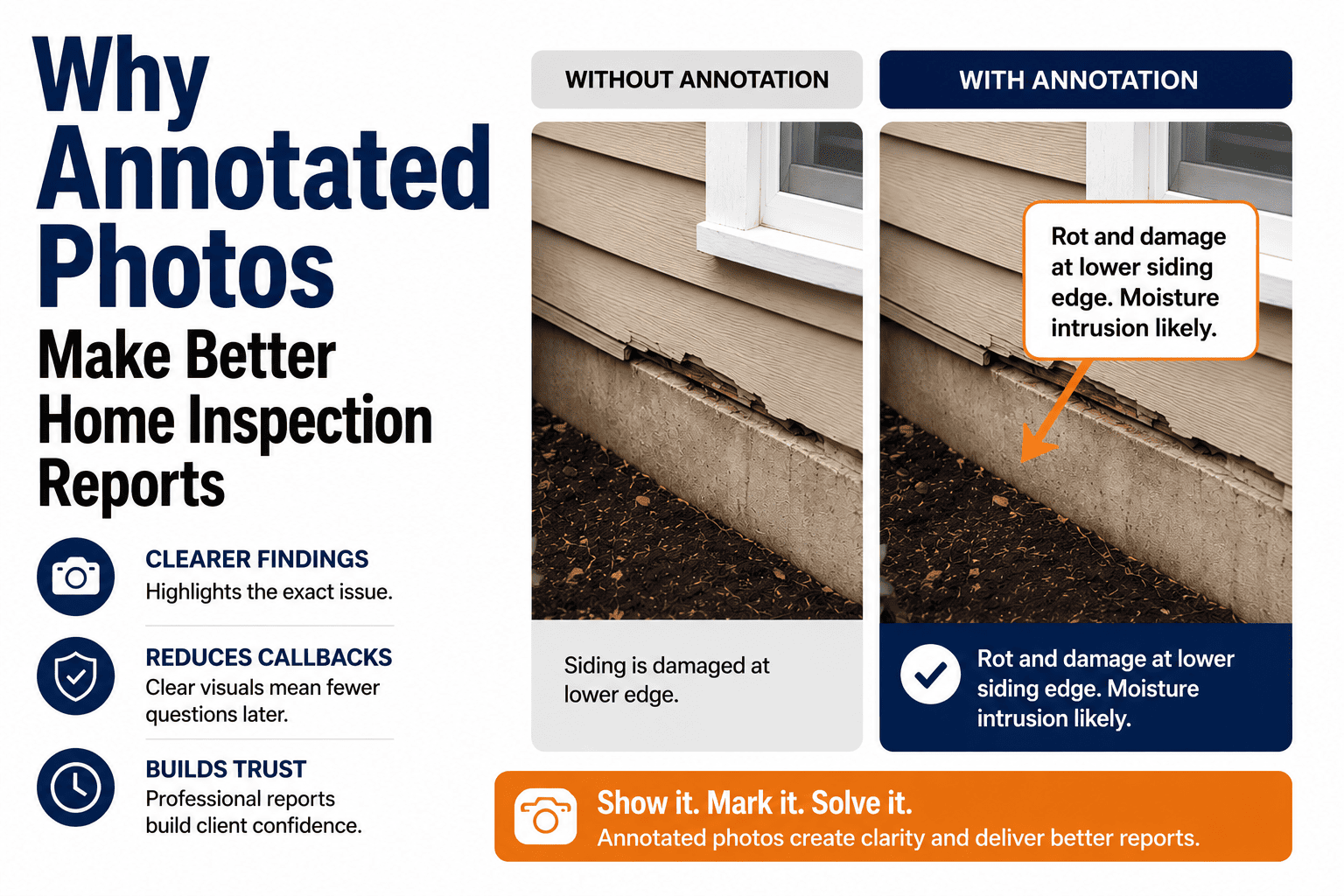
Annotate photos in-app
No tool-switchingCrop, circle, and add arrows without leaving the report. An arrow on a photo replaces a paragraph of description the client may not picture.
Write the summary first
Saves reworkOrganizing findings by priority up front creates a clear hierarchy — the section agents reference most — and speeds the detailed write-up that follows.
Send agreements before arrival
Kills admin tailE-sign the inspection agreement before the appointment. No paper, no delays, and one less task waiting at the end of the report.
Work offline, sync later
No dead timeCapture everything in basements and rural homes with no signal. The report syncs automatically once you are back in coverage — no re-entry.
Photos: Your Biggest Slowdown or Your Fastest Shortcut
A solid report carries at least 50 photos — and complex or older homes can run 100 to 200 or more. Handled wrong, photos are the single longest part of report-building. Handled right, they do the writing for you. The difference is where in the workflow you deal with them.
Use annotations sparingly but effectively — arrows on the photos where the issue is not obvious to an untrained eye do more than extra paragraphs of text.
Streamlined reporting is a compounding investment.
Build your comment library once and refine it over hundreds of inspections. As the library grows, your report time keeps dropping — reclaiming hundreds of hours a year you can pour into more inspections, better marketing, or your life outside work.
Frequently Asked Questions
Stop Authoring Reports. Start Assembling Them.
HomeInspecto pairs a reusable comment library, smart templates, and on-site photo capture so you build detailed, professional reports in a fraction of the time. Book a demo or start your free trial — no credit card required.