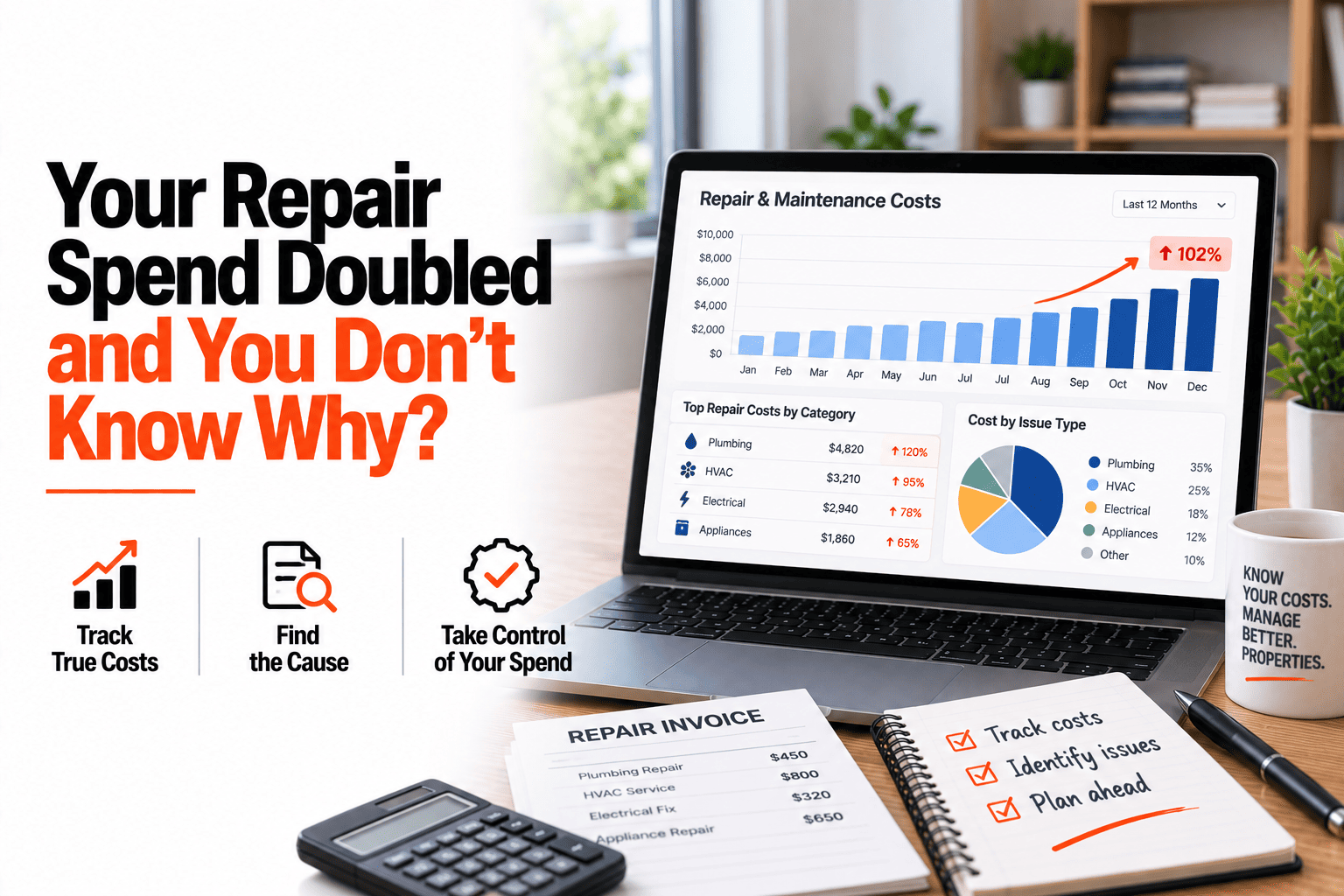
The bank statement says maintenance spend has gone up a lot, and the first reaction is usually to blame the year. Costs were higher, contractors raised their rates, it was a bad winter. Sometimes that's true. Often it isn't the whole story, and without a breakdown you can't tell. One property may have eaten most of the budget with a single big repair. One job type, such as plumbing callbacks, may be repeating. One vendor may be quietly charging more than the others for the same work. A total tells you that spend rose. It can't tell you why. This guide covers how to break service order costs down three ways so the cause shows itself. If you want costs broken down by property, job and vendor, book a demo.
Cost Analysis
Spend Doubled. Here's How to Find Out Why.
Break service order costs down by property, job type and vendor to see where the money is actually going.
One Total, Three Different Stories
By Property
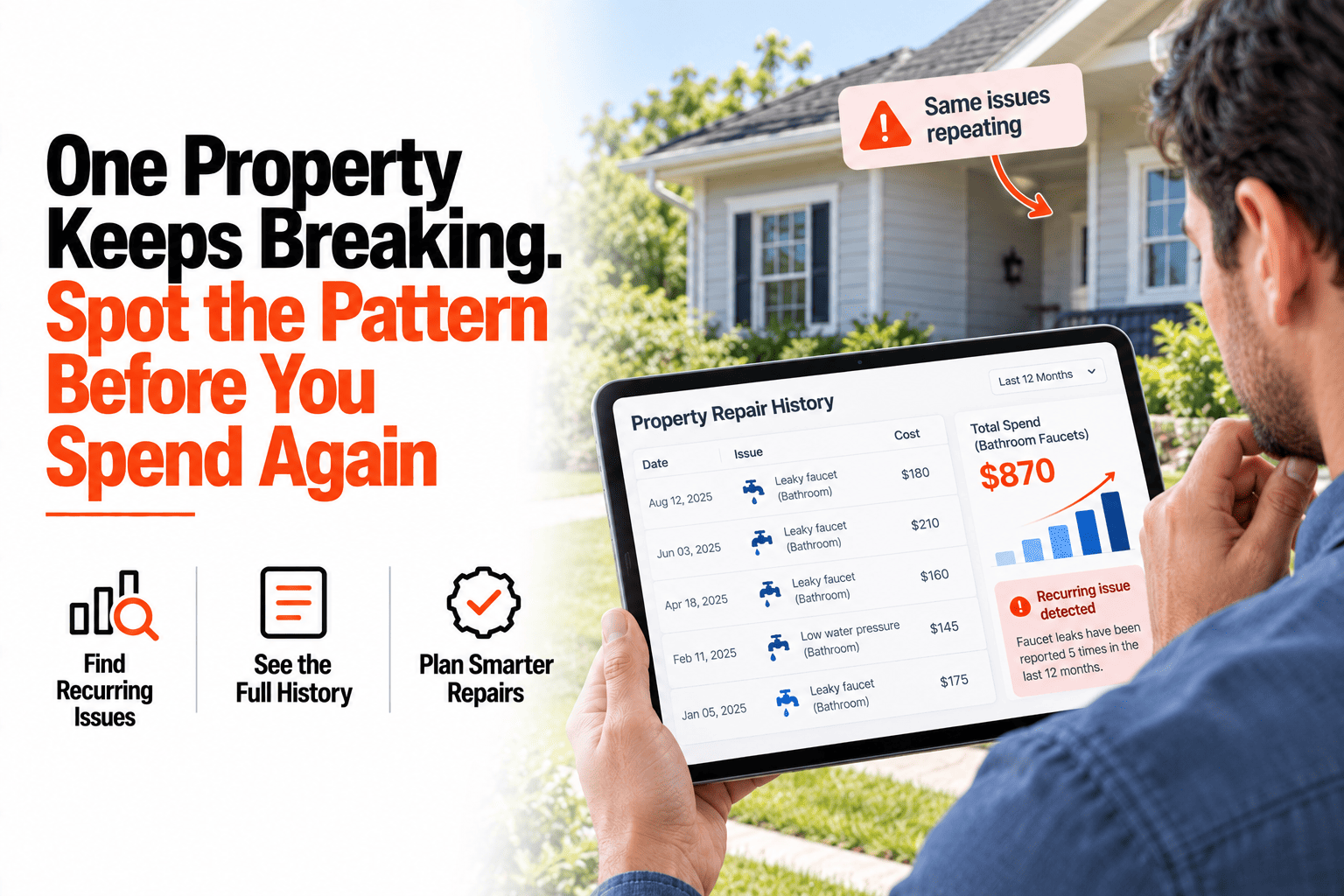
One property is driving most of the spend.
By Job Type
Plumbing jobs are repeating.
By Vendor
Spend is spread across vendors.
Sample data shown for illustration only.
What Each Cut Can Reveal
By property: a single trouble spot
One older building or one big repair can explain most of a rise, and it points to a decision about repair or replace.
By job type: a repeating problem
Many small plumbing or HVAC jobs can mean a root cause is being patched over instead of fixed.
By vendor: a pricing gap
Two vendors doing similar work at different prices is easy to miss until the costs sit side by side.
Costs Only Break Down If They Were Recorded
None of this works from a card statement, because a statement doesn't know which property, job or vendor a charge belongs to. It works when the cost is attached to each service order as the job closes, because then every figure already carries its property, type and vendor. The breakdown stops being a research project and becomes a view you can open whenever the total looks wrong.
Find the Cause Behind the Total
HomeInspecto breaks maintenance cost down by property, job type and vendor from your closed service orders.
Frequently Asked Questions
Can I compare this year's costs with last year's?
Yes, because each order carries its date and cost, you can compare periods and see which property, job type or vendor changed the most.
What if a cost wasn't recorded when the job closed?
The cost can be added or corrected afterwards, for example when the final invoice arrives, and the breakdowns update to match.
Will this tell me whether a vendor is overcharging?
It shows how each vendor's costs compare for similar work, which is the evidence you need to ask the question. Whether it is overcharging still takes your judgment about the scope of each job.
Can I look at one property's costs on its own?
Yes, any breakdown can be narrowed to a single property, or left across the whole portfolio.
Stop Guessing Why Spend Went Up
Break it down by property, job and vendor, and the answer is usually on the screen.