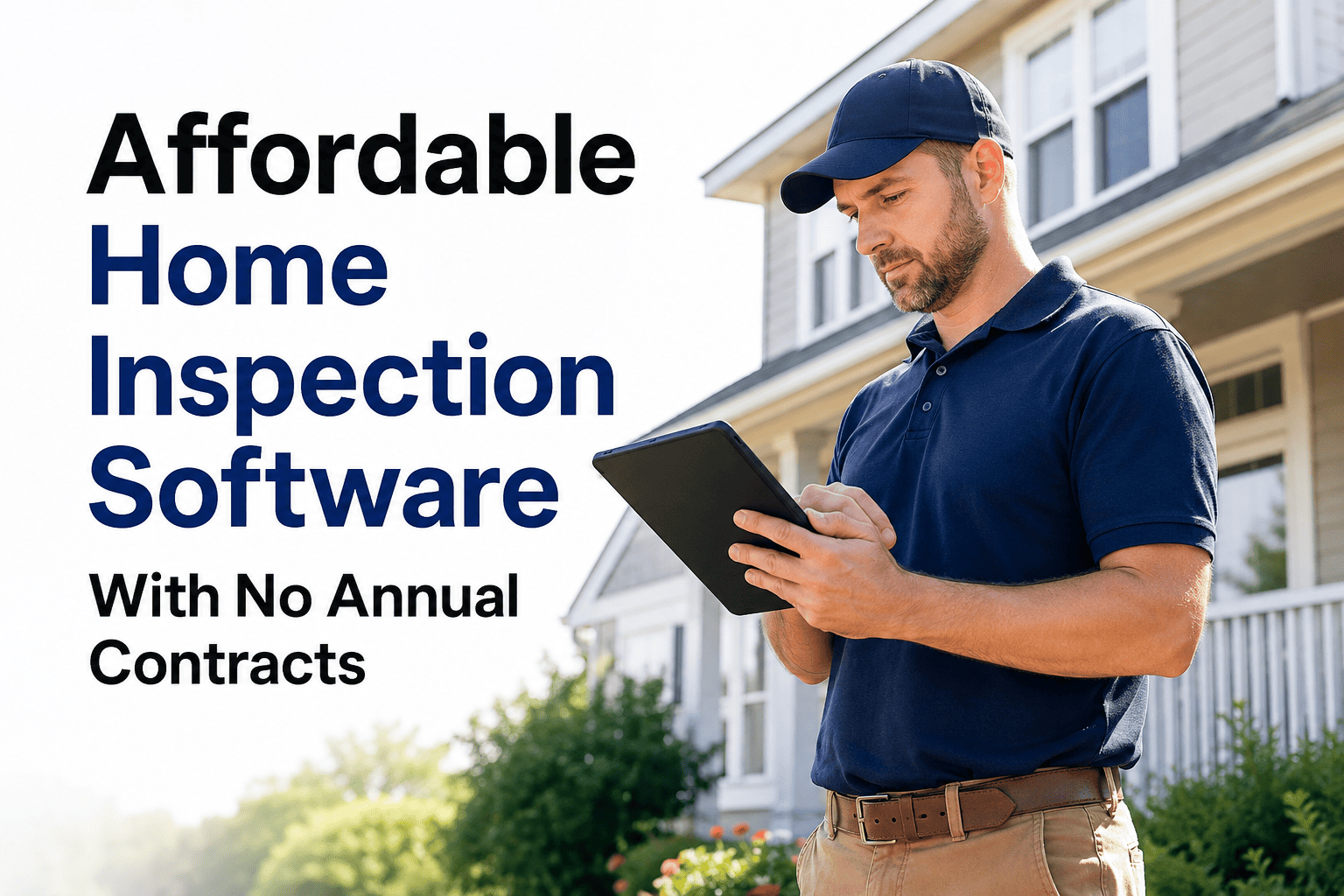
Choosing the right home inspection software can mean the difference between finishing reports on-site and spending hours at your desk after a long day. In 2026, clients expect same-day reports, real estate agents want digital summaries they can share instantly, and your business needs tools that keep pace with modern demands.
We tested and compared five of the most popular home inspection software platforms currently available. This guide breaks down their features, pricing, strengths, and limitations to help you find the best fit for your inspection businesswhether you're a solo inspector just starting out or running a multi-inspector firm.
How We Tested and Ranked These Platforms
We evaluated each home inspection software based on real-world usage scenarios that matter most to working inspectors. Our testing focused on seven key criteria that directly impact your efficiency, profitability, and client satisfaction.
Each platform was tested over multiple inspections across different property types. We also reviewed user feedback from verified sources and consulted with working inspectors who use these tools daily.
Quick Comparison Table
This overview compares the essential features across all five home inspection software platforms.
| Software | Mobile App | Offline | Best For | Price |
|---|---|---|---|---|
| Spectora | iOS & Android | Yes | Growing firms | $109/mo |
| ISN | iOS & Android | Limited | Multi-inspector firms | $6/inspection |
| HomeGauge | Companion | Yes | Desktop users | $89/mo |
| Inspector Toolbelt | iOS & Android | Yes | Budget-conscious | $79/mo |
| HomeInspecto | iOS & Android | Yes | Mobile-first inspectors | Contact |
Individual Software Reviews
1. Spectora
Spectora has rapidly become one of the most widely-used home inspection software platforms, now trusted by over 10,000 inspectors worldwide. The platform combines report writing, scheduling, payments, and client communication into a single cloud-based system. Spectora recently acquired HomeGauge, giving them significant market presence.
The platform is known for producing modern, interactive web-based reports that real estate agents particularly appreciate. Their focus on report aesthetics and agent-friendly features has helped many inspectors build referral networks.
Best For: Growing inspection firms focused on agent referrals and professional report presentation.
Pricing: $109/month or $1,090/year (solo). Additional inspectors: $99/month each. No setup fees, unlimited inspections.
2. Inspection Support Network (ISN)
ISN is primarily a business management platform rather than a standalone report writer. It excels at back-office automation—scheduling, billing, marketing, and client communication. Most users pair ISN with a separate report writing tool like Home Inspector Pro or Spectora.
The platform is particularly popular among multi-inspector firms that need robust scheduling, payroll tracking, and business analytics. Their per-inspection pricing model can be cost-effective for high-volume operations.
Best For: Multi-inspector firms needing robust scheduling, payroll, and business management.
Pricing: $6/inspection (first 50), $4.50/inspection (51-100), $3/inspection (100+). 30-day free trial. Monthly minimums apply.
3. HomeGauge
HomeGauge has been serving home inspectors for over 20 years, making it one of the most established names in the industry. The platform is now part of the Spectora family, combining traditional desktop-based reliability with modern cloud features.
HomeGauge is known for its Create Request List (CRL) feature, which allows buyers and agents to create repair request lists directly from inspection reports. The desktop-first approach appeals to inspectors who prefer working on larger screens.
Best For: Windows users who prefer desktop-based report writing with mobile data collection.
Pricing: $89/month. 30-day free trial available. Website and SEO services additional.
4. Inspector Toolbelt
Inspector Toolbelt is a newer entrant designed specifically for inspectors by inspectors. The platform emphasizes speed and simplicity, with a unique "Inspection Board" interface that allows navigation through entire reports with minimal taps and swipes.
The free tier includes scheduling, agreements, and basic features—making it accessible for new inspectors testing the waters. Their no-per-inspection-fee policy appeals to budget-conscious operators.
Best For: Budget-conscious solo inspectors and startups wanting full features at lower cost.
Pricing: Free tier available. Full app: $79/month. Additional inspectors: $35/month. 5 free reports to start.
5. HomeInspecto
HomeInspecto is designed with mobile-first principles, recognizing that modern inspectors spend their days in the field, not at desks. The platform emphasizes completing professional reports entirely on-site, reducing after-hours work.
The software focuses on standardized checklists and structured workflows that ensure consistent, thorough documentation across every inspection—particularly valuable for multi-inspector firms maintaining quality standards.
Best For: Mobile-focused inspectors who want to complete reports on-site with reliable offline capability.
Pricing: Contact for current pricing. Demo available on request.
Looking for Mobile-First Inspection Software?
HomeInspecto helps inspectors complete professional reports on-site with standardized checklists and reliable offline functionality.
Buying Guide: What to Look For
Choosing home inspection software involves balancing features, price, and workflow compatibility. Here are the key considerations based on our testing and inspector feedback.
Mobile vs. Desktop Tools
Modern inspectors increasingly prefer mobile-first platforms that allow report completion on-site. Desktop software can offer more screen real estate for editing, but typically requires additional work time after leaving the property. Consider your workflow: Do you want to hand over reports before leaving, or are you comfortable finishing at your desk?
Solo Inspector vs. Multi-Inspector Firm
Solo inspectors should prioritize simplicity, mobile usability, and flat-rate pricing. Per-inspection fees can work but require careful cost monitoring. Multi-inspector firms need team scheduling, real-time collaboration, quality consistency tools, and business analytics. Platforms like ISN and Spectora offer stronger team features.
Report Branding Importance
Your inspection report is your primary deliverable—and your marketing tool. Professional-looking reports with your branding generate more referrals than generic outputs. Look for customizable templates, logo placement options, and modern formatting. Agent-friendly features like repair request builders can differentiate your service.
Hidden Cost Considerations
Beyond monthly fees, consider: per-inspection charges, payment processing fees, additional inspector costs, website/SEO add-ons, and training expenses. Some platforms include everything; others add costs incrementally. Calculate total cost of ownership based on your expected inspection volume.
Expert Review: Key Selection Criteria
Based on our testing across all five platforms, here are the most important factors that separate good inspection software from great inspection software.
Frequently Asked Questions
What is the best home inspection software for beginners?
For beginners, Inspector Toolbelt offers the most accessible entry point with its free tier and 5 free reports without watermarks. This allows new inspectors to learn the software without upfront investment. Spectora is also beginner-friendly with guided setup and extensive training resources, though at a higher monthly cost. The key for beginners is choosing software with good onboarding support and intuitive interfaces.
Which home inspection software works offline?
Spectora, HomeGauge, Inspector Toolbelt, and HomeInspecto all offer offline functionality. This is critical for inspecting basements, rural properties, or areas with poor cellular coverage. However, offline implementation varies—some platforms sync seamlessly when connection returns, while others require manual uploads. Always test offline functionality during your trial period with actual inspections.
How much does home inspection software cost?
Home inspection software typically ranges from $69-$109 per month for flat-rate pricing, or $3-$6 per inspection for volume-based models. Spectora costs $109/month, HomeGauge is $89/month, Inspector Toolbelt is $79/month, and ISN charges $6 per inspection (decreasing with volume). Additional inspectors usually cost $35-$99/month extra.
Is mobile inspection software better than desktop?
For most modern inspectors, yes. Mobile-first software allows completing reports on-site, eliminating after-hours desk work. Same-day report delivery improves client satisfaction and agent relationships. However, desktop software offers advantages for complex editing and inspectors who prefer larger screens. The best approach depends on your workflow.
Can I switch home inspection software without losing data?
Most platforms allow data export, but migration experiences vary. Spectora offers migration support and template import from competitors. Before switching, verify that your current platform allows data export and that your target platform supports importing your file formats. Always back up your data before any migration.
Conclusion
The best home inspection software depends on your specific needs, workflow preferences, and budget constraints. Each platform we reviewed has distinct strengths.
Spectora leads in overall features and report aesthetics, making it ideal for established inspectors focused on agent referrals. ISN excels for multi-inspector operations needing robust back-office automation. HomeGauge remains a solid choice for Windows users preferring desktop workflows with decades of proven reliability. Inspector Toolbelt offers the best value for budget-conscious solo operators.
HomeInspecto represents the mobile-first approach increasingly demanded by modern inspection workflows. For inspectors who want to complete professional reports entirely on-site—without hours of desk work afterward—mobile-optimized platforms deserve serious consideration.
Whichever platform you choose, the goal remains the same: producing thorough, defensible inspection reports efficiently while building a sustainable business. Take advantage of free trials, test with real inspections, and choose the tool that fits how you actually work.
Ready to Streamline Your Inspection Workflow?
See how HomeInspecto's mobile-first approach and standardized checklists can improve your efficiency.