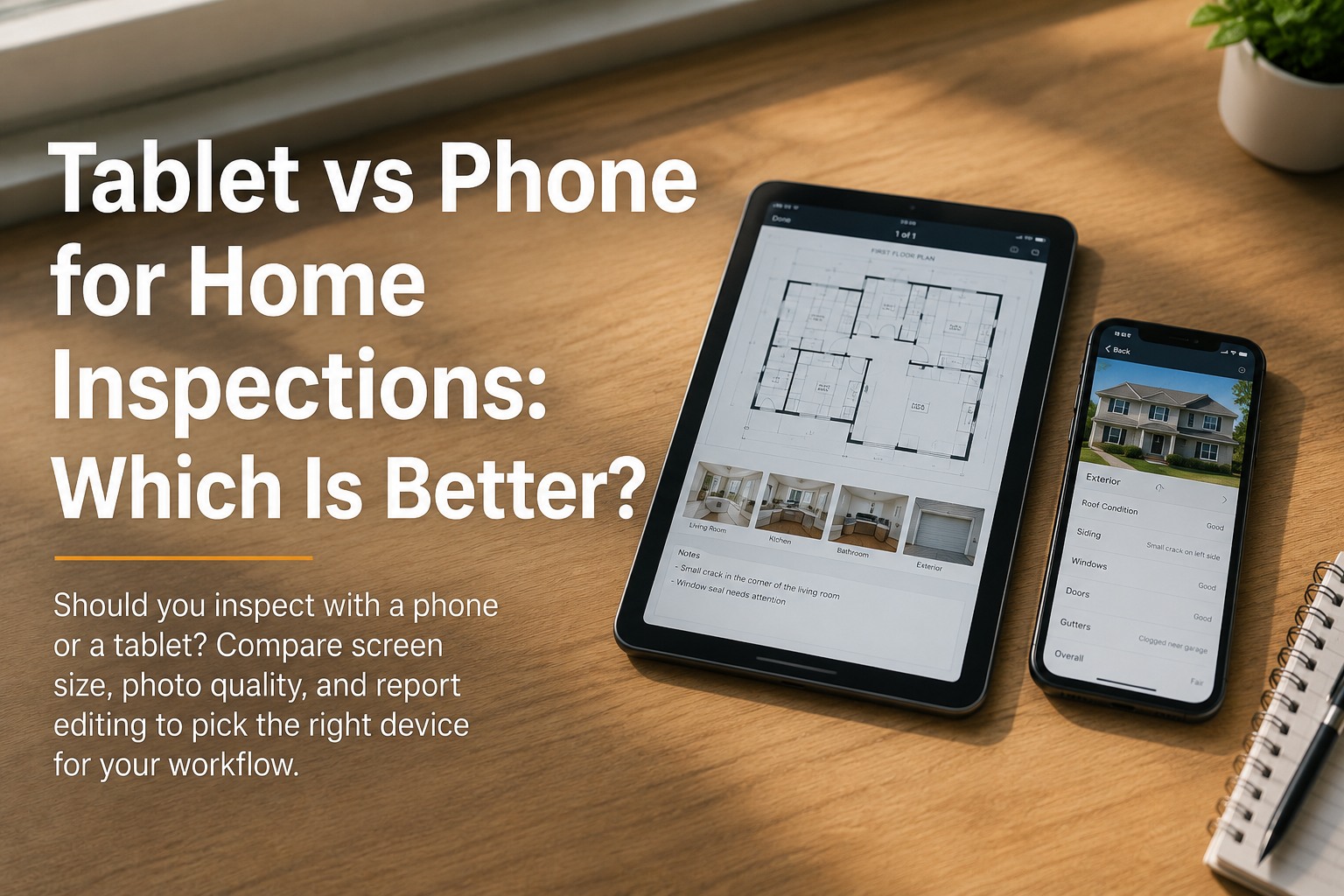
Ask ten inspectors whether a phone or a tablet is better for inspections and you will get ten confident, contradictory answers — because the honest answer is that it depends on what you inspect and how you work. A phone slips into your pocket, shoots photos one-handed in a tight crawlspace, and is always on you. A tablet gives you a screen big enough to read complex checklists, review photos at a glance, and edit the report on-site without squinting. Neither is universally "right." This guide breaks down the real trade-offs — screen size, photo capture, report editing, durability, and cost — plus the device specs that actually matter and the iOS-versus-Android question, so you can match the hardware to your workflow instead of someone else's opinion. Whichever device you land on, the software has to feel native on it; book a demo to see HomeInspecto adapt to both phone and tablet screens.
The Head-to-Head, Trait by Trait
Each device leads in some areas and trails in others. Here is how phone and tablet stack up across the factors inspectors care about most — read it as a map of trade-offs, not a scoreboard.
| Factor | Phone | Tablet |
|---|---|---|
| One-handed photos | Easy — shoot while holding a panel cover or light | Awkward — hard to capture one-handed while holding something |
| Screen for checklists | Cramped on long or complex templates | Spacious — navigate complex checklists at a glance |
| Reviewing photos on-site | Small; easy to miss detail | Large enough to spot detail and catch bad shots |
| Editing the report on-site | Tedious typing and scrolling | Comfortable — finish and review before leaving |
| Tight spaces & crawlspaces | Fits where a tablet cannot; pockets easily | Bulky in attics and crawlspaces |
| Annotating with a stylus | Limited | Apple Pencil / stylus for floor plans and photo markup |
| Always on you | In your pocket every job, no extra item | One more thing to carry and not drop |
| Upfront cost | Already own it; nothing extra to buy | Added hardware spend |
Tablets are increasingly used for commercial and large residential inspections, where the larger screen helps inspectors review photos, navigate complex checklists, and complete reports faster.
Which Wins for Your Type of Work
The better question is not "which device is best" but "which device fits the inspections you do." Match your most common scenario to the device that removes the most friction from it.
A Closer Look at Each Device
Strip away the hype and each device comes down to a short list of genuine strengths and honest drawbacks. Here is the candid version for both.
- One-handed photos in any position
- Fits tight spaces a tablet can't
- Always in your pocket, every job
- No extra hardware to buy or carry
- Small screen for long checklists
- Tedious for on-site report editing
- Detail easy to miss when reviewing photos
- Limited stylus / sketching ability
- Big screen for complex checklists
- Review photos and catch bad shots easily
- Comfortable on-site report editing
- Stylus support for sketches and markup
- Hard to shoot one-handed
- Bulky in attics and crawlspaces
- One more device to carry and protect
- Added upfront cost
The Specs That Actually Matter
Screen size is only one factor. Whichever device you pick, these are the specifications that make or break it as a daily field tool — use this as a buying checklist.
More if you shoot lots of photos and video. Reports stack up fast.
Easier to read reports and navigate the app without zooming constantly.
Detailed images for reports; strong low-light for attics, panels, and basements.
Photos in dark rooms are nearly worthless without it — a feature inspectors regret skipping.
You are in the field for hours. A device that dies at noon is a liability.
Drops, dust, and moisture are routine. A tough case or rugged model pays for itself.
iOS, Android, or a Two-Device Setup
Beyond size, the platform shapes your experience and budget. There is no single right answer — here is how the three common paths compare.
Many inspection apps are optimized for Apple first, and recent iPhones and iPads offer excellent performance, battery, and cameras. iPad Pro adds Apple Pencil for sketching. The trade-off is higher hardware cost.
A practical, lower-cost path with a wide range of hardware — useful for teams or property managers running mixed devices. Confirm your app and its photo annotation run smoothly on your specific model first.
Capture on the phone in tight spaces, then review and finish on a tablet or web platform. Surface and Chromebook can't run some mobile apps but reach the web report writer. Only works if your software syncs cleanly.
The Right Device Is the One Your Software Loves.
HomeInspecto runs natively on phone and tablet, adapts its layout to each screen, works offline in basements and rural homes, and syncs every photo and note across your devices.
Frequently Asked Questions
Pick the Device. We'll Make the Software Fit.
HomeInspecto adapts to phone and tablet alike, works offline, and syncs every photo and note across your devices — so your hardware choice is about your workflow, not your software's limits. Book a demo or start your free trial. No credit card required.