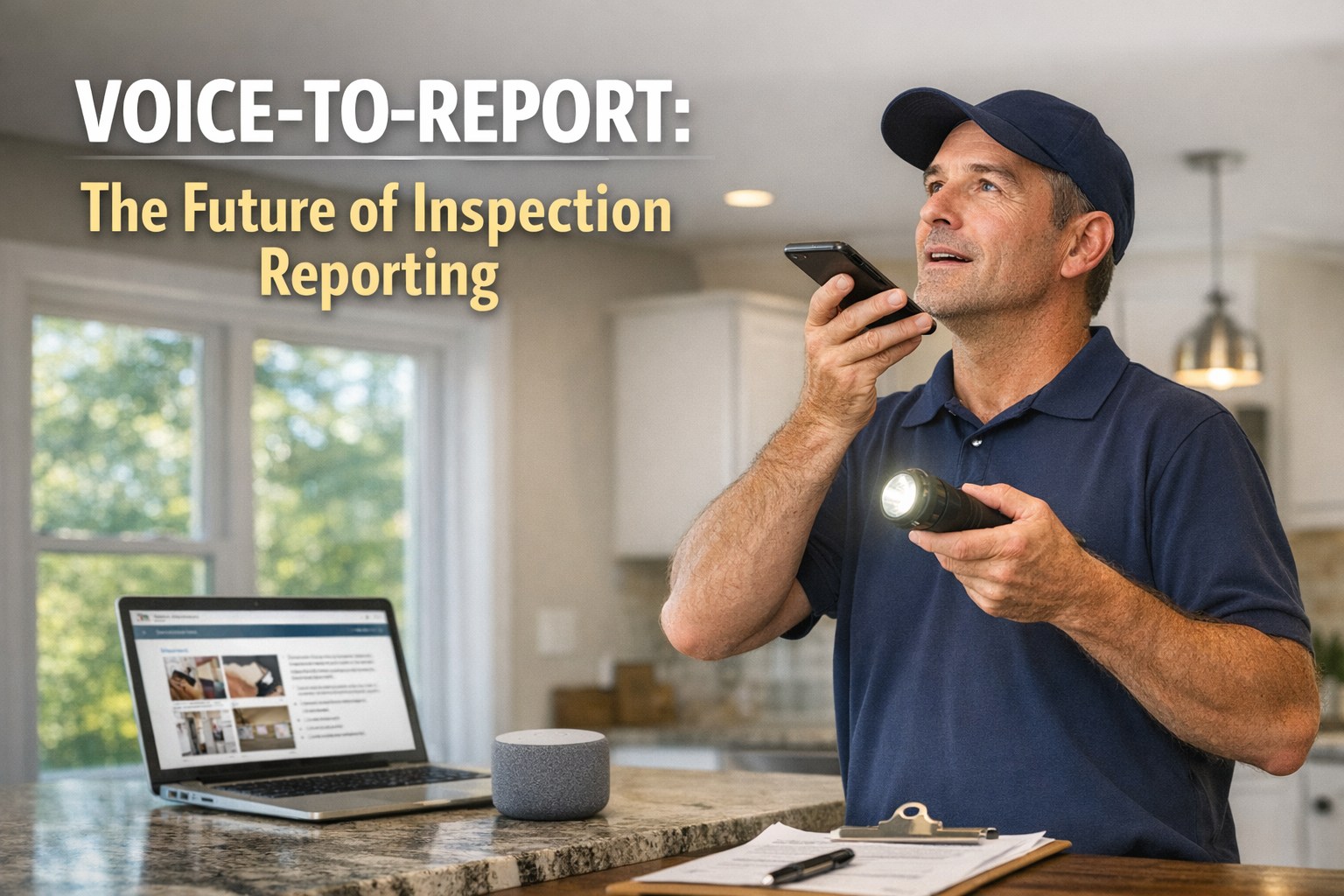
You can speak about 150 words a minute. You can type roughly 40. That gap is the entire reason your thumbs do not belong on a phone keyboard while you are standing in an attic with a flashlight in one hand. Inspectors who dictate their findings on-site report saving three or more hours per inspection, and by the time they walk back to the truck the report is already half written. Modern speech-to-text handles inspection vocabulary — GFCI, soffit, flashing, HVAC — at 95 to 99 percent accuracy, so this is no longer a gimmick. This guide covers exactly how to capture findings hands-free: the dictation pattern that works room by room, the microphone trick that fixes most accuracy problems, how to handle noisy crawlspaces, and the shorthand that makes it fast. If you would rather watch voice capture flow straight into a finished report, book a demo.
Why Your Hands Should Stay Off the Keyboard
Inspection is physical work — ladders, crawlspaces, panels, tight corners. Stopping to thumb-type a note breaks your flow and your focus, and most of that typing happens hours later from fading memory anyway. Dictation removes both problems at once.
3+ hours saved per inspection
Inspectors who dictate findings on-site report cutting hours off every job. The report is half-written before you reach the truck.
Truly hands-free
Keep both hands on the ladder, the panel cover, or your light. Speak the finding the moment you see it instead of setting tools down to type.
95–99% accuracy on jargon
Current speech engines are trained on huge, diverse speech datasets and handle terms like GFCI, flashing, and soffit reliably.
Captured at the source
Dictating in front of the defect beats reconstructing it from memory at 9 PM. The detail is fresher and the wording is more accurate.
Say This, Get That: The Room-by-Room Pattern
The trick is to narrate findings the way you would explain them to the client standing next to you — location, condition, significance, recommendation. Speak naturally; the software shapes it into clean report text. Here is what one dictated finding looks like from voice to page.
Countertops in good condition. Minor grout cracking along the backsplash. Dishwasher leaks at the supply line connection. Recommend plumber evaluation.
Speak the structure every time — location first, then condition, then recommendation — and your reports stay consistent without extra effort.
The One Fix That Solves Most Accuracy Problems
If dictation has burned you before, the culprit is almost always the microphone, not the software. Background noise, poor mic position, and bad acoustics account for the majority of accuracy issues. The single biggest improvement costs nothing.
Dictating in Attics, Crawlspaces, and Noisy Mechanical Rooms
Inspection sites are rarely quiet — HVAC hum, echo off hard surfaces, traffic through an open door. You do not need silence; you need a few workflow habits that keep accuracy up where the noise is.
Speak in short 4–8 second bursts instead of long monologues. Each burst gives the noise filter a clean reference point — and if a furnace kicks on mid-sentence, you only re-do a few words. Bursts are the dictation version of saving often.
A close-talk headset or noise-canceling earbud isolates your voice from ambient hum and can hold 90%+ accuracy even in moderately loud spaces around 65–70 dB.
A few feet from a running blower or open window makes a real difference. When you can, dictate the finding just outside the noisiest pocket of the room.
A hybrid dictate-then-edit flow is normal and efficient. Fix the rare misheard word with the keyboard — the system learns your corrections and gets better over time.
The Spoken Commands Worth Memorizing
A handful of voice commands keep your text clean so you are not stopping to fix formatting. Learn these few and your dictation reads like finished report copy, not a run-on transcript.
Pair spoken commands with saved shorthand phrases for findings you repeat constantly — you speak a short trigger, the full standardized note drops in.
What to Expect in Your First Month
Dictation is a skill that clicks faster than most inspectors expect. Comfortable proficiency typically comes within two to four weeks of regular use. Here is the realistic ramp.
Learn the commands
Get the punctuation and formatting commands into muscle memory on low-stakes notes and drafts first.
Find your rhythm
Develop a natural, steady speaking pace and the room-by-room narration pattern. Speed climbs as the hesitation drops.
Optimize your workflow
Tune your shorthand library, mic setup, and burst habits. This is where the three-hours-per-inspection savings show up.
Your Expertise Is Finding Defects — Not Typing About Them.
HomeInspecto pairs on-site voice capture with a reusable comment library and instant PDF delivery, so you talk through an inspection and walk away with a finished report.
Frequently Asked Questions
Speak Your Findings. Walk Away With the Report.
HomeInspecto captures voice notes against each finding as you inspect, then generates a branded PDF in seconds — so your hands stay free and your evenings stay yours. Book a demo or start your free trial. No credit card required.