Manage properties for five different owners and you're managing five different sets of expectations about when their property gets checked, how often, and how they want to hear about it. One owner wants monthly updates, another only wants to know if something's wrong, a third calls every other week asking for a status. Handled individually, these requests pile into a constant stream of one-off communication that eats far more time than the actual property visits do. Centralizing intake — one place every request lands, scheduled by property, reported back per owner — turns that stream into a manageable system instead of a constant interruption. This guide covers how to structure visit requests when you're answering to more than one owner. If you want a tool built for managing multiple owners, book a demo.
Multi-Owner Management
Five Owners, Five Sets of Expectations, One System.
Centralize intake, schedule by property, and report back to each owner — without the constant stream of one-off requests.
From Scattered Requests to One Schedule
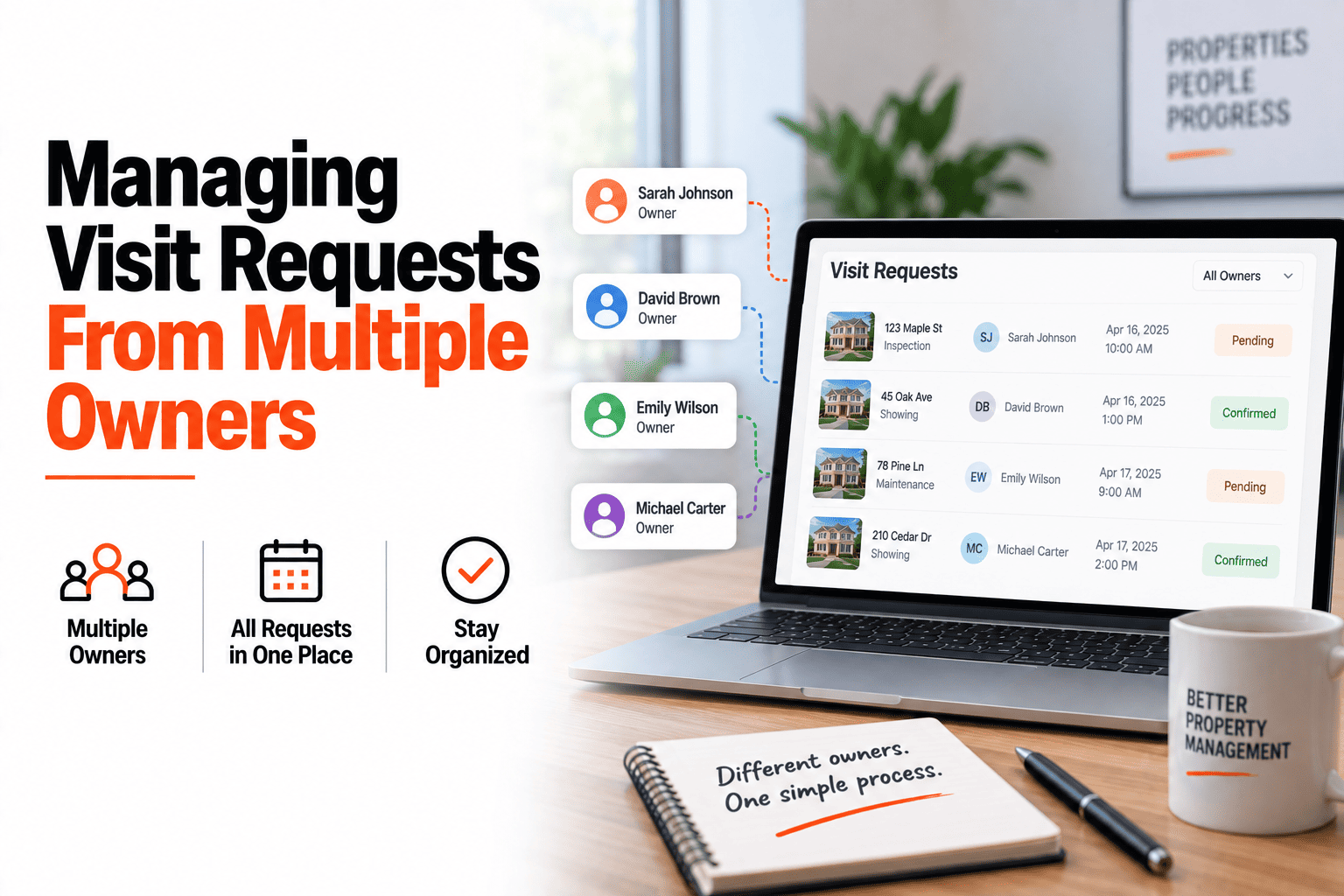
Every owner's request lands in the same intake, gets scheduled against the actual property calendar, and reports back to the person who asked — without you manually tracking who wants what.
Incoming Requests
Owner A
"Can you check on the Maple St property this week?"
Owner B
"Monthly update on Unit 4B, as usual"
Owner C
"Tenant mentioned a leak, can someone look?"
→
One Schedule
Each request becomes a dated visit, tagged to the right property and the right owner for reporting.
Reporting Back Per Owner
The visit happens once. What each owner sees afterward can differ — some want the full report, some want a one-line summary, and the system should support both without you writing two versions by hand.
Full report
Complete findings, photos, and notes — for owners who want the full picture every time.
Summary only
A brief status update — visited, condition normal, nothing flagged — for owners who only want the headline.
Exception-based
No update at all unless something needs attention — for owners who prefer to only hear from you when there's a problem.
Bringing On a New Owner
Every new owner relationship starts the same way — setting expectations before the first request comes in avoids ambiguity later.
1
Confirm which properties are theirs and add them to the shared intake system.
2
Ask their preferred reporting style — full report, summary, or exception-based — upfront.
3
Agree on a baseline visit frequency so they know what to expect without needing to ask.
When Requests Conflict
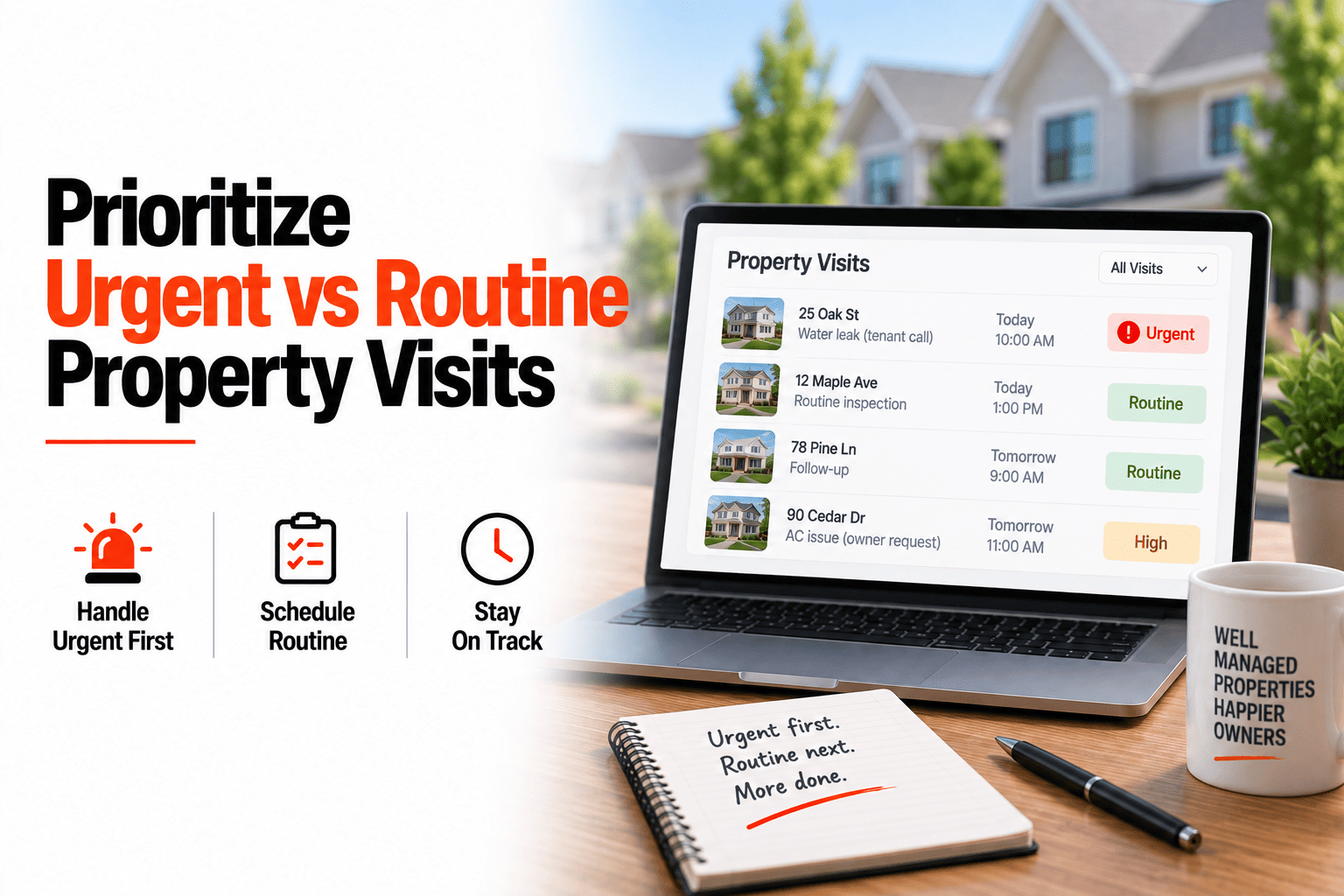
Two owners rarely compete for the same property, but priorities can still clash — an urgent request from one owner landing the same day as a routine visit for another, both needing your time.
Urgent always outranks routine
A genuine emergency at one property takes priority over a scheduled routine check elsewhere — reschedule the routine visit, not the urgent one.
Communicate the delay, don't just absorb it silently
If an owner's routine visit gets pushed because of an urgent issue elsewhere, a quick note explaining why keeps trust intact.
Set realistic expectations at intake
Being upfront that non-urgent requests get scheduled within a certain window prevents every request from feeling like it needs to be immediate.
Seeing the Whole Portfolio at Once
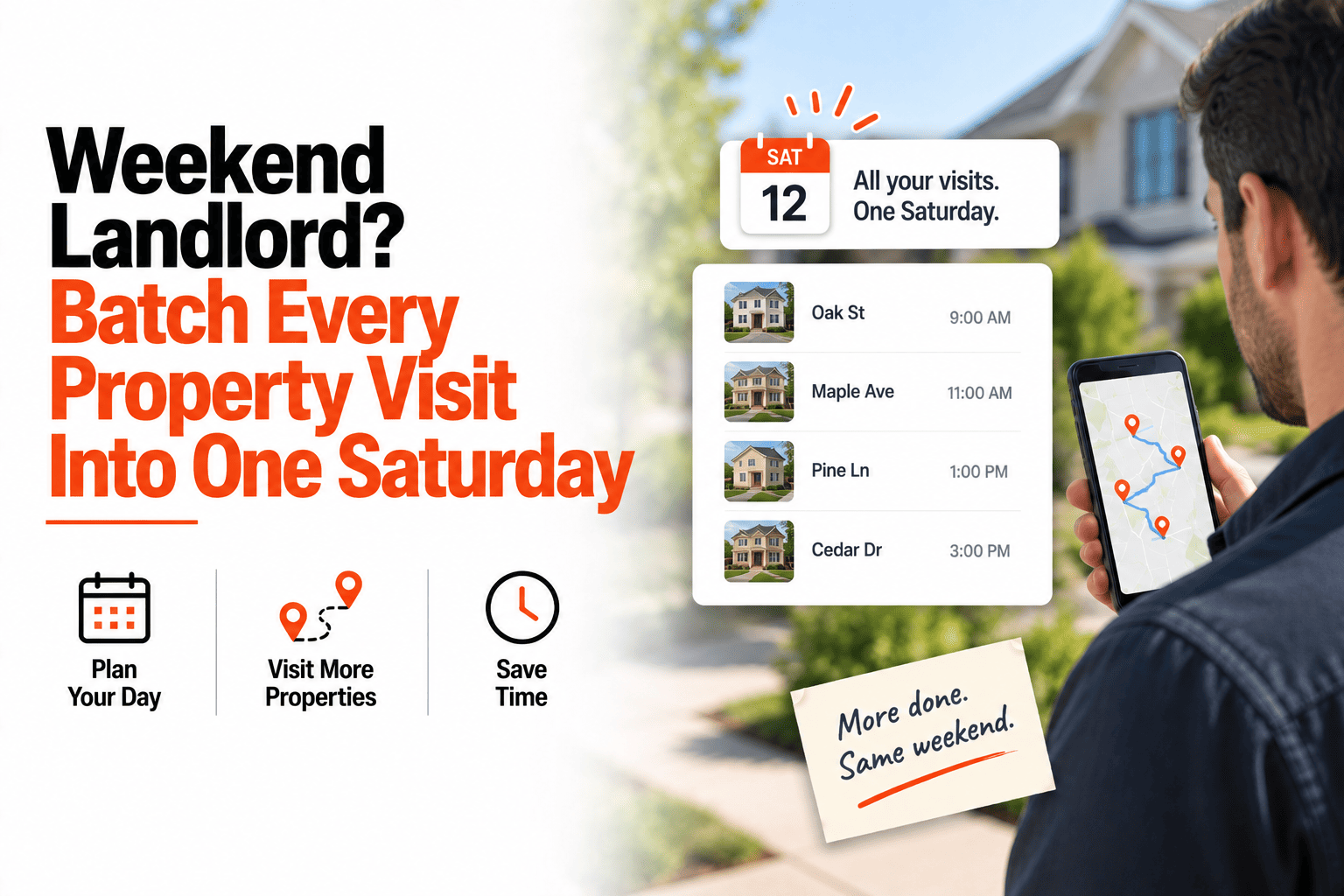
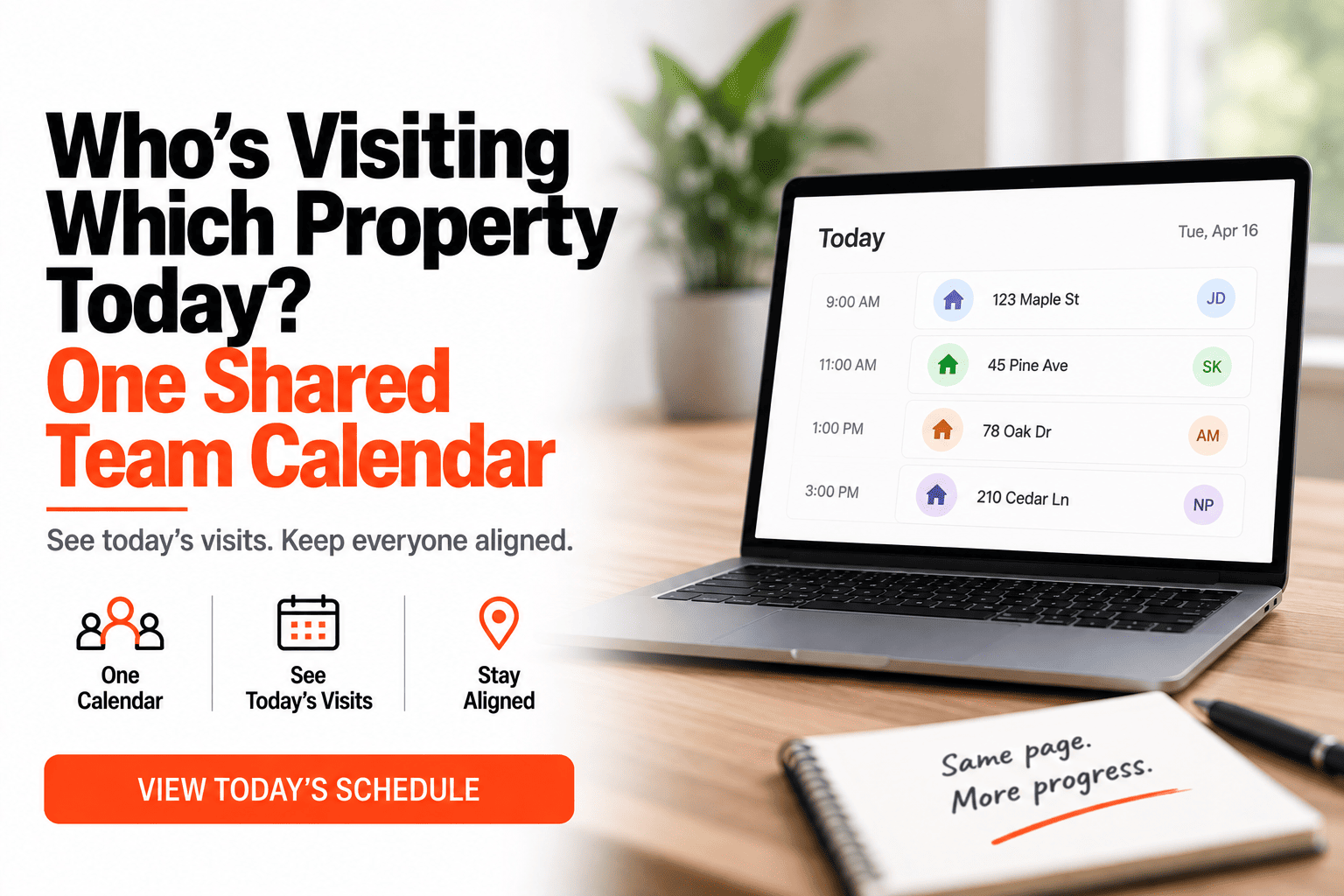
Beyond individual owner requests, having visibility across every property you manage — regardless of which owner it belongs to — is what lets you actually plan efficient routes and spot patterns, rather than reacting to one request at a time.
One calendar, filterable by owner
See everything at once for route planning, or filter down to a single owner's properties when you need to focus.
Spotting patterns across properties
Recurring issues across multiple owners' properties — a common HVAC brand failing, a specific maintenance vendor being unreliable — become visible when everything sits in one system.
One Intake, Scheduled and Reported Automatically
HomeInspecto centralizes owner requests into one schedule and routes each report back to the right person.
Frequently Asked Questions
Can different owners have different reporting preferences?
Yes. You can set a reporting style per owner — full report, summary, or exception-based — so each person gets communication at the level of detail they actually want.
How do I keep track of which request came from which owner?
Every request is tagged to the owner and property it came from at intake, so nothing gets mixed up even when multiple requests come in around the same time.
Can owners see the status of their own requests?
Depending on how you set it up, owners can often see whether their request has been scheduled, reducing the number of follow-up check-ins you'd otherwise field.
Does this scale if I take on more owners over time?
Yes. The same intake-to-schedule-to-report structure works whether you're managing for three owners or thirty — the system doesn't get more complicated as the portfolio grows. Book a demo or start a free trial.
Stop Fielding Requests One at a Time
Centralize owner requests into one schedule and report back automatically, per owner.