A missed property visit is never just an inconvenience for the person who scheduled it. It's a wasted trip for the tenant who took time off work, the contractor who blocked out the slot, the buyer who arranged childcare to make the showing. "I forgot" is the most common reason a visit gets missed, and it's also the most preventable — a reminder that actually reaches someone, at the right time, closes that gap almost entirely. The problem with most reminder systems is they're a single notification sent once, easy to miss in a busy inbox. A reminder sequence — spaced out, confirmed, escalating as the appointment approaches — is what actually keeps a visit on the calendar. This guide covers how to build a reminder sequence that works. If you want to see it in action, book a demo.
Never Miss a Visit
One Reminder Gets Ignored. A Sequence Doesn't.
Automatic confirmations and a spaced reminder sequence keep every property visit on the calendar and attended.
The Reminder Sequence, Start to Finish
A single reminder sent once is easy to lose in a busy day. A sequence, spaced at the moments people actually need a nudge, is what closes the gap.
On Booking
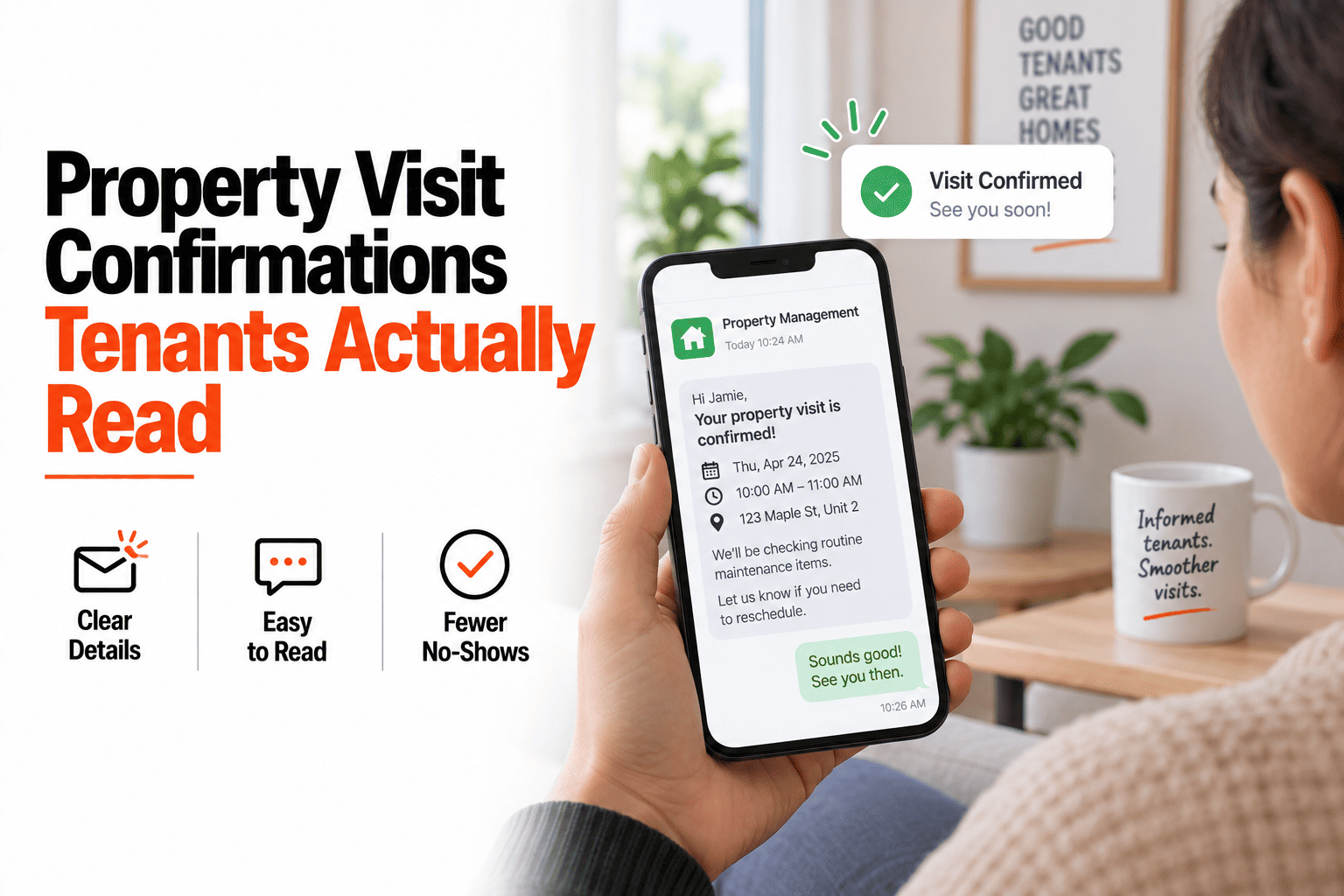
An instant confirmation goes out the moment the appointment is set — the visitor knows immediately it's locked in.
24 Hours Before
A reminder with the date, time, and address — enough lead time to reschedule if something's come up.
1 Hour Before
A final nudge right before the visit — this is the one that catches the person who simply lost track of the day.
At Arrival
If check-in is enabled, an on-arrival notification confirms both parties are on-site and the visit is happening as planned.
The Cost of a No-Show
A missed visit isn't a neutral event — it costs someone real time, and it costs you a rescheduling headache on top of it.
For the visitor
Wasted travel time, and often a missed opportunity if it was a limited-availability showing or repair window.
For you
A wasted slot that could have gone to someone else, plus the back-and-forth of rescheduling from scratch.
For the relationship
Repeated no-shows erode trust — whether it's a tenant, buyer, or contractor, reliability matters for the next interaction too.
Set It Once, Reminded Every Time
HomeInspecto handles confirmations and reminders automatically, so no-shows become the exception instead of the norm.
Frequently Asked Questions
Can I customize when reminders are sent?
Yes. While the 24-hour and 1-hour reminders work well as defaults, you can adjust the timing to fit your specific visit types — a longer lead time for a formal inspection, a shorter one for a quick repair check.
Do reminders go to both parties, or just the visitor?
Both. Whoever scheduled the visit and whoever is meeting them on-site both receive the confirmation and reminder sequence, so neither side is caught off guard.
What happens if someone doesn't confirm they'll attend?
The reminder sequence still goes out regardless of confirmation status — the goal is to reach the person, not to require an extra step from them before they're reminded.
Can I see which visits had reminders sent and which were missed?
Yes. You can review the appointment history to see confirmation and reminder activity, which is useful for spotting patterns if a particular visit type or person tends to miss appointments. Book a demo or start a free trial.
Stop Losing Visits to "I Forgot"
A spaced reminder sequence keeps every appointment on the calendar and attended, automatically.