Two showings booked for the same unit at the same time. A contractor and a tenant both told 10am for a property nobody's actually double-checked. Double bookings rarely happen because anyone was careless — they happen because the same property lives on more than one calendar, or in more than one person's head, and nothing catches the overlap before both parties show up. The fix isn't more careful checking, it's removing the possibility entirely: one shared calendar that every booking runs through, so there's no second calendar for a conflict to hide in. This guide covers how calendar collisions actually happen and what stops them structurally instead of relying on someone remembering to double-check. If you want a scheduling system built to prevent this, book a demo.
Calendar Integrity
Two People, One Property, Same Time — Never Again.
A single shared calendar with full visibility stops double bookings before they happen, instead of catching them after.
How Double Bookings Actually Happen
Calendar A
10:00 AM — Unit 4B — Buyer showing
Calendar B
10:00 AM — Unit 4B — Contractor repair
Two separate calendars, one overlapping slot — neither side saw the other coming.
Where the Second Calendar Comes From
A personal calendar alongside a shared one
Someone books a visit in their own calendar app instead of the shared system, and it never syncs to the place everyone else checks.
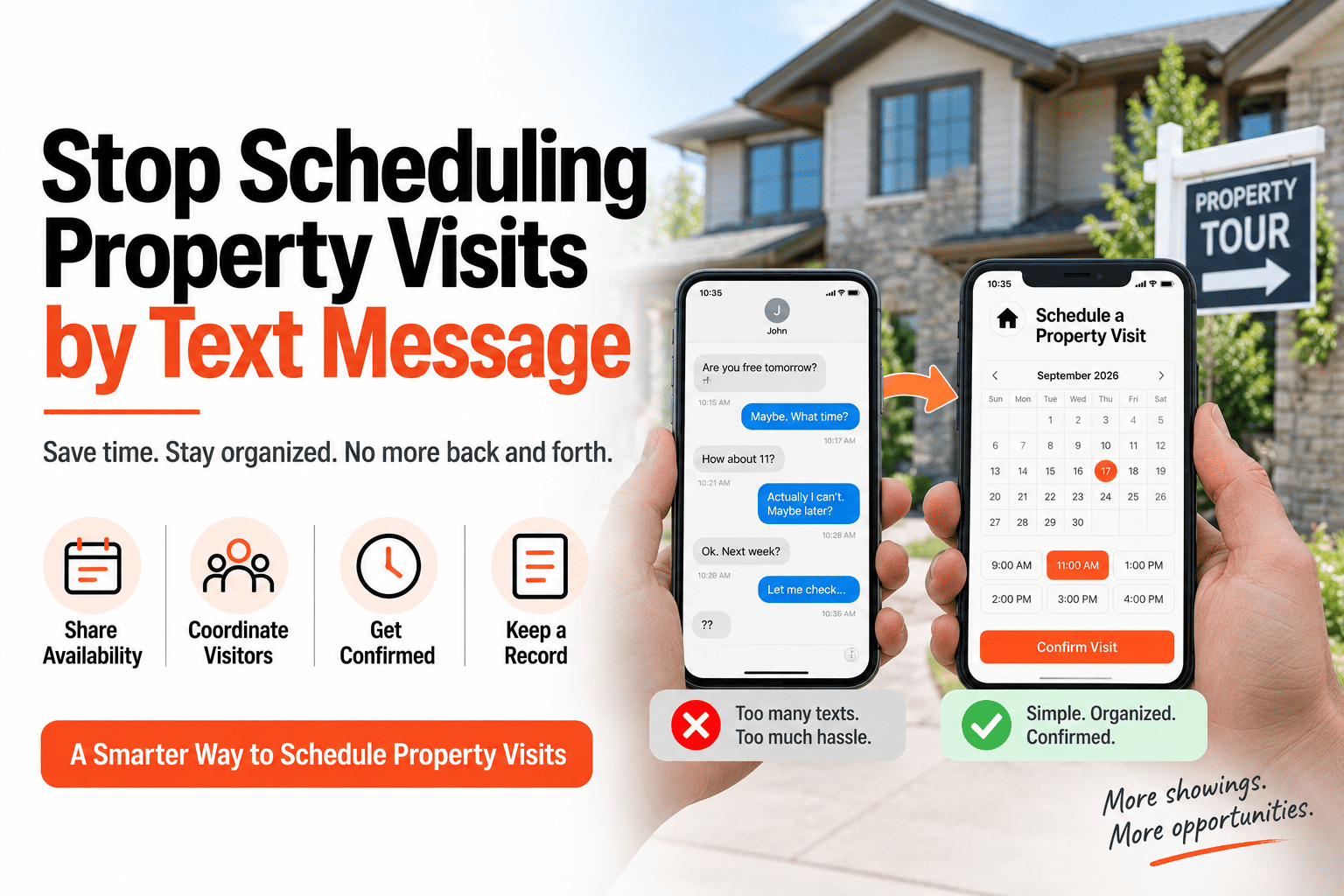
A text message booking
A tenant or contractor arranges a time directly by text, bypassing the scheduling system entirely.
Separate calendars per team member
Each person on a team keeps their own calendar, and nobody has visibility into what the others have booked.
One Calendar, No Second Place to Hide
The structural fix is removing every alternate path a booking could take. If every visit — regardless of who requests it or how — has to land on the same shared calendar, there's no second calendar left for a conflict to exist in undetected.
One Calendar Catches Conflicts Automatically
HomeInspecto flags overlapping bookings the moment they're requested, before two people ever show up to the same property.
Frequently Asked Questions
What happens if two people try to book the same time slot?
A shared calendar with conflict detection flags the overlap at the moment of booking, before either side receives a confirmation — the second request gets redirected to an open slot instead.
Can a double booking still happen if someone books outside the system, like by text?
Yes, that's exactly the gap that causes most collisions — any booking that bypasses the shared calendar reintroduces the risk. The fix requires every booking, regardless of channel, to eventually land on the same calendar.
Does this work across a team with multiple people scheduling visits?
Yes. As long as everyone on the team books through the same shared calendar rather than their own separate one, conflict detection applies regardless of who's making the booking.
What if a double booking already happened before I switched to a shared calendar?
Going forward, migrating every future booking onto the shared system closes the gap — existing conflicts just need to be manually resolved once during the transition. Book a demo or start a free trial.
Remove the Second Calendar, Remove the Conflict
One shared system, full visibility, and no more surprise overlaps at the property.