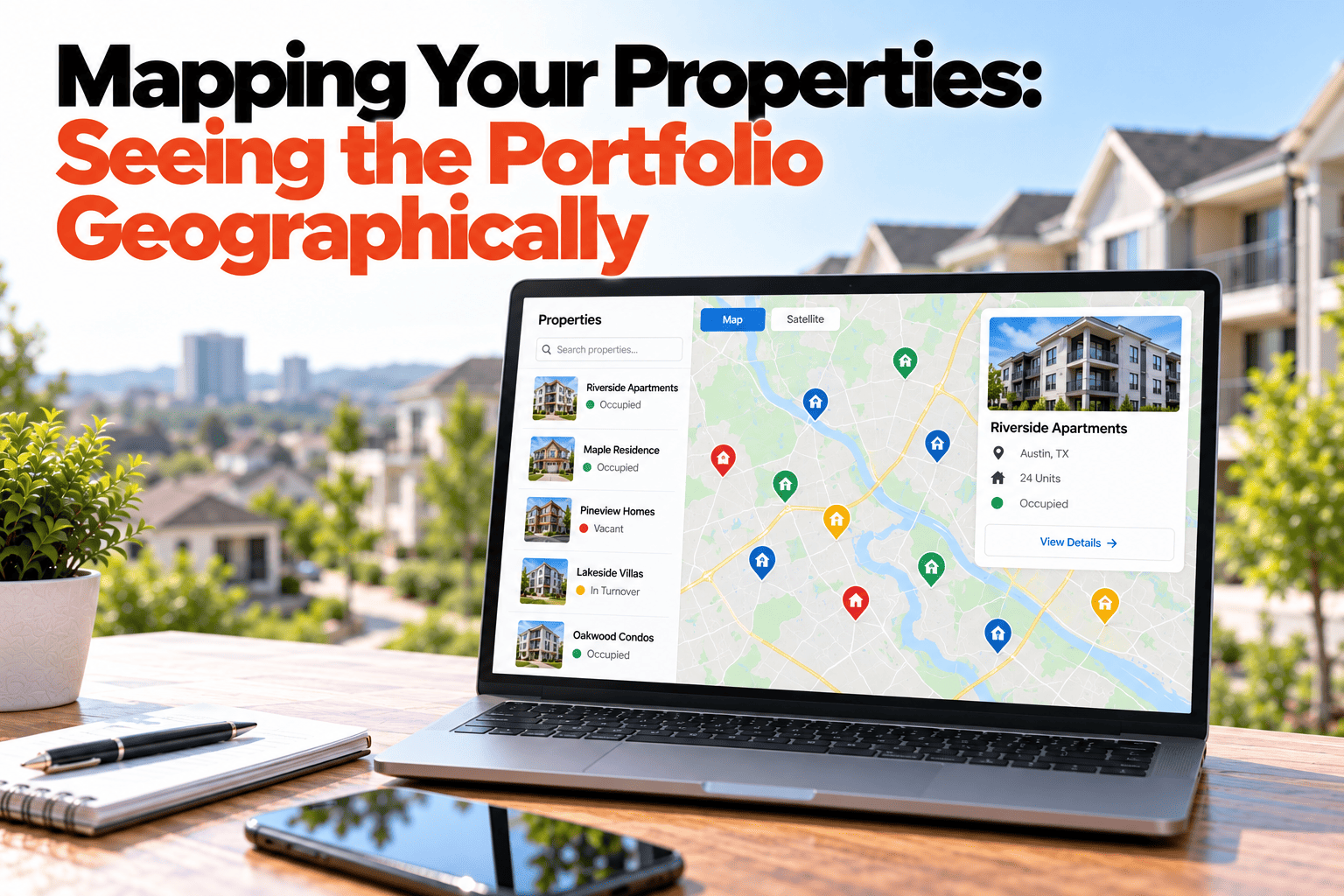
A list tells you what you own. It does not tell you how to visit it. Sorted alphabetically, your properties send you across town and back, because the order on the page has nothing to do with the order on the road. A map shows what a list hides: which properties sit close together, which are far out on their own, and which visits can share a trip. This guide covers how seeing the portfolio geographically changes how you plan inspections and repair visits, and what to record so the map is worth looking at. If you want your own properties on a map, book a demo.
Map View
A List Tells You What You Own. A Map Tells You How to Visit It.
See every property on a map and plan visits by area, not alphabetically.
Same Properties, Grouped by Place
1
2
3
4
5
6
North
Harbor
Visit plan by area
North · 3 properties
Cedar Ave 14, Maple St Duplex, Elm St House
Harbor · 3 properties
Harbor Retail Unit, Mill Lane Storage, Station Road Office
Sample map and areas, for illustration only. Positions are not to scale.
What a Map Shows That a List Cannot
Clusters
Properties that sit near each other can be visited together, saving a trip.
Outliers
A property far from the rest needs its own plan, and costs more time to reach.
Coverage gaps
Seeing where your properties are shows where contractors and helpers are needed.
Context for new purchases
A map shows whether a new property fits your existing routes or adds a new one.
Plan Visits by Area, Not by Name
Inspections and repairs are scheduled around places. When the same area has two inspections due and an open repair, one visit can cover all three. Without a map, those links stay invisible, and each job is planned alone. Grouping by area also makes it easier to assign a technician who works nearby, which shortens response times for the jobs that matter most.
Making the Map Useful
Record a proper address
The map is only as good as the address behind each pin, so enter it once and correctly.
Add an area label
A simple area name, such as North or Harbor, lets you filter even when two addresses look far apart.
Filter by what is due
Show only the properties with an inspection or repair due, and plan the route from there.
Share the plan
Give a technician the area and the list of jobs, not just a list of addresses.
See Your Portfolio on a Map
HomeInspecto keeps every property's location on its record, ready to plan visits by area.
Frequently Asked Questions
Do I need exact coordinates for each property?
No. A correct street address is normally enough for a property to be placed on the map.
Can I filter the map by status or what is due?
Yes, you can narrow the view to properties with open repairs or inspections due, so the map shows where the work is.
Is this useful with only a few properties?
It helps most as the portfolio spreads out, but even a handful of properties in different areas benefits from planning visits together.
Can I group properties by area?
Yes, an area label on each property lets you group and filter, even where addresses alone would not make the grouping obvious.
Plan Visits Around Places
Put the portfolio on a map and cut out the extra trips.