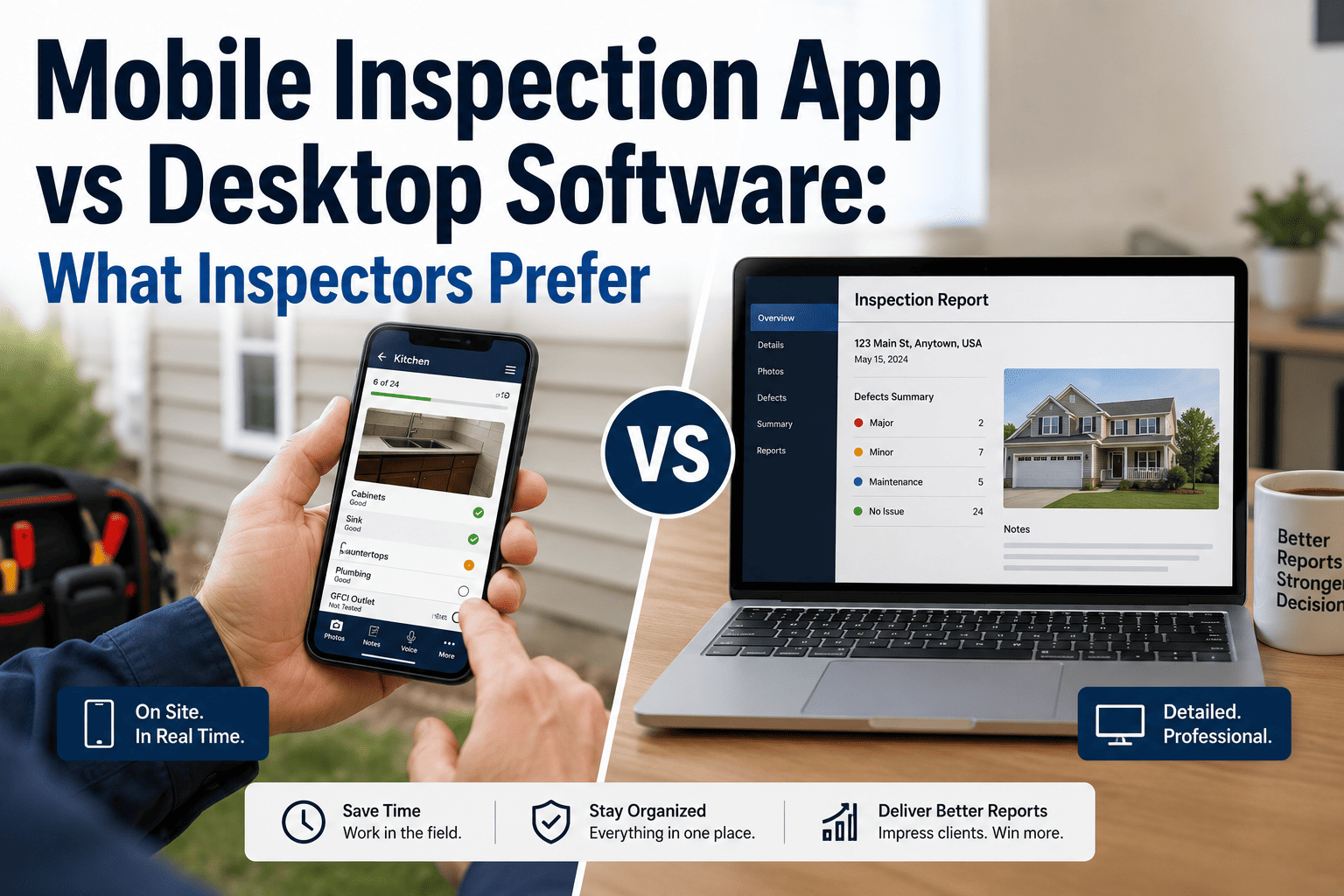
The inspection itself is the same either way — you walk the property, evaluate every system, and document what you find. The difference is where the report gets built. Desktop software means you capture notes and photos on-site, then drive to a desk, open a laptop, and assemble the report from memory. A mobile-first app means the report builds itself as you inspect — photos attach to findings automatically, comments drop in with a tap, and the PDF generates before you leave the driveway. Both approaches produce a deliverable report. One of them adds two to three hours to every job. This guide compares the two workflows honestly — where desktop still has strengths, where mobile wins outright, and how to decide which fits your practice. If you want to see a mobile-first workflow on a real inspection, book a demo.
Software Switching — Workflow Comparison
Mobile App vs Desktop Software: Where Should You Build the Report?
On-site in real-time or at a desk from memory? Compare both workflows and find the one that fits how you actually inspect.
Two Workflows, Side by Side
The fundamental difference is not the features — it is when the work gets done. Desktop workflows split the job into two sessions: inspect on-site, then report at a desk. Mobile workflows collapse both into one session on-site. Here is what each looks like in practice.
Desktop workflow
On-site: Walk the property with a clipboard or basic note-taking app. Take photos with a separate camera or phone camera roll. Jot abbreviated notes. Spend 2 to 3 hours on the walkthrough.
Drive: Return to the office or home desk.
At desk: Open the desktop software. Upload and sort photos. Transcribe handwritten notes. Select or type comments for each finding. Format the report. Proofread. This takes 1.5 to 3 hours depending on the property.
Deliver: Email the PDF to the client, typically the evening of the inspection or the next morning.
Total time: 4 to 6+ hours per inspection
Mobile-first workflow
On-site: Walk the property with a tablet or phone running the inspection app. Tap pre-loaded comments, dictate custom notes, and take photos that auto-attach to each finding — all in real time as you move room to room. Spend 2 to 3 hours on the walkthrough.
Driveway: Review the completed report on your device. Tap to generate a branded PDF. Deliver it to the client before you start the truck.
Evening: Yours.
Total time: 2 to 3 hours per inspection
Where Mobile Wins
For the majority of residential home inspectors, mobile-first is the faster, more accurate, and more professional workflow. The advantages are not theoretical — they show up on every single job.
Eliminates the desk session
The evening report-writing marathon disappears. The report is built during the inspection, not after it. Inspectors consistently report saving two to three hours per job — which adds up to 10 to 15 hours per week at four to five inspections.
Photos auto-attach to findings
Take a photo inside the app and it is instantly linked to the correct room and finding. No more sorting 150 photos at a desk trying to remember which crack belongs to which wall in which bathroom.
Findings captured at the source
You document the defect while standing in front of it — not from abbreviated notes and fading memory three hours later. The detail is fresher, the wording is more precise, and accuracy goes up.
Instant PDF delivery
Clients and agents receive the report within minutes of inspection completion — not the next morning. Faster delivery means fewer follow-up calls, happier agents, and more referrals.
Voice and tap input
Dictate findings hands-free or tap pre-loaded comments from a library — no thumb-typing on a tiny keyboard while holding a flashlight in a crawlspace.
More professional client experience
A branded PDF delivered from the driveway makes a stronger impression than a Word document emailed the next day. Clients notice immediacy — and agents remember which inspectors make their lives easier.
Mobile-first, built for the field. HomeInspecto runs on your phone or tablet with offline mode, in-app photos, voice notes, tap-to-select comments, and instant PDF generation — so the report is done when the inspection is done.
Where Desktop Still Has an Edge
Desktop software is not obsolete — it serves a different workflow. For certain use cases, the larger screen and keyboard-driven interface offer real advantages that mobile apps have not fully replaced.
Complex narrative writing
Inspectors who write long, detailed narrative comments for each finding — common in commercial work or high-end residential inspections — often prefer a full keyboard and large monitor for extended writing sessions.
Multi-monitor report editing
Desktop setups allow you to view photos on one screen while writing the report on another. For inspectors who do significant post-inspection editing, this dual-screen workflow is faster than a single tablet display.
Batch photo processing
If you take photos with a high-end camera instead of your phone, desktop software may handle large image files and batch editing more smoothly than a mobile app constrained by device storage and processing power.
Legacy template investment
Inspectors who have spent years building custom templates in a desktop platform — with hundreds of tailored comments and a refined workflow — face a real switching cost. The existing system works; the question is whether the time savings of mobile justify rebuilding.
The Comparison at a Glance
Most factors favor mobile for the typical residential inspector. Desktop holds advantages for specific use cases — heavy narrative writing, commercial work with extended editing, and situations where existing template investment is substantial.
| Factor | Mobile App | Desktop Software |
|---|---|---|
| Where the report is built | On-site during the inspection | At a desk after the inspection |
| Total time per inspection | 2 to 3 hours (one session) | 4 to 6+ hours (two sessions) |
| Photo workflow | In-app, auto-tagged to findings | Separate camera, sorted and uploaded later |
| Report delivery speed | Minutes after inspection ends | Same evening or next morning |
| Offline capability | Most apps work fully offline | Not applicable — requires a desk |
| Keyboard input comfort | Limited on phone; better on tablet | Full keyboard, faster extended typing |
| Screen size for editing | Phone or tablet display | Full monitor or dual monitors |
| Best fit | Residential inspectors who value speed and same-day delivery | Commercial or narrative-heavy inspectors who prefer post-inspection editing |
The Hybrid Approach: Mobile Capture, Desktop Polish
Some inspectors combine both — they capture findings, photos, and comments on a mobile device during the inspection, then open the same report on a desktop for final review and editing before delivery. This hybrid workflow captures the speed of mobile on-site while preserving the editing comfort of a larger screen. It works best when the software syncs seamlessly between devices, so the report you started on your tablet is immediately available on your laptop without manual transfers.
Capture in the Field. Deliver From Anywhere.
HomeInspecto works on your phone, tablet, or desktop — with real-time cloud sync. Start the report on-site, finish it from the driveway, or polish it on a laptop. Your workflow, your choice.
Frequently Asked Questions
How much time does a mobile app actually save compared to desktop?
Most inspectors report saving two to three hours per inspection by eliminating the post-inspection desk session. The report is built in real time during the walkthrough — photos attach automatically, comments are tapped or dictated, and the PDF generates on-site. At four to five inspections per week, that is 10 to 15 hours recovered every week, which translates to either more inspections or more personal time.
Can I type detailed comments on a mobile device?
On a phone, extended typing is slow — but most mobile apps solve this with pre-loaded comment libraries (tap to insert), voice dictation (speak the finding), and custom shorthand (type a trigger, get a full sentence). On a tablet with an attached keyboard, the typing experience approaches desktop comfort. The key insight is that most inspection findings are repetitive — a well-built comment library eliminates the need for fresh typing on 80 percent or more of findings.
What if I lose signal during an inspection?
Good mobile inspection apps work fully offline. All data — findings, photos, notes — saves locally on your device and syncs to the cloud when connectivity returns. Crawlspaces, basements, and rural properties are a normal part of the job, and the software must handle them. Always confirm offline capability before choosing a platform.
Is desktop software becoming obsolete?
Not entirely, but the market is moving decisively toward mobile-first. Over 70 percent of property managers cite mobile apps as essential for inspection efficiency. Desktop-only software is declining, while most modern platforms are either mobile-first with desktop access or fully cross-platform. The strongest position for an inspector today is software that works well on both — capture on-site, polish at a desk if needed.
Should I use a phone or a tablet for inspections?
Both work, but tablets offer a better experience for most inspectors. The larger screen shows more of the checklist at once, makes photo review easier, and provides more comfortable typing when needed. Phones are lighter and fit in a pocket, which matters in tight spaces. Many inspectors carry both — tablet as the primary tool, phone as backup and for photos in cramped areas like attics and crawlspaces.
Does HomeInspecto work on mobile and desktop?
Yes. HomeInspecto is mobile-first — designed for on-site capture with offline mode, in-app photos, voice notes, and instant PDF generation. Reports sync to the cloud and can be accessed and edited from any device. You can start on your tablet in the field and finish on a desktop if you prefer. Book a demo to see both workflows, or start a free trial.
Build the Report While You Inspect. Not After.
HomeInspecto runs on your phone, tablet, or desktop with real-time sync, offline mode, and instant PDF delivery — so the report is done when you walk out the door. Book a demo or start your free trial. No credit card required.