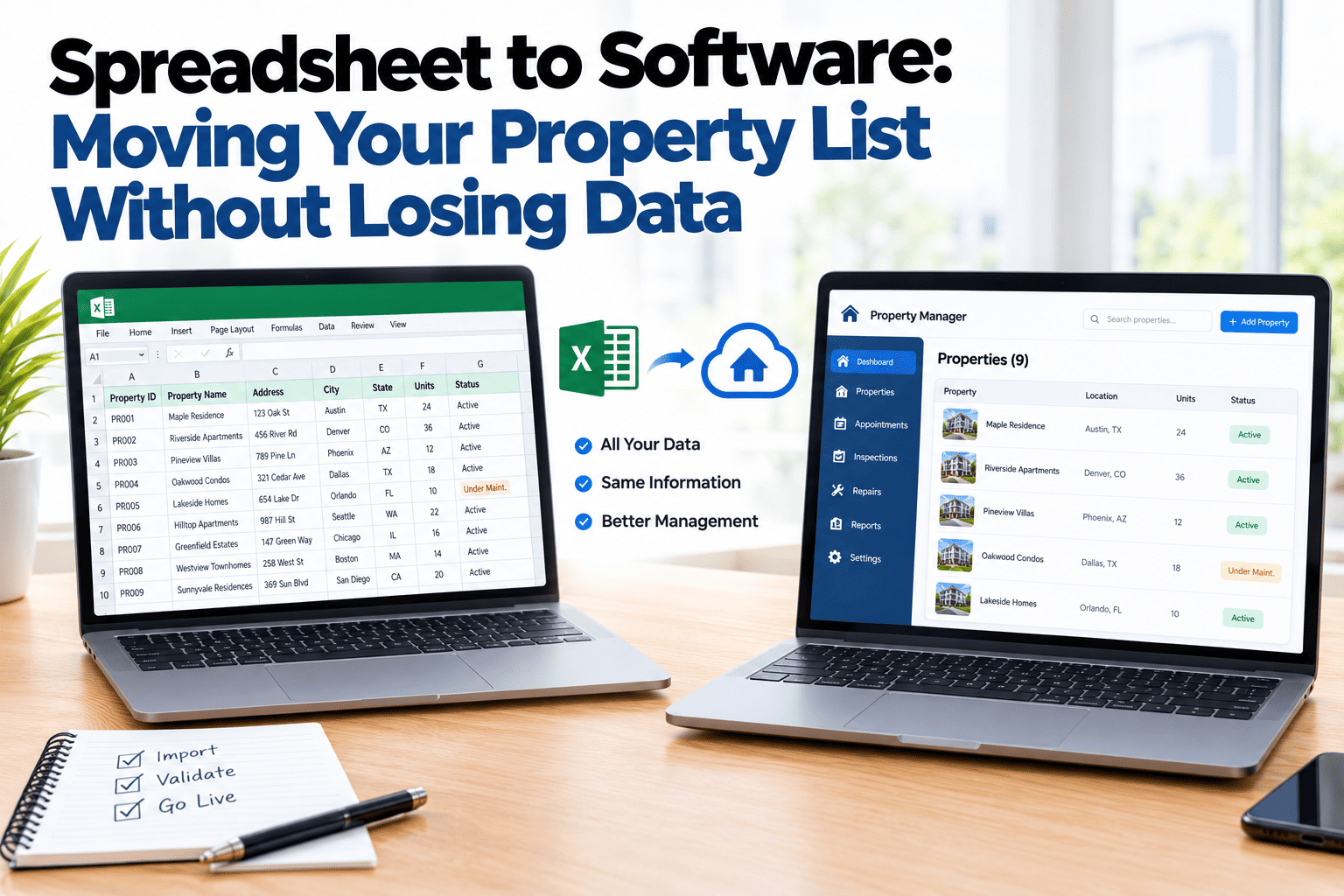
Most property operations run on four tools that do not talk to each other: a list of properties, a calendar for visits, a document for inspection notes and a tracker for repairs. Each one is fine alone. The trouble is the gaps between them. A repair is raised in one place, the visit is booked in another, and the property list still says the old status. Four tools means four places data goes stale. This guide covers what changes when properties, visits, inspections and repairs live in one connected system. If you want to see them working together, book a demo.
One Connected System
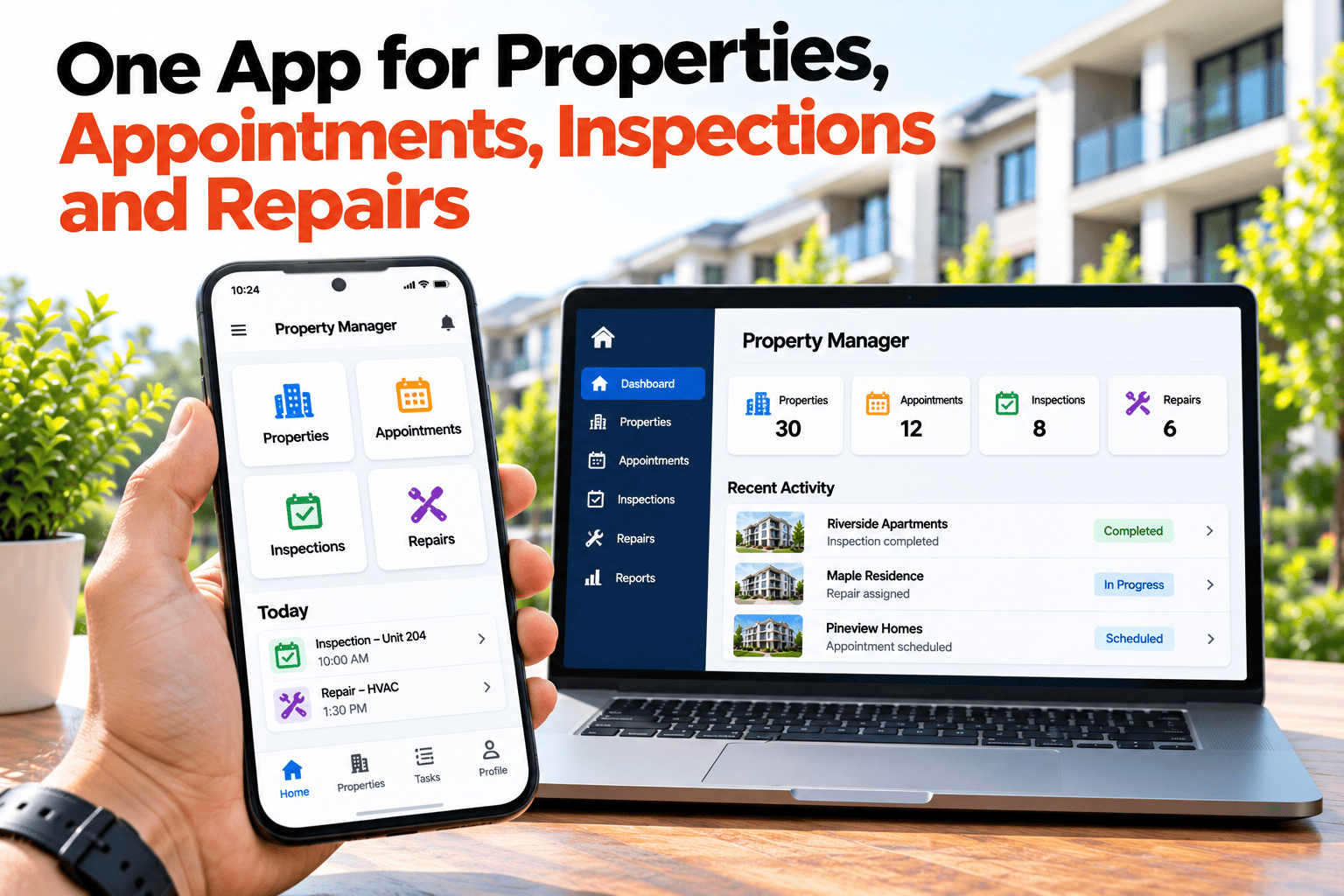
One App for Properties, Appointments, Inspections and Repairs.
See what changes when the four things you manage every day live in one place.
From Four Gaps to One Chain
Four separate tools
Property list goes stale
Calendar goes stale
Inspection notes goes stale
Repair tracker goes stale
One connected system
Property
Visit booked
Inspection done
Repair raised and closed
Illustrative comparison only. How your current tools behave will vary.
What the Gaps Cost
Retyping
The same address and details are entered in every tool, and each copy can drift.
Lost context
A repair raised in one tool does not show the inspection finding that caused it.
Double booking
A visit scheduled without sight of open work means a second trip.
Slow answers
Any question that spans two tools means opening both and comparing by hand.
Connected Means the Next Step Is Already There
When the tools are connected, one action leads to the next. An inspection finding becomes a repair. A repair needing access becomes a visit. A completed visit refreshes the property record. You are not carrying information between systems; the system carries it. That removes a class of small errors, and it makes the whole picture visible from any starting point: the property, the visit, the inspection or the repair.
What Changes Day to Day
One record per property
Visits, inspections and repairs all attach to the same property, so its history is complete.
Findings turn into jobs
An issue found on site is raised as a repair without being written down twice.
Visits reflect open work
When booking a visit, you can see what is outstanding at that property.
One view of status
Everyone looks at the same picture, so there is less checking and fewer misunderstandings.
Replace Four Tools With One
HomeInspecto connects properties, visits, inspections and repairs in a single system.
Frequently Asked Questions
Do I have to move everything at once?
No. You can start with properties and inspections, then bring in repairs and visits as the team gets comfortable.
Will I still need a separate calendar?
Visits can be booked within the system, so you may not need a separate calendar for property work.
What happens to my existing records?
You can add your properties and start building history from there. How much past data you bring over is up to you.
Is one system better than the best tool in each category?
It depends on how much you value the connection. Separate tools may be stronger individually, but the gaps between them are where records go stale.
Stop Carrying Data Between Tools
Connect the work, and the record keeps itself in step.