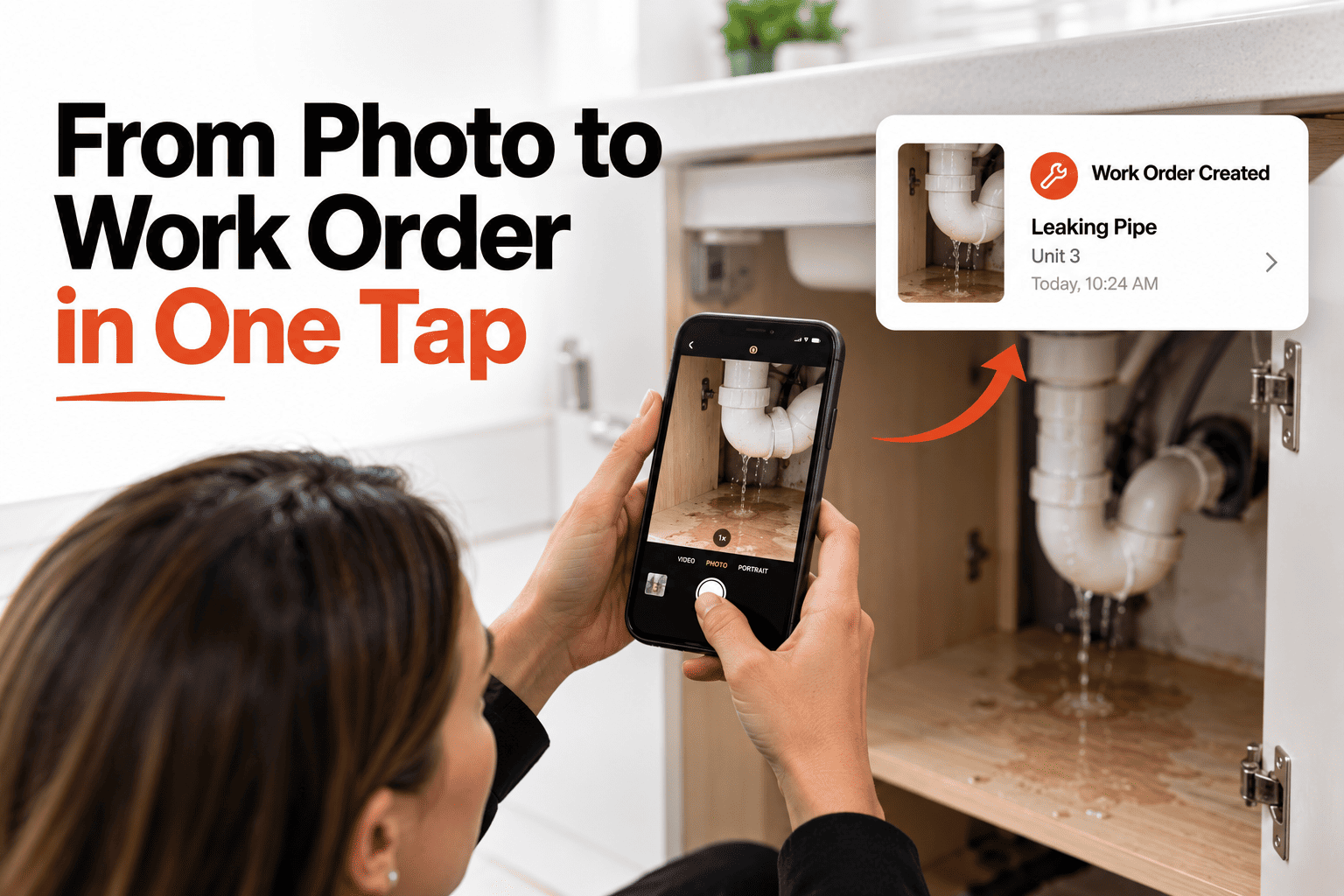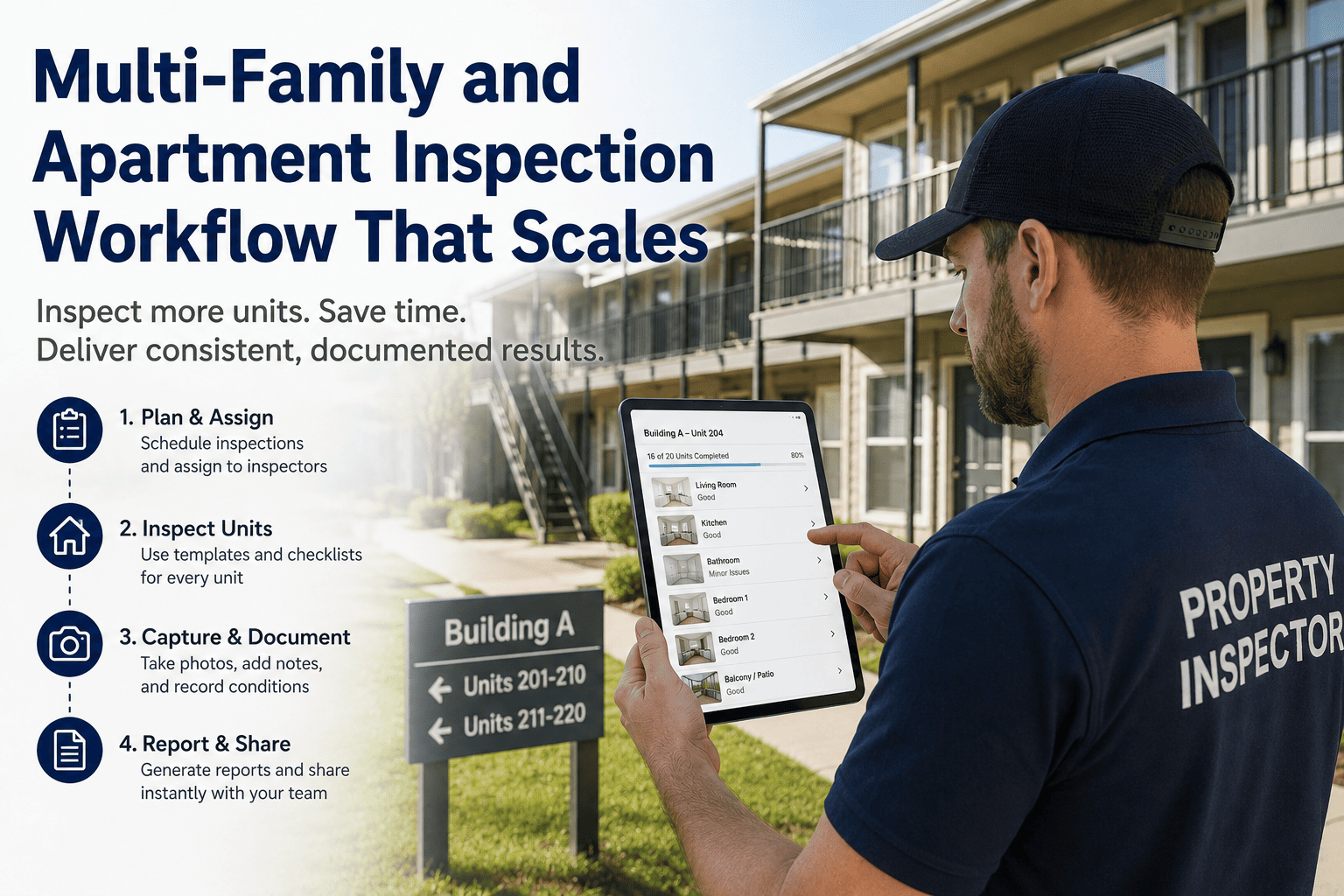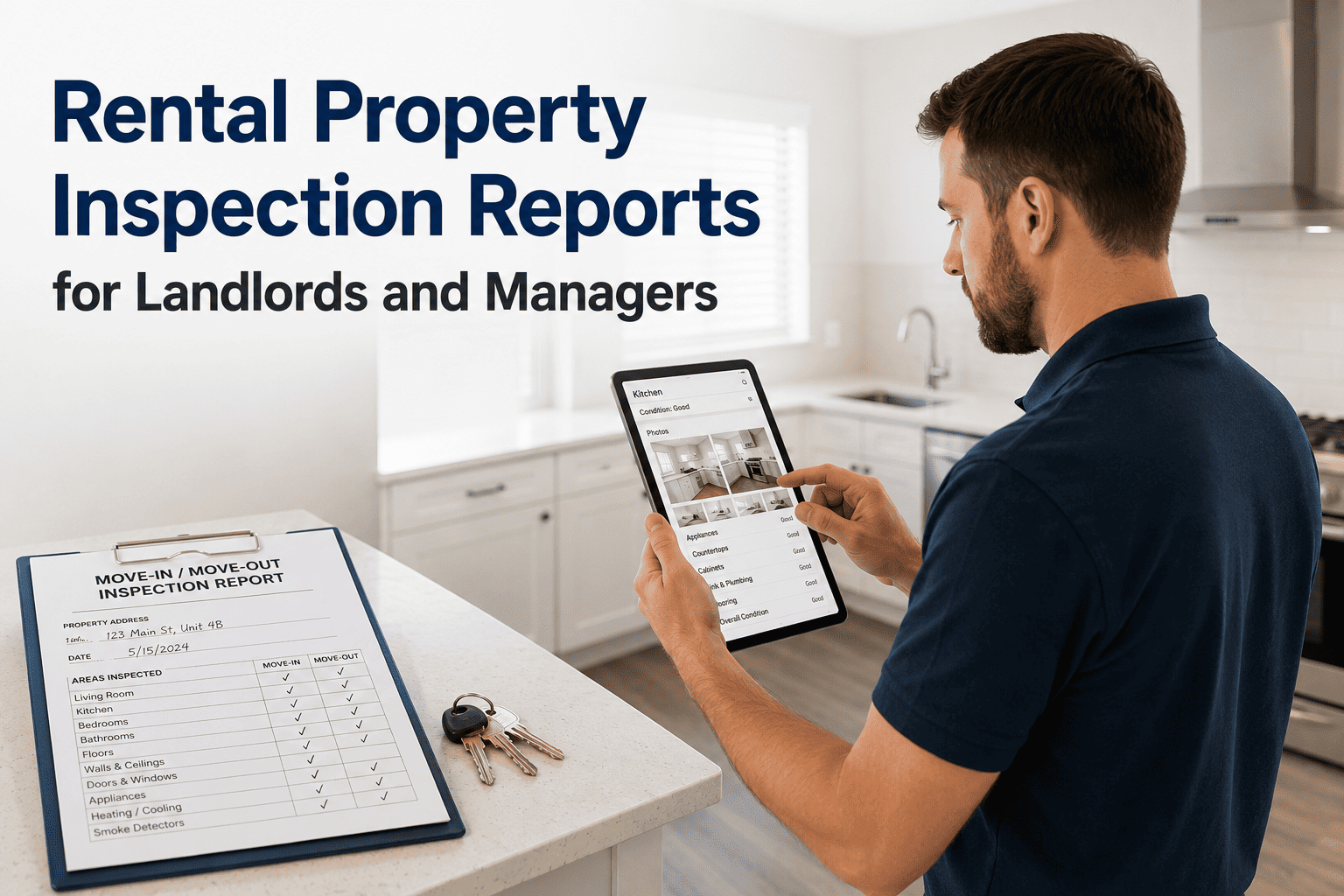
One property is manageable from memory. Ten is not. Once repairs are spread across several addresses, the question "what's open right now?" has no single answer. It's scattered across texts, calendars and whichever notebook was nearest. Each property gets looked after in isolation, and nobody can see the whole picture: which repairs are oldest, which trade is overloaded, where the money is going. The fix is one list that holds every service order from every property, with filters to cut it any way you need. This guide covers what a multi-property repair view should let you do. If you want every repair in one place, book a demo.
Portfolio View
Ten Properties, One List.
Filter every open service order by property, type, status or cost in a single view.
One List, Cut Any Way You Need
Maple St Duplex
Kitchen sink leak
Plumbing
Open
Riverside Apt 12
Replace HVAC filter
HVAC
In progress
Oak Hill Rental
Repair fence gate
General
Open
Birchwood 4B
Outlet not working
Electrical
In progress
Elm St House
Repaint hallway
Painting
Completed
Sample entries shown for illustration only.
The Questions a Single List Answers
Which property has the most open repairs?
Filter by property and the count is obvious, instead of something you only suspect.
What does my plumber have waiting?
Filter by trade to see everything assigned to one type of contractor across every address.
What are my biggest repairs this year?
Sort by cost to find the jobs that are taking the largest share of the maintenance budget.
What has been sitting open the longest?
Sort by age to catch the repairs that have quietly been waiting while newer ones got attention.
Why Scale Breaks the Old Way
Memory and scattered notes work until the number of properties passes what one person can hold in their head. After that, repairs don't fail loudly. They just wait unnoticed. A single filterable list doesn't make the work smaller, but it makes the whole portfolio visible at once, so nothing depends on remembering which address had what.
See Every Repair, Every Property, One Screen
HomeInspecto brings all your service orders into one filterable list across your whole portfolio.
Frequently Asked Questions
Can I add properties as my portfolio grows?
Yes, new properties can be added at any time, and their service orders appear in the same combined list alongside the rest.
Can I give a property manager access to only some properties?
Access can be limited so a manager or contractor sees only the properties they're responsible for, while you keep the full view.
Can I combine filters, like plumbing repairs that are still open?
Yes, filters can be combined, so you can narrow the list to something specific, such as open plumbing orders over a certain cost.
Is this still useful with only two or three properties?
Yes. It saves the most effort as a portfolio grows, but even a few properties benefit from having every repair in one place.
Stop Managing Ten Properties From Ten Places
One list, filtered any way you need, so nothing waits unnoticed.