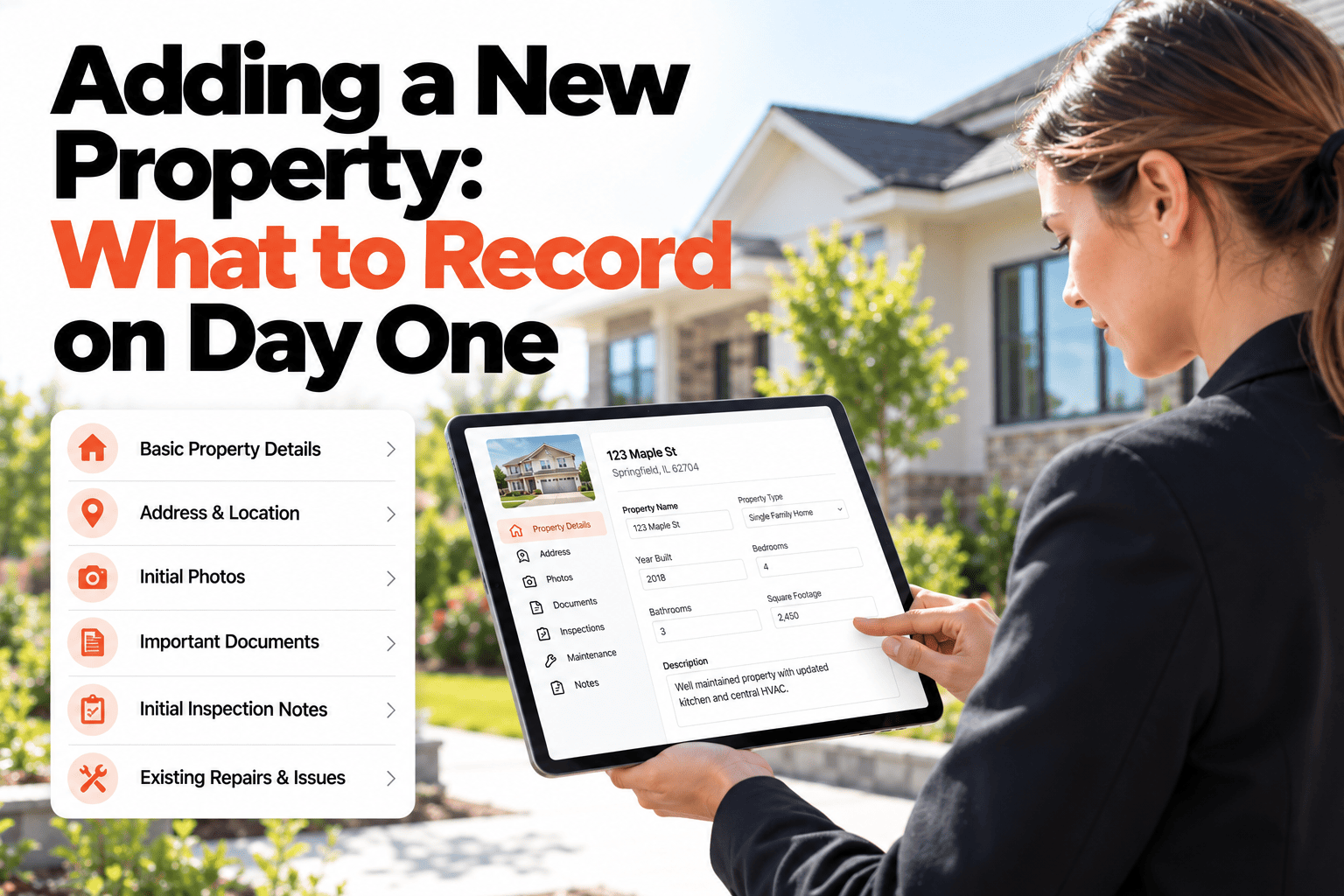
Adding a new property usually happens in a rush. You have the keys, a tenant is waiting, and the first repair request is already on its way. So the record gets the address and not much else. The built year, the owner's details, the location of the water shutoff, all of it can wait, until the day it can't. Then someone is hunting through old emails for a fact that would have taken ten seconds to record at the start. This guide covers the handful of details worth capturing on day one, what can safely wait, and why a short checklist beats a long form that never gets finished. If you want a clean record from the first day, book a demo.
Property Onboarding
The Details You Skip on Day One Are the Ones You Hunt For Later.
A short day-one checklist covering type, area, built year and owner turns a new property into a usable record.
A Day-One Checklist in Four Groups
Day-one record · new property
Identity
☑ Address and unit
☑ Property type
☑ Area or neighborhood
Ownership
☑ Owner name and contact
☑ Client, if managed for others
☑ Tenant contact, if occupied
Building
☑ Year built
☑ Size and bedrooms
☑ Major systems
Access
☑ Keys, codes, access notes
☑ Meter and shutoff locations
☑ Emergency contacts
Sample checklist shown for illustration. Adjust the fields to suit your own properties.
Why Each Group Matters
Identity
The address, type and area are what search, grouping and reports run on, so they need to be right from the start.
Ownership
Knowing the owner, the client and the tenant means every report and every call goes to the right person.
Building
The year built and the major systems tell you what is likely to fail, and roughly when to start watching it.
Access
Where the keys, meters and shutoffs are lets a contractor or colleague act without phoning you first.
What Can Wait
You do not need everything on day one. A full set of room photos, uploaded documents and a detailed condition record can follow at the first inspection. What cannot wait is the small group of facts that everything else depends on. Capture those now and the record is usable immediately, then let it grow with every visit.
Mistakes to Avoid at Onboarding
Free-text names everywhere
Writing the same property three different ways makes it look like three properties when you search.
Leaving the owner blank
An ownerless record is the one that ends up in the wrong report, or in none at all.
Skipping the built year
It is a single fact that shapes how you read every repair that follows.
Waiting for the first problem
Recording a property while something is going wrong means doing it badly and in a hurry.
Start Every Property With a Complete Record
HomeInspecto lets you set up a property in minutes, then builds its history from there.
Frequently Asked Questions
Do I have to fill in everything before I can save a property?
No. Start with the address and the essentials and save. Any other detail can be added later as you learn it.
Can I use the same checklist for every new property?
Yes, using the same set of fields every time keeps your records consistent and makes them easy to compare.
Can I add several units in one building?
Yes, a building can be set up with its individual units, so work can be tied to the specific unit and still roll up to the building.
What if I do not know the year built?
Record your best estimate and note that it is an estimate, then correct it when you find out. An estimate marked as one is better than a blank.
Get It Right on Day One
Capture the essentials once, and every inspection and repair after builds on a solid record.