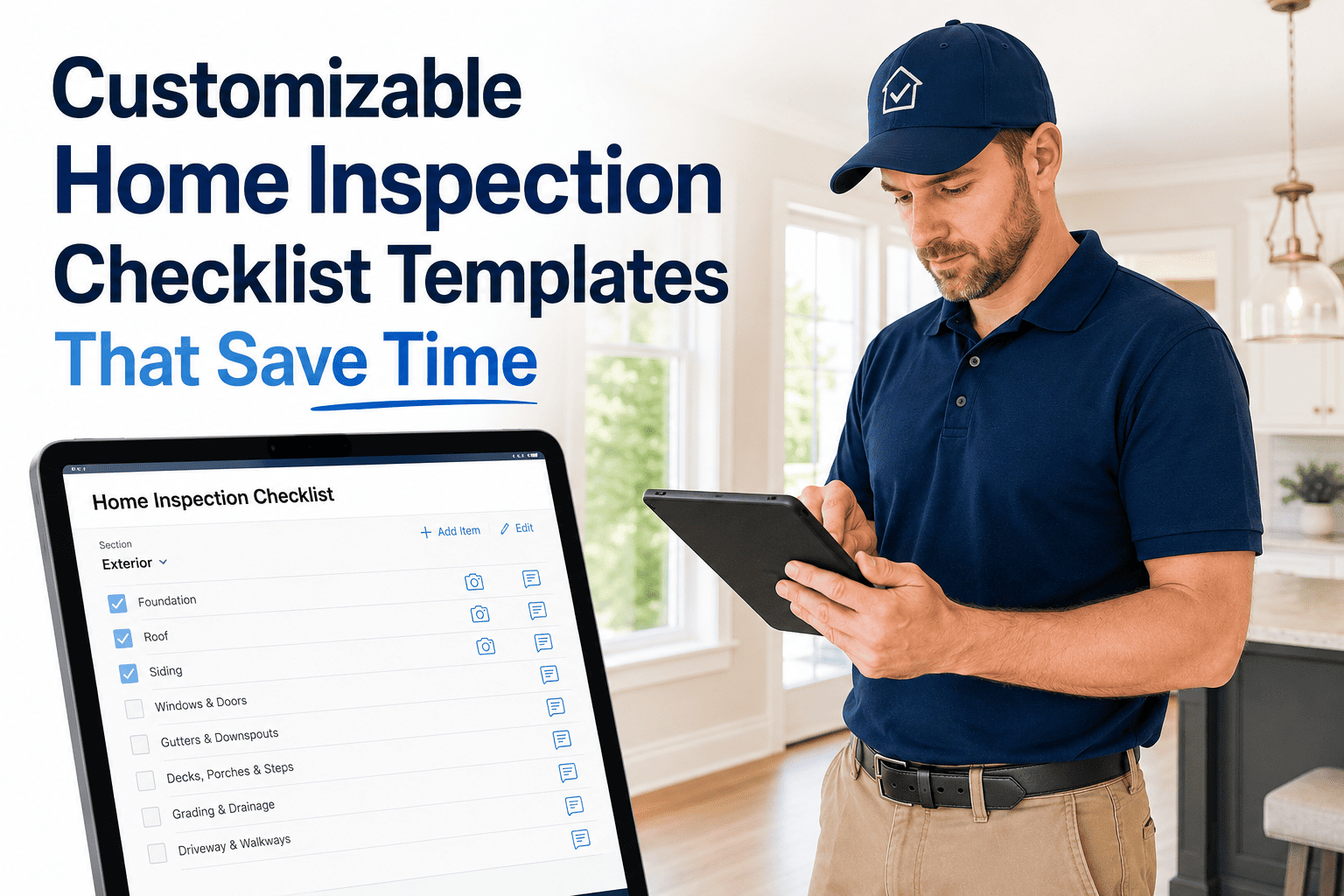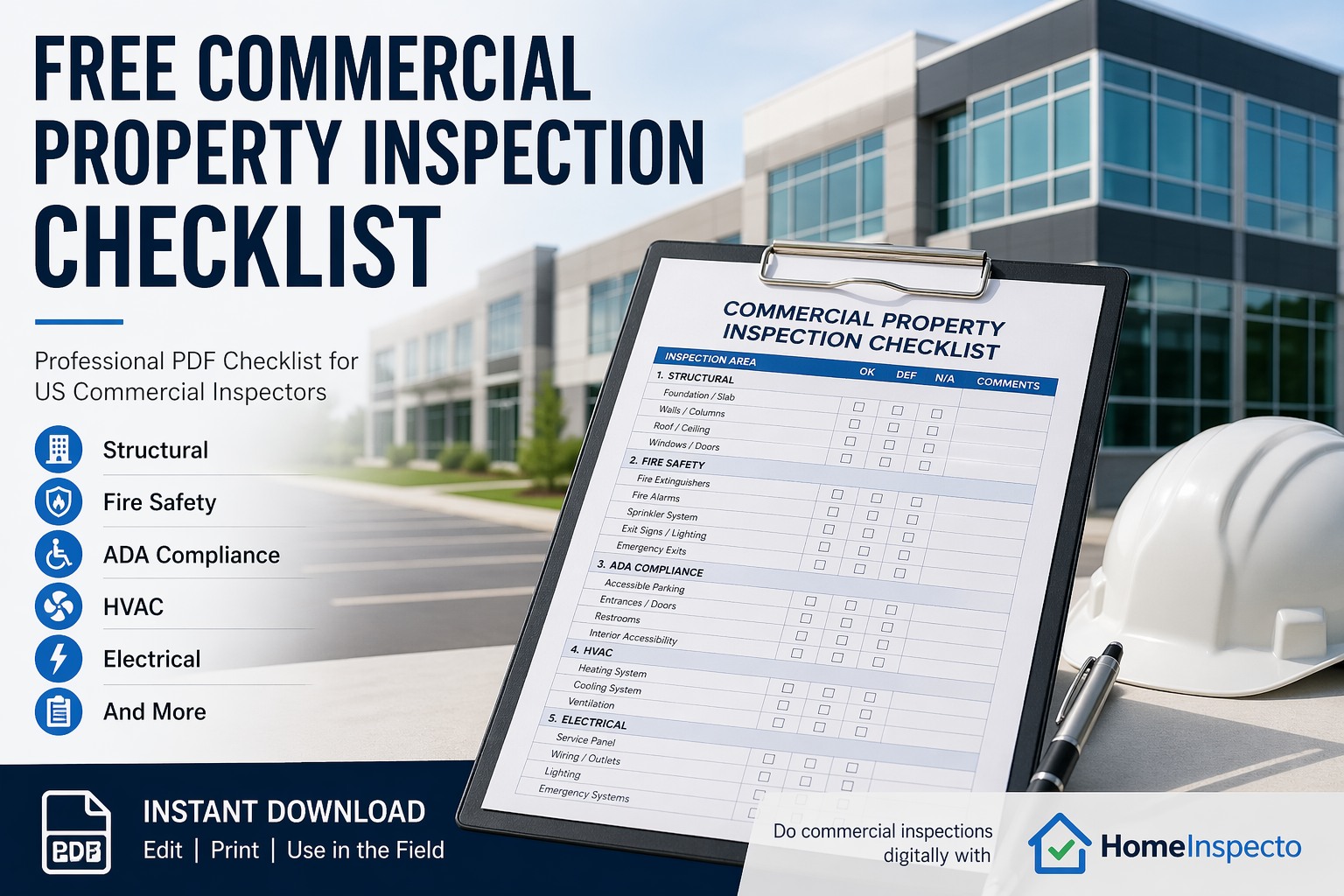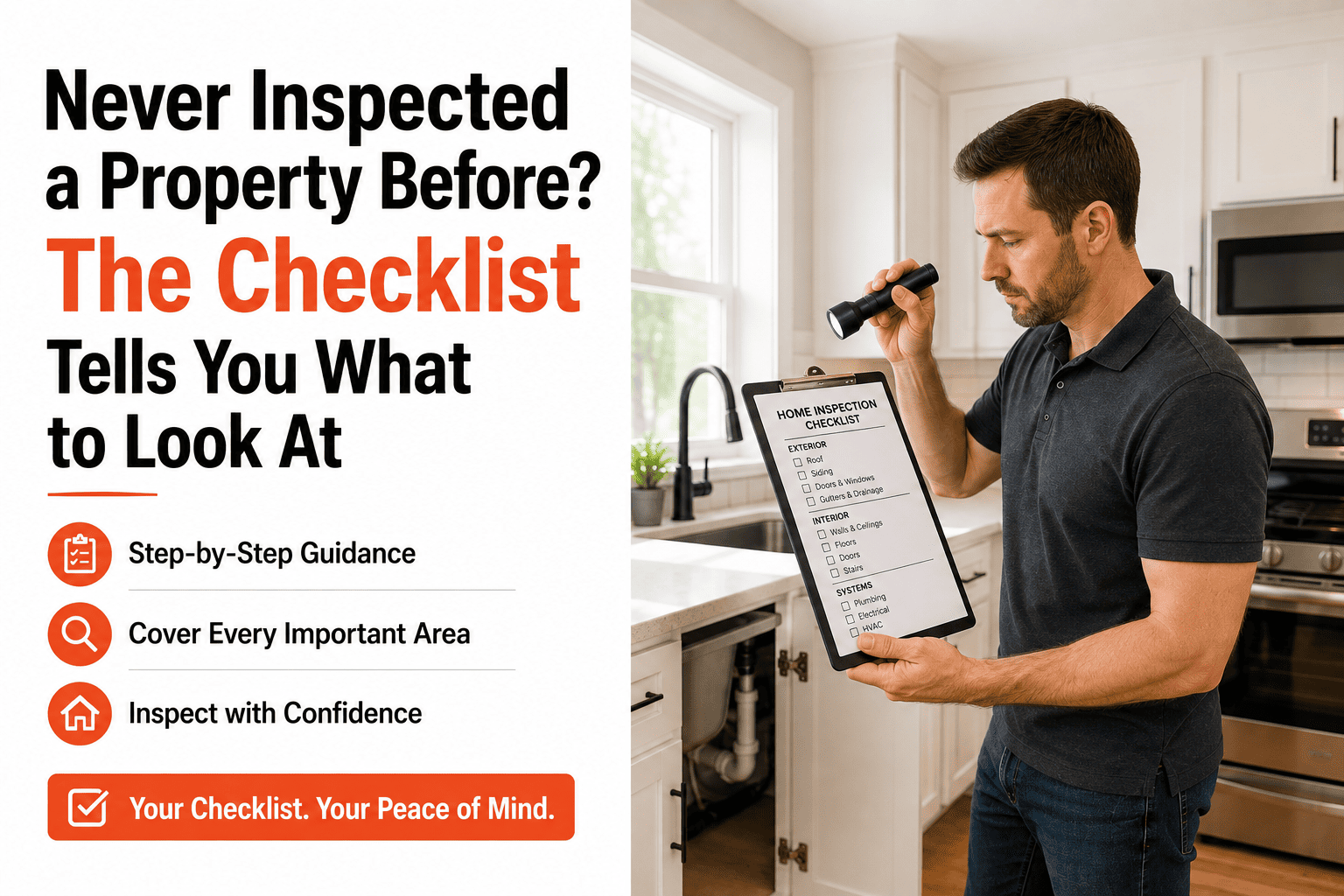
You have never inspected a property before, and that is fine. You do not need training, certification, or experience to walk through a home with a guided checklist that tells you exactly what to look at, where to take photos, and what the finding means. The checklist does the thinking — you do the walking and the tapping. Every item prompts you with a plain-language question, suggests pre-written findings, and attaches your photo to the right room and system automatically. By the time you finish, you have a professional PDF report that documents the property's condition, whether you are a first-time homeowner, a new landlord, or a property manager who has never used inspection software before. If you want to see how the guided checklist works, book a demo.
Beginner Friendly
No Experience? The Checklist Tells You What to Look At.
A guided checklist walks you through every room and system, prompts the photo, and writes the finding for you. No training required — just open the app and start.
How a Guided Checklist Works
A guided checklist is not a blank form — it is an interactive walkthrough. Each item tells you what to look at, gives you pre-written findings to choose from, and prompts you to take a photo. You move through the checklist one item at a time, and the report builds itself behind the scenes.
1
The app tells you what to check
Each item is a plain-language prompt — "Check kitchen faucet for leaks," "Look under the bathroom sink for moisture," "Test the garage door opener." You do not need to know what to inspect; the checklist knows.
2
You select a pre-written finding
Tap "Functional," "Minor leak at base," or "Not operational." The findings are already written for you — no typing, no jargon, no wondering how to phrase it. You can add a custom note if you want, but you do not have to.
3
You take a photo
The app prompts you to snap a photo for the item. The photo auto-attaches to the finding in the report. No sorting, no labeling, no matching images to rooms later.
4
You move to the next item
The checklist advances to the next prompt. Repeat until you have walked through every room. When you finish, the app generates a branded PDF report — organized by room, with photos, findings, and timestamps.
Zero learning curve. HomeInspecto is designed so anyone can pick up the phone and run a complete inspection on their first try — guided prompts, pre-written findings, and automatic photo attachment.
Who Uses Guided Checklists
Guided checklists are not just for beginners — they are for anyone who needs consistent, documented inspections without memorizing a manual.
First-time homeowners
Run a maintenance walkthrough to learn your home's systems and catch issues early — no experience required, just follow the prompts.
New landlords
Document unit condition at move-in and move-out with timestamped photos and a PDF report that protects your deposit — even on your first rental.
Property management staff
Assign inspections to team members who have never inspected before. The guided checklist ensures every person follows the same process and produces the same quality report.
Facility managers
Run periodic condition assessments of buildings, offices, or campuses using a checklist that covers everything without relying on the inspector's memory.
What the Checklist Covers
A well-built guided checklist covers every major system and surface a non-expert should evaluate visually. You do not need to diagnose anything — just observe and document.
Exterior
Siding, trim, foundation, grading, gutters, walkways, doors, windows
Kitchen
Faucet, sink, disposal, dishwasher, cabinets, counters, GFCI outlets
Bathrooms
Toilet, tub/shower, caulk, vanity, exhaust fan, GFCI outlets
Living areas
Walls, ceilings, flooring, doors, windows, outlets, switches
Bedrooms
Same visual checks plus closets, smoke detectors, window operation
Systems
HVAC filter, thermostat, water heater, smoke/CO detectors, panel
You Do Not Need Experience. You Need a Checklist That Has It.
HomeInspecto walks you through every room, prompts every photo, and generates a professional report — so your first inspection looks like your hundredth.
Frequently Asked Questions
Do I need any training to use a guided checklist?
No. The checklist is the training. Each item tells you what to look at, gives you pre-written findings to choose from, and prompts you to take a photo. If you can read a prompt, tap a button, and take a photo on your phone, you can run a complete property inspection on your first try.
What if I do not understand a finding?
The pre-written findings are in plain language — "Functional," "Minor crack observed," "Recommend further evaluation." You do not need to diagnose anything. If something looks wrong but you are not sure what it is, select "Recommend further evaluation," take a photo, and let a professional follow up on that specific item.
Can I customize the checklist for my property?
Yes. You can add, remove, and reorder items to match your specific property. Start with the default guided checklist, then customize it over time as you learn which items apply and which do not. The software saves your changes so your next inspection uses the same customized version.
Does HomeInspecto work for complete beginners?
Yes — it is designed for exactly that. Guided prompts, pre-written findings, in-app photo capture with auto-attachment, and instant PDF generation. No inspection experience required. Book a demo or start a free trial and run your first inspection today.
Your First Inspection Starts Right Now.
HomeInspecto guides you through every room, writes the findings for you, and delivers a professional PDF — all from your phone, on your first try. Book a demo or start your free trial.