A printable checklist looks like a good idea until it's crumpled in the glovebox, half-filled-out, with three photos still on your phone that never made it anywhere. The checklist did its job for about ten minutes and then became a piece of paper you have to type up later — if you ever do. A digital checklist works differently. It lives on the phone that's already in your hand, it captures the photo the moment you take it, and it turns your walkthrough into an organized report without a second pass. This guide covers what a free digital checklist actually gives you over a printed one, and how to start using one today. If you want to try it on your own property, book a demo.
Free Checklist, Digital
The Checklist That Doesn't End Up in the Glovebox
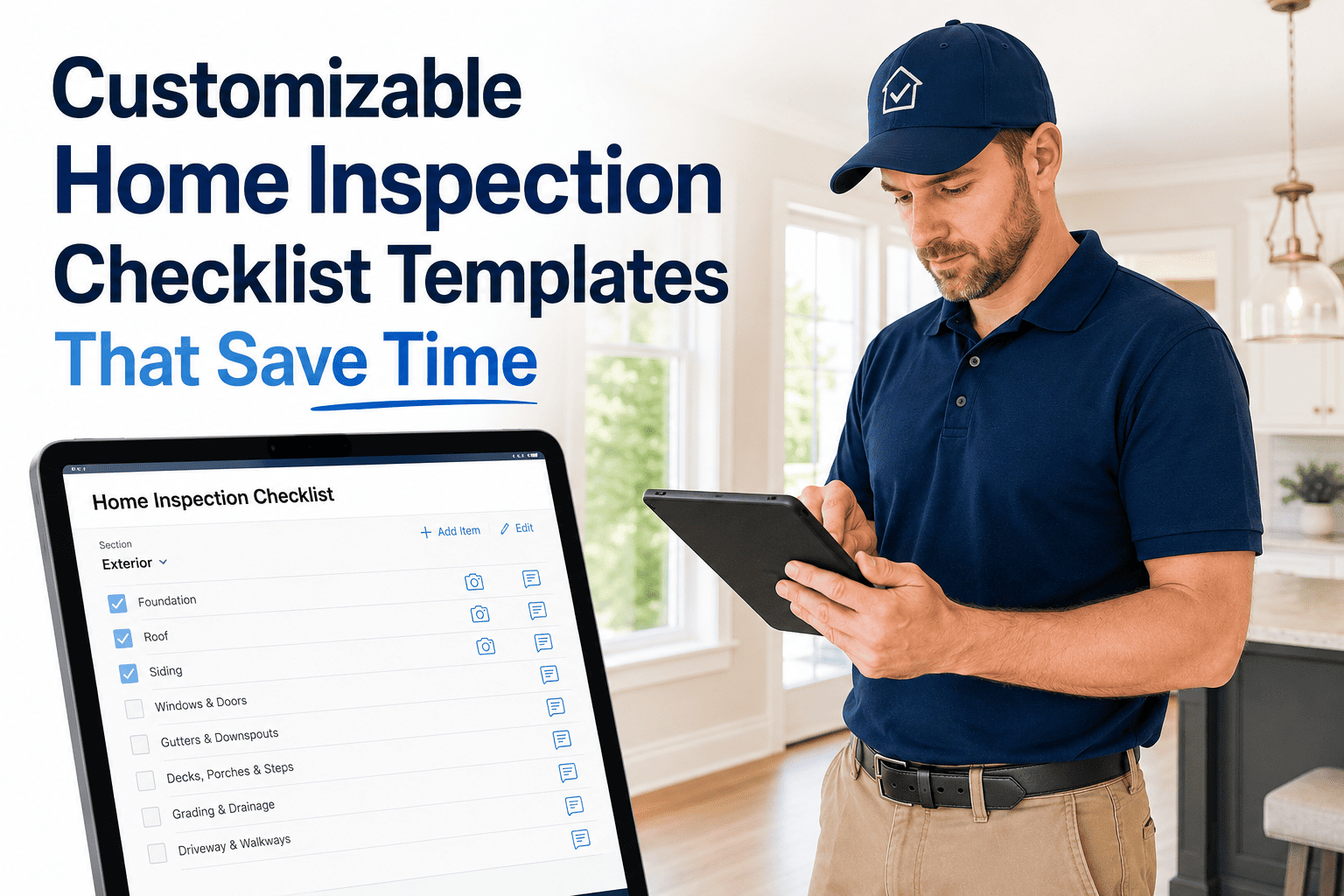
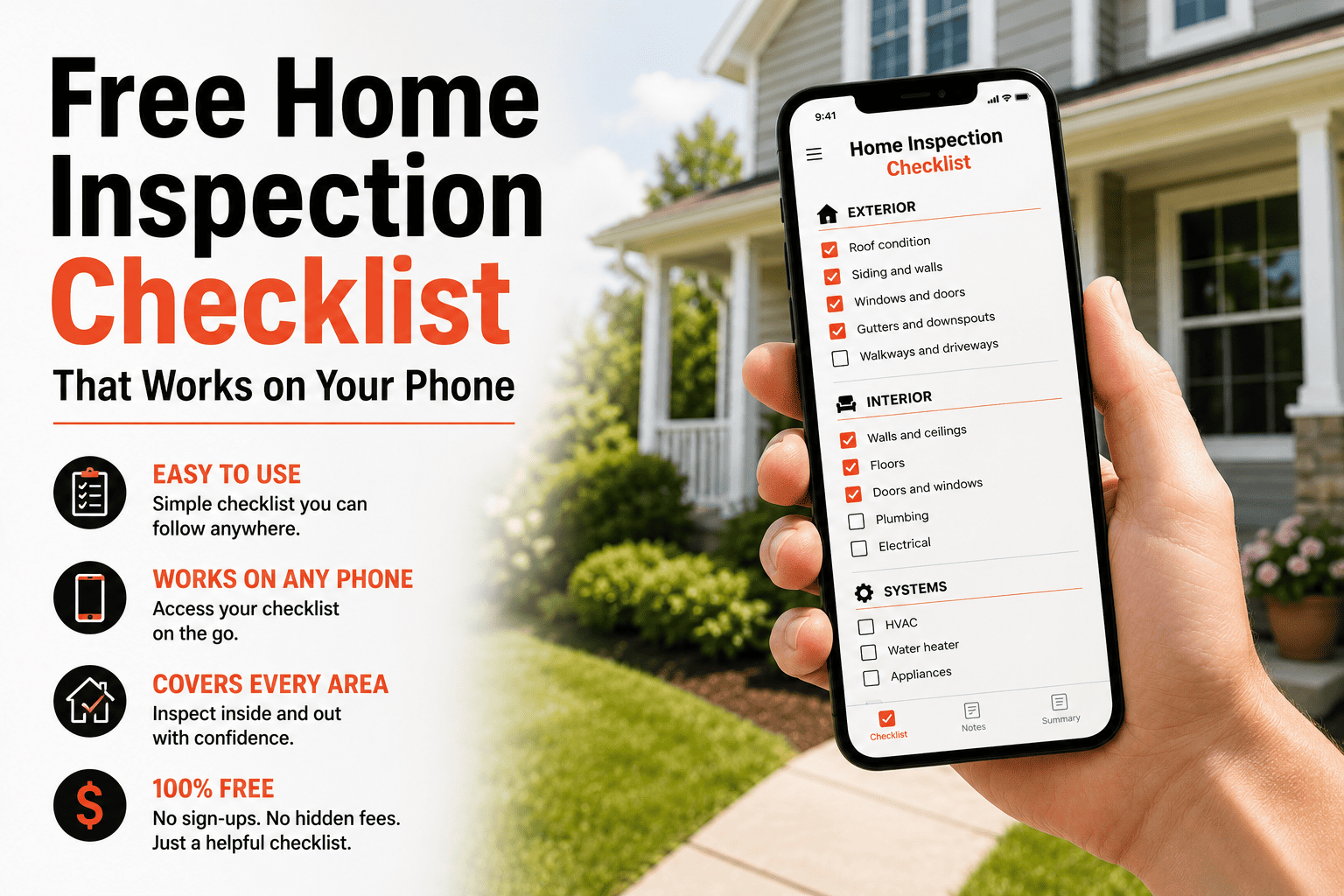
A guided digital checklist that lives on your phone, captures photos as you walk, and builds the report while you're still standing in the room.
Paper vs. Digital — Side by Side
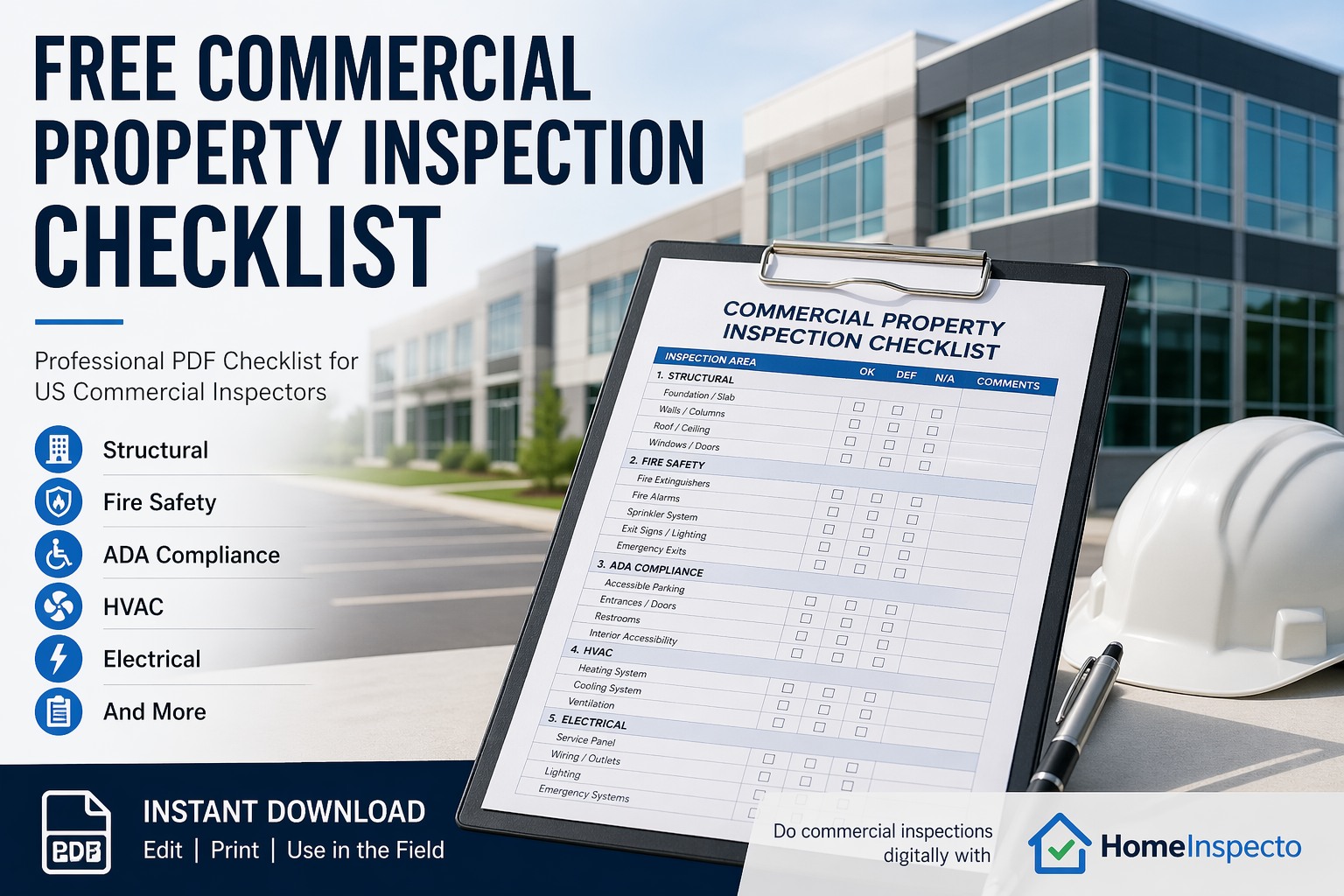
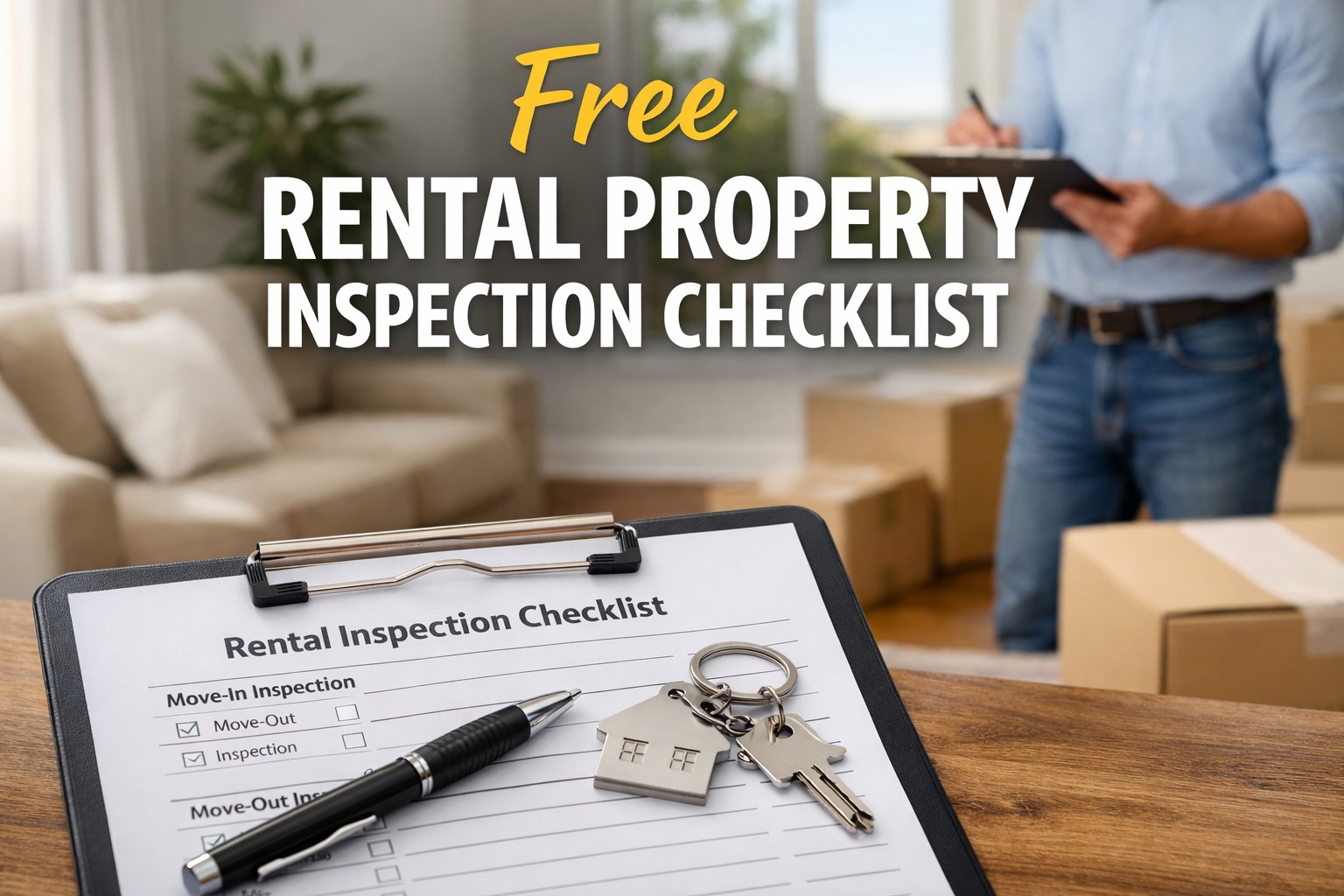
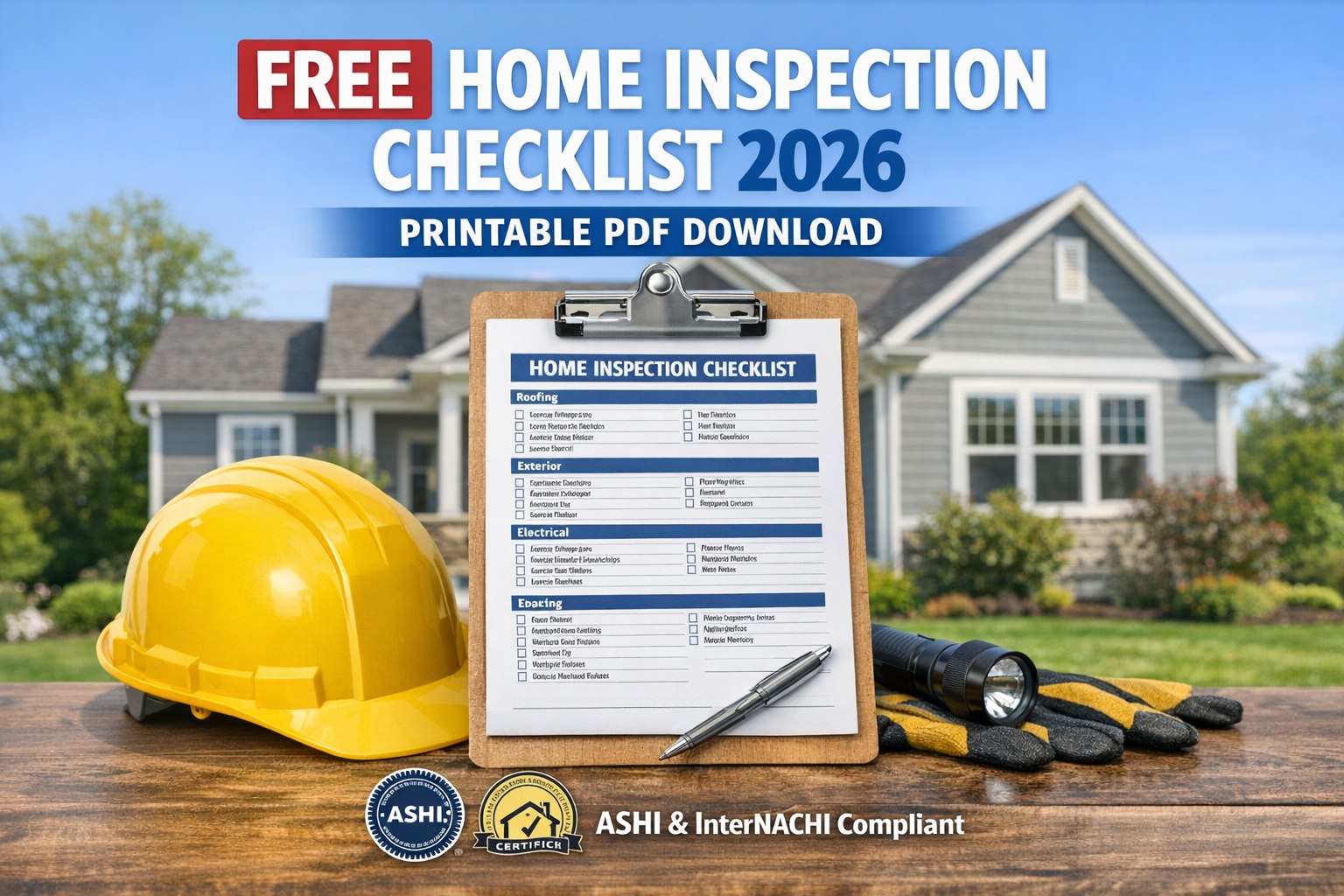
The checklist itself covers the same rooms and items either way. What changes is what happens to the information after you write it down.
Printed Checklist
- Print it, find a clipboard, remember a pen
- Photos live separately on your phone, unlinked to any item
- Findings are handwritten shorthand you'll have to decode later
- Typing it into a report is a second, separate task
- One copy — lost or coffee-stained means starting over
Digital Checklist
- Opens on the phone already in your pocket
- Photos attach directly to the item you're standing in front of
- Findings are tap-selected from a pre-written list — no shorthand
- The report is built automatically as you go
- Saved the moment you tap it — nothing to lose
What You Get, Step by Step
01
Pick your property type
Choose a pre-built checklist for a house, apartment, rental, or commercial space — each with rooms and items already mapped out.
02
Walk the property
Move room to room, following the guided list on your phone — nothing to remember, nothing to print ahead of time.
03
Tap findings, snap photos
Select a pre-written condition note for each item and attach a photo directly — both are saved to that exact item instantly.
04
Generate the report
When you finish the last room, tap "Generate" — a branded PDF report is ready in seconds, no typing required.
Stop transcribing paper notes into a report by hand. Run the whole walkthrough on your phone and let the report build itself.
Frequently Asked Questions
Is the checklist actually free to use?
Yes. You can run a full guided walkthrough — room-by-room checklist, findings, and photo capture — at no cost. Report generation and branding are part of a free trial you can start any time.
Do I need to download anything or print a checklist first?
No printing, no PDF to download ahead of time. The checklist runs directly on your phone through the app — you open it and start walking the property immediately.
What happens to the photos I take?
Each photo is attached to the specific item you're checking — not saved loose in your camera roll. When the report generates, photos appear next to the finding they document, timestamped automatically.
Can I customize the checklist for my property?
Yes. You can add, remove, or edit rooms and items to match your specific property before you start walking. Book a demo or start a free trial.
Your Next Walkthrough Doesn't Need a Clipboard
Open the checklist on your phone, walk the property, and leave with a finished report instead of a stack of notes.