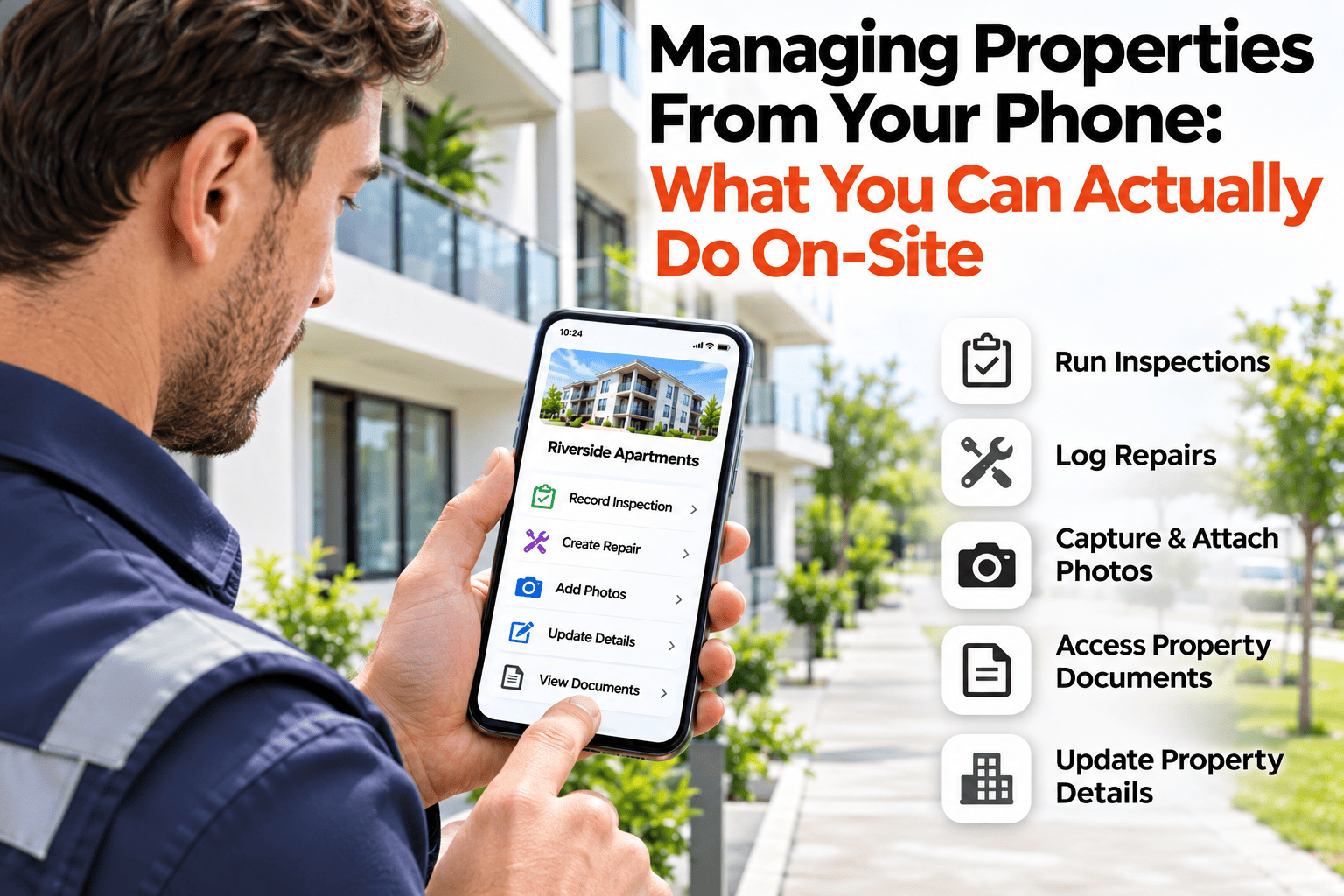
There was a time when property management happened at a desk. You went to the property, took notes, came back and typed them in. Then you booked the next visit and raised the repair, all from memory. The work was done twice, and the second time was always a little less accurate. With a phone in your hand, the same tasks can be done where you are standing, while the details are in front of you. This guide covers what you can actually do on site: inspect, raise a repair, book the next visit and correct the property record. If you want to try the on-site workflow, book a demo.
Mobile Property Management
Manage Properties From Your Phone: What You Can Do On Site.
Inspect, raise a repair, book the next visit and correct the record, all where you stand.
A Visit, Start to Finish
1
Arrive and open the property
Its history, open repairs and last inspection are in your hand.
2
Inspect with the checklist
Work through the items, adding photos as you find things.
3
Raise the repair on the spot
Turn a finding into a job, with the photo already attached.
4
Book the next visit
Set the follow-up before you leave, while you know what is needed.
5
Correct the property record
Change status or details the moment you notice they are out of date.
Illustrative flow of a single visit. Your own routine may differ.
What Moves From the Desk to the Doorstep
Inspections
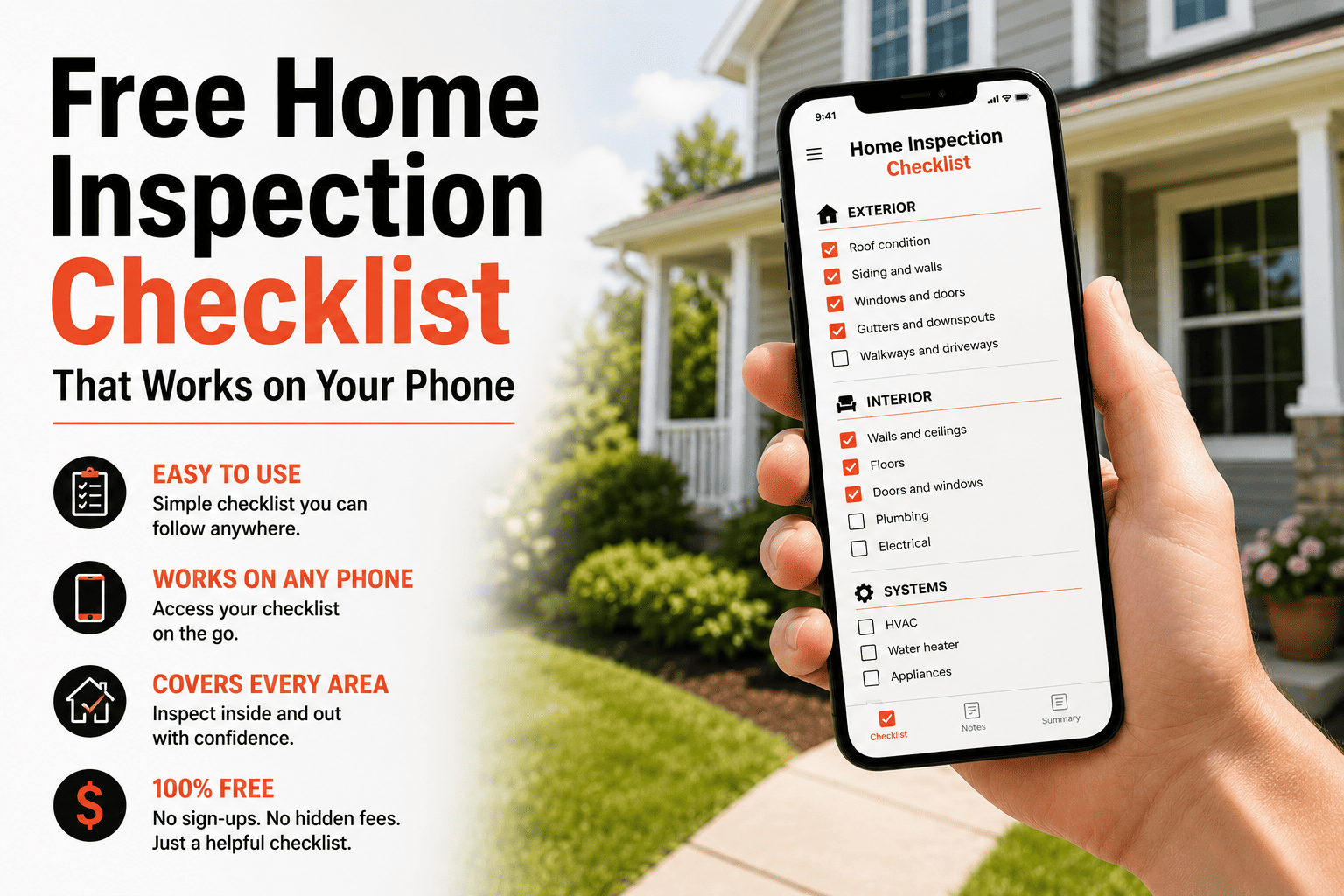
Work through a checklist on the spot, instead of writing notes to type up later.
Photos
Take them as you find things and attach them to the finding right there.
Repairs
Raise a job while the problem is in front of you, with the photo and the property already attached.
Records
Correct details and status the moment you see they are wrong.
Why On-Site Beats Back-at-the-Desk
Details fade fast. By the time you are back at a desk, you have forgotten which room the stain was in or how far the crack ran. Doing the work on site means the record is written when the facts are fresh and the photo is the one you just took. It also removes the second pass of typing up, which is the step most likely to be skipped when you are busy.
Getting the Most From It
Check signal before you rely on it
Some buildings have poor coverage, so know how the app behaves if you are offline.
Charge and carry
A phone that dies mid-inspection is the main on-site risk, so carry a charger.
Use the checklist, not memory
The checklist is what keeps a quick visit consistent from one property to the next.
Share the result straight away
A tenant or owner can be told what you found and what happens next before you have left.
Do the Work Where You Stand
HomeInspecto lets you inspect, raise repairs and book visits from your phone.
Frequently Asked Questions
Does it work on both iPhone and Android?
Check the current app availability for your device when you book a demo, as supported platforms can change.
What if there is no signal at the property?
Whether you can work offline depends on the app. Ask about offline behavior in a demo if your properties have patchy coverage.
Can I take photos directly into an inspection?
Yes, photos can be taken as you go and attached to the item or finding they relate to.
Can someone else do the on-site work for me?
Yes, a colleague or technician can carry out the visit and log the results, so the record is the same either way.
Bring the Desk to the Doorstep
Do it on site, while the details are fresh.