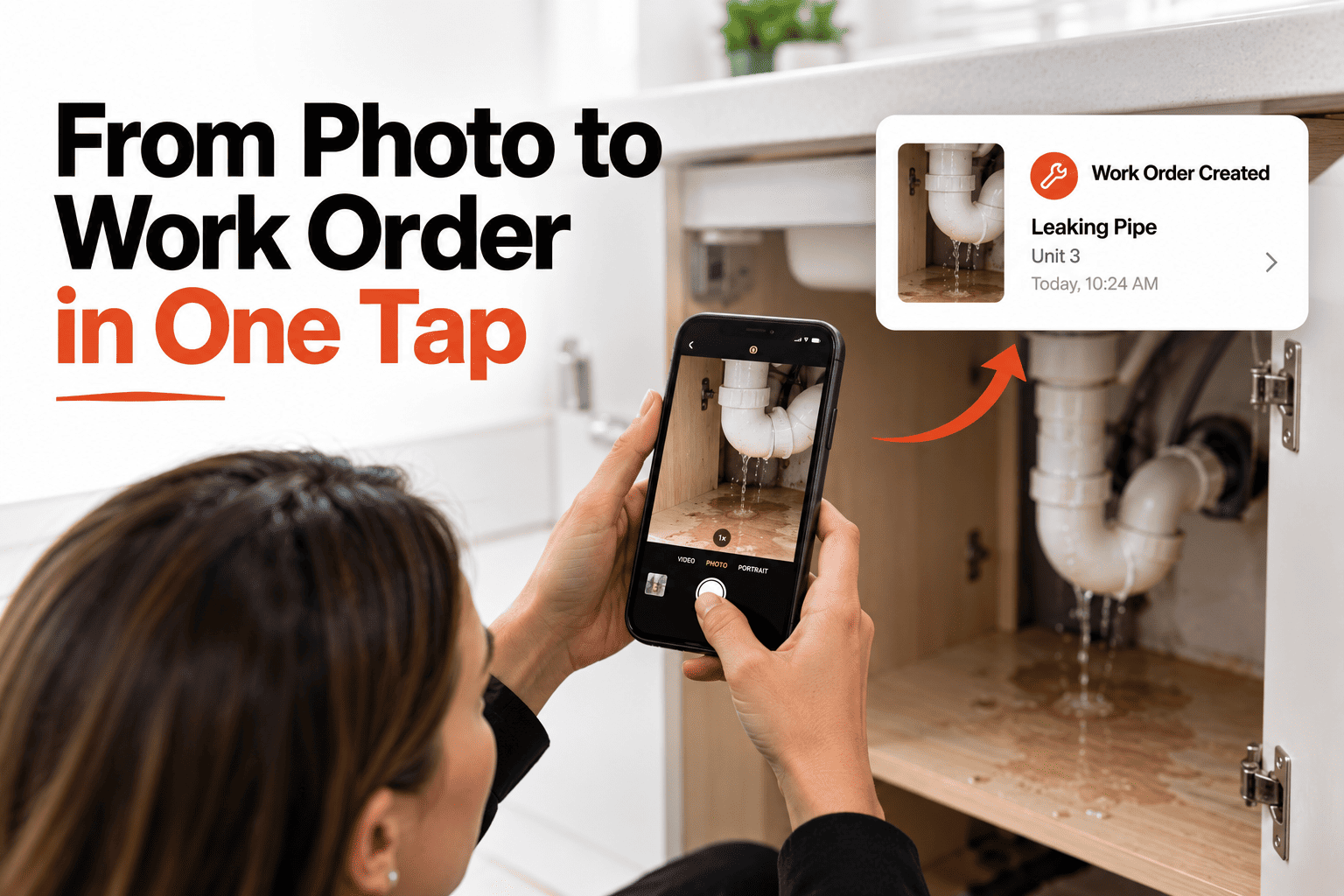
You're standing in front of the problem right now — a cracked tile, a loose railing, a stain spreading across the ceiling. The old workflow means remembering it, writing it down later, or texting yourself a photo that gets buried in your camera roll by dinner. None of that turns into a job that actually gets fixed. The better version is simpler: photograph it on the spot and the service order is already raised, with the photo, the property and the finding all attached to the same record from the first second. This guide covers how a one-tap photo-to-work-order flow keeps field findings from ever getting lost between the walkthrough and the fix. If you want to raise work orders straight from your phone, book a demo.
Field Capture
See It, Photograph It, It's Already a Work Order.
No notebook, no "I'll log it later." The finding, the photo and the job stay linked from the moment you take the picture.
From Camera to Work Order in Three Taps
1
📷 Snap the photo
Point your phone at the issue — a crack, a leak, a broken fixture — and capture it right where you're standing.
2
🏷️ Confirm the property
The property and unit are already detected or selected — no retyping an address you just walked into.
3
✅ Order is raised
The photo, the property and a short note become one linked service order, ready for the next person to act on.
📷 Photo attached
Property
Cedar Ave Rental — Unit 2
Finding
Ceiling stain, upstairs bathroom
Captured
On site, just now
Why the Photo Has to Be Attached, Not Just Taken
A photo sitting alone in your camera roll answers nothing by itself — nobody looking at it later knows which property it's from or whether it's already being handled. Attaching it directly to the service order at the moment of capture means the image, the location and the status travel together for the life of the job, from the first sighting to the final fix.
What Gets Missed Without On-the-Spot Capture
The detail fades by the time you write it down
"Something was wrong with a faucet in one of the units" isn't specific enough for anyone to act on.
The photo exists, but nobody can find it
A picture buried in a camera roll with no property tag might as well not exist for maintenance purposes.
Small issues never make it into any system
Minor findings that would take one photo to log get mentally deprioritized and simply forgotten.
Raise the Order Before You Leave the Room
HomeInspecto turns a photo into a linked, trackable service order in one tap.
Frequently Asked Questions
Can I add more than one photo to the same finding?
Yes — additional photos can be attached to the same service order, useful for capturing an issue from multiple angles or documenting its extent.
Does this work if I'm not connected to the internet at the property?
The photo and finding can be captured offline and sync automatically once a connection is available, so a weak signal at a property doesn't lose the record.
Who sees the work order after I raise it?
Anyone with access to that property — an owner, a manager, or an assigned contractor — sees the new order immediately with the photo attached.
Can I edit the finding description after raising it?
Yes, the description can be refined afterward, though the original photo and timestamp stay attached as the record of what was actually seen.
Stop Losing Findings Between the Walkthrough and the Fix
Photograph it, and the work order is already raised — property, finding and photo linked together.