Every task in property work starts the same way: typing an address. The inspection, the appointment, the repair request, the report to the owner. Each one needs the same street, the same unit, the same details, entered again. It looks like a small cost, a few seconds each time, but it adds up across a week, and it brings its own errors. Unit 4B becomes 4-B in one place and 4b in another, and suddenly the same property looks like three. The fix is to enter the property once, as a saved record, and let everything else point to it. This guide covers how reusing one property record removes the re-typing and the mismatches that come with it. If you want to enter each property only once, book a demo.
Save Once, Reuse Everywhere
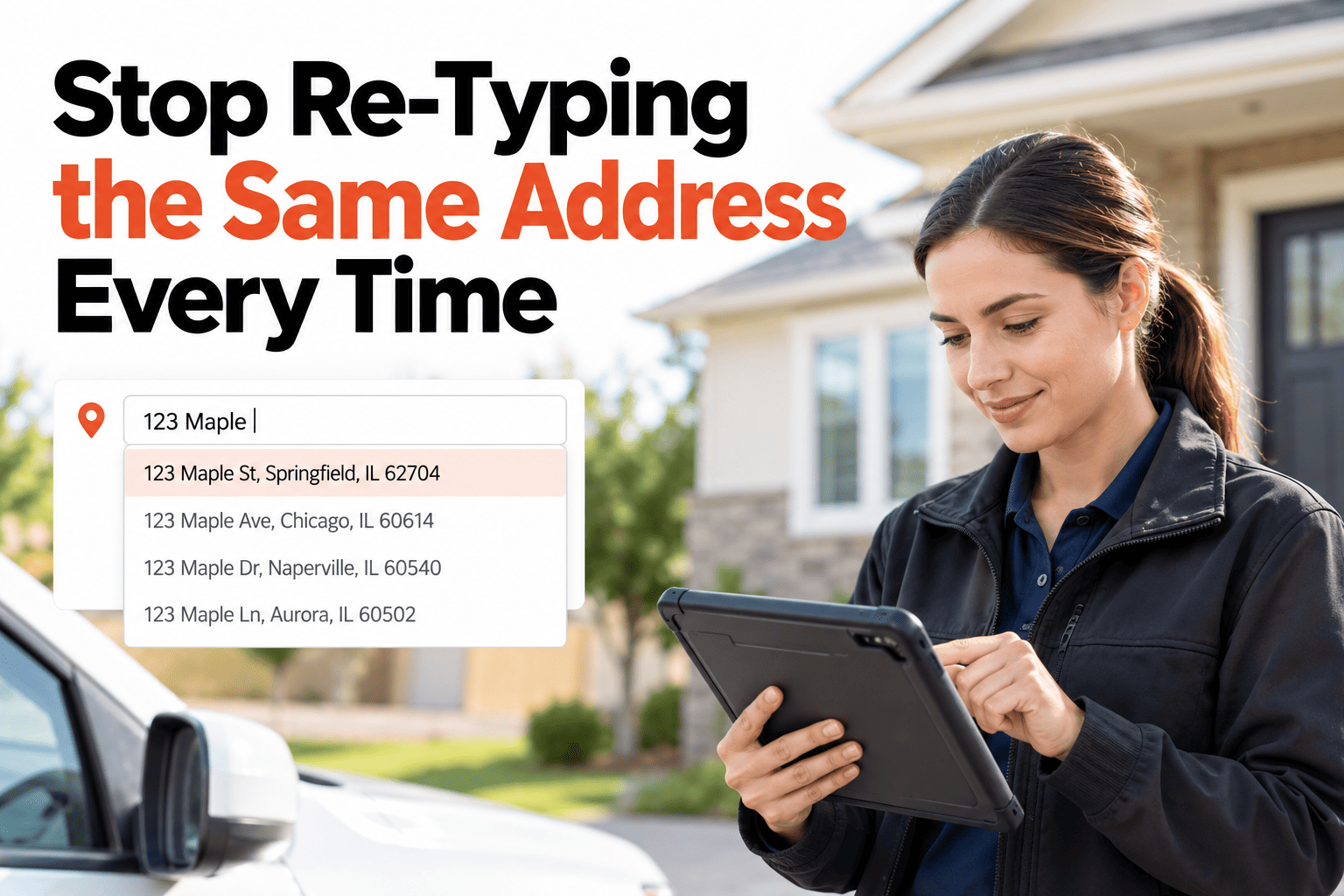
Stop Re-Typing the Same Address Every Time.
Save the property once and reuse it across every inspection, appointment and repair, with no re-typing.
One Record, Four Places It Appears
Inspection
Address filled in
Appointment
Address filled in
Saved property
14 Cedar Avenue, Unit 2
Repair request
Address filled in
Owner report
Address filled in
Sample property shown for illustration only.
What Re-Typing Really Costs
Time, repeated
A few seconds per entry doesn't sound like much until it happens on every job, every day.
Spelling that drifts
"Cedar Ave", "Cedar Avenue" and "Cedar Av." look like three properties to anything searching by address.
Records that don't connect
When the same property is typed differently each time, its inspections and repairs can't be found together.
Pick It, Don't Type It
With a saved property, starting any task becomes a choice from a list instead of a typing exercise. The details come with it: the right address, the unit, and the owner or tenant contact if you've saved them. Because every task points to the same record, everything that happens at that property gathers in one place without extra effort.
Where a Saved Property Pays Off Most
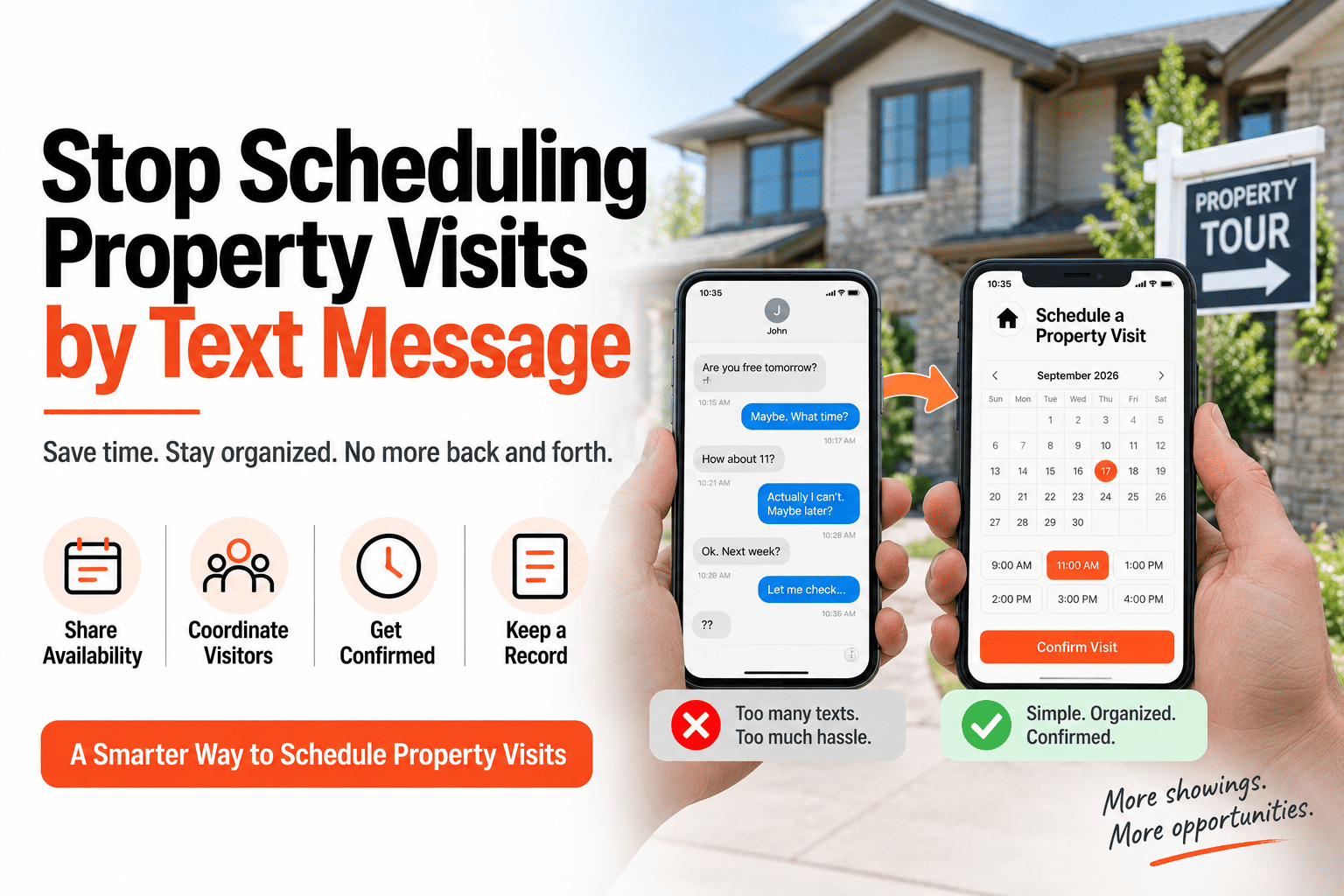
Scheduling visits
Pick the property and the address, access notes and contact details come with it, so the appointment is ready in seconds.
Raising a repair on site
Choose the property from a list while you are standing in the hallway, instead of typing an address on a small screen.
Sending reports to owners
The address on every report is identical and correct, so an owner never sees a typo or a half-written unit number.
Setting Up Your Property Library Once
You don't need to enter everything on day one. Start with the properties you visit most and add the rest as they come up. The only habit worth building is consistency: save each property in the same format every time, with the street, then the unit, so that every list and search behaves predictably.
Enter It Once, Use It Everywhere
HomeInspecto saves each property once and reuses it across inspections, visits and repairs.
Frequently Asked Questions
What if I need to correct an address after saving it?
You can edit the saved property once, and the correction carries through to everything linked to it, so you don't have to fix each record separately.
Can one building hold several units?
Yes, a building can be saved with its individual units, so a task can be tied to the specific unit and still roll up to the building.
Can I add many properties at once instead of one by one?
Yes, if you already keep a list of properties, you can bring them in together rather than typing each one in.
Does a saved property also remember contacts and notes?
Yes, owner or tenant contacts and any standing notes can be saved on the property, so they appear whenever you use it.
Type It Once. Never Again.
One saved property, reused across every inspection, visit and repair.