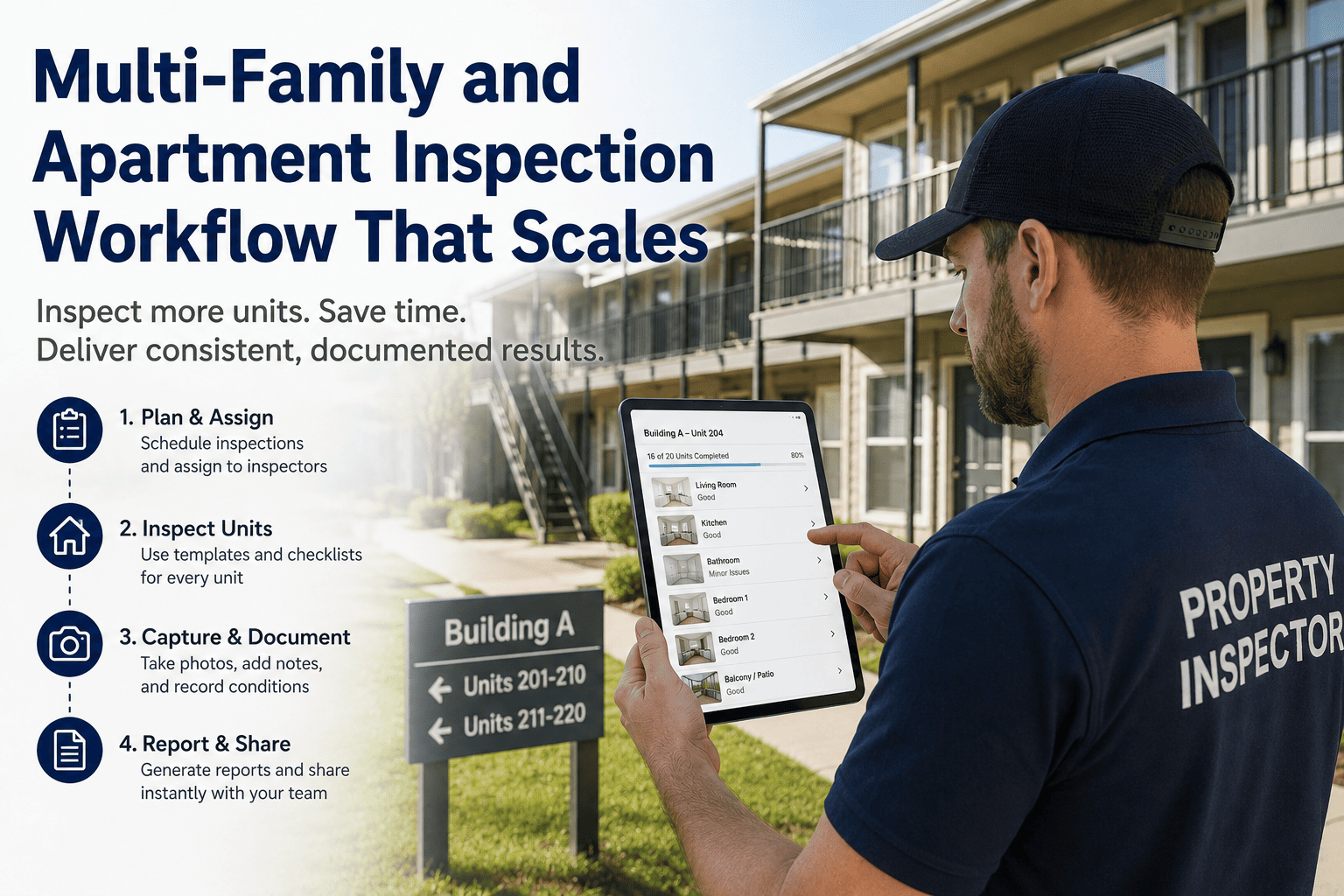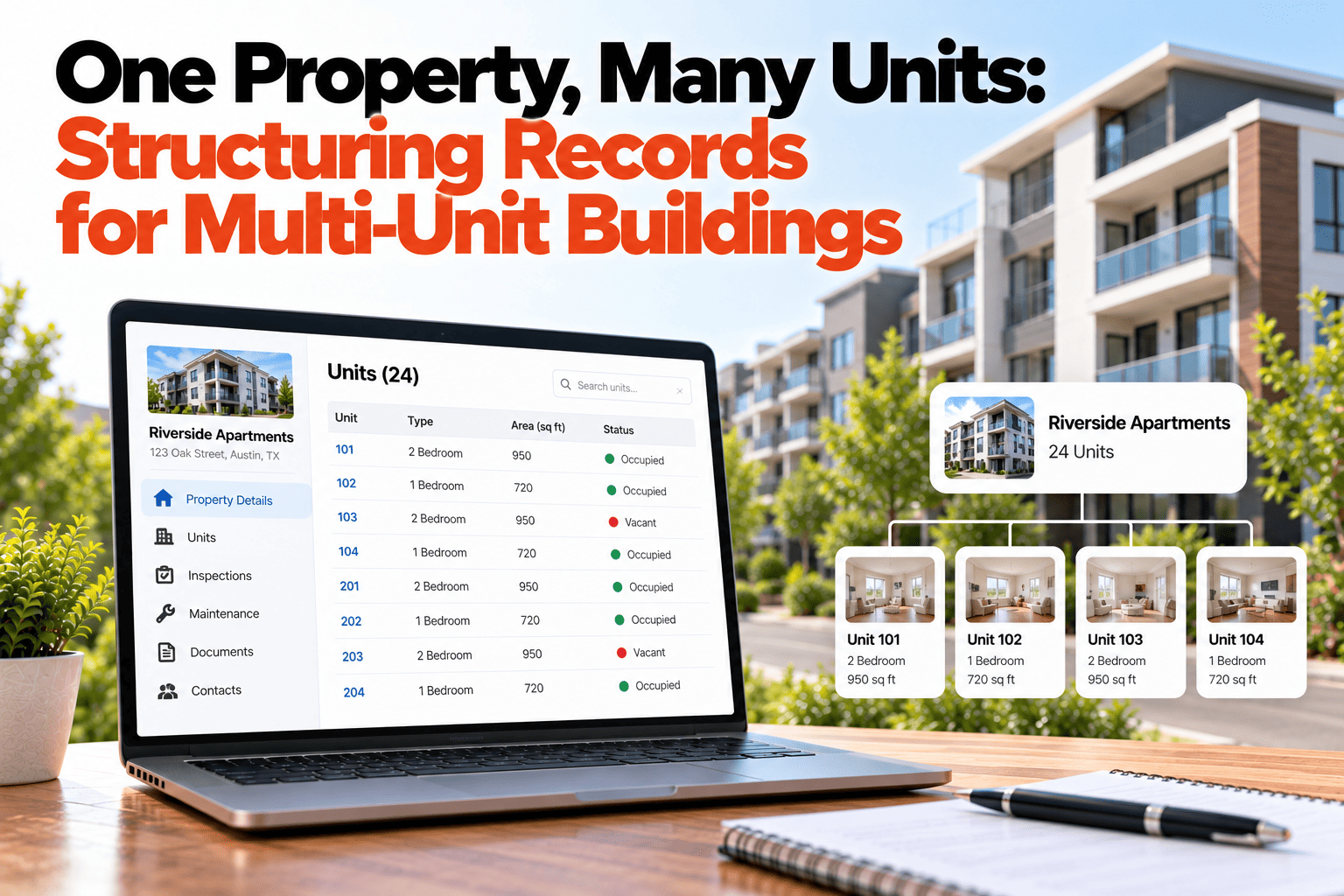
A twelve-unit building is one property and twelve records. That is where multi-unit record keeping goes wrong: everything gets filed against the building, so a leaking tap in Unit 4B sits in the same pile as a roof repair, and nobody can tell which belongs where. Or the opposite happens, and the building itself, with its roof, boiler and stairwells, has no record at all. This guide covers how to structure the hierarchy so building-level and unit-level data both stay clean. If you want records that follow the structure of your buildings, book a demo.
Multi-Unit Buildings
One Property, Many Units. Structure the Records to Match.
Keep building-level and unit-level data clean by giving each its own place in the hierarchy.
The Building and Its Units
Building record
Harbor View Apartments
Roof · Boiler · Stairwells · Lift · Entrance · Parking
Each unit belongs to the building
Unit 1A
Kitchen, bathroom, tenant, lease
Unit 1B
Kitchen, bathroom, tenant, lease
Unit 2A
Kitchen, bathroom, tenant, lease
Unit 2B
Kitchen, bathroom, tenant, lease
Sample building and units, for illustration only.
What Belongs at Each Level
Building level
Roof, structure, boiler, lift, stairwells, entrance and anything shared by every unit.
Unit level
Kitchen, bathroom, appliances, flooring, the tenant and the lease for that unit alone.
Shared costs
Costs for common areas belong to the building, then can be shared across units if needed.
Documents
Building warranties and certificates sit with the building, while a lease sits with its unit.
Why Mixing the Levels Causes Trouble
If a unit repair is filed against the building, you cannot see how much Unit 4B has cost over the years or whether the same fault keeps coming back. If a roof repair is filed against a unit, the building looks cleaner than it is, and the tenant's record looks worse. Keeping the levels apart means both questions have an answer: what is going on in this unit, and what is going on in the building as a whole.
Setting Up the Hierarchy
Set up the building first
Record its address, type, year built and shared systems before adding any unit.
Add each unit under it
Every unit gets its own record, linked to the building, with its own tenant and history.
Log work at the right level
Choose building or unit when raising a repair, so it lands where it belongs.
Roll up when you need totals
Building-level reports can total all units, while unit-level views stay separate.
Give Every Unit Its Own Record
HomeInspecto lets you structure buildings and units so each level stays clean.
Frequently Asked Questions
Can I see the total cost for a whole building?
Yes. Because units sit under the building, costs can be totaled at building level, while each unit's own costs stay visible.
What if a repair affects several units?
Log it at building level when it is shared, such as a roof or boiler, and note which units were affected.
Do I need to add every unit right away?
No. You can start with the building and add units as you work through them, though adding them early keeps the record tidy.
Can units have different checklists?
Yes. A unit can use a checklist suited to its type, separate from the building's common-area checks.
Keep Building and Unit Data Clean
Structure the hierarchy once, and every record lands in the right place.