Are your inspection reports generic and forgettable, looking identical to every other inspector's output? Frustrated by software that locks you into rigid templates with no flexibility for your branding or style? The inability to customize reports means you're delivering cookie-cutter documents that fail to reflect your professionalism, expertise, or unique value proposition—making it harder to stand out in competitive markets where clients evaluate multiple inspectors.
HomeInspecto provides extensive report customization capabilities that let you create distinctive, branded inspection reports reflecting your business identity and professional standards. From custom logos and headers to flexible templates and personalized report structures, HomeInspecto enables you to deliver reports that look uniquely yours while maintaining comprehensive coverage and professional presentation that impresses clients and generates referrals.
Customizable report elements and fields
Branding control - logos, colors, headers
Custom templates for different property types
Time to apply custom branding to reports
Keep reading to discover how HomeInspecto's customization features help you create distinctive, professional reports that showcase your brand. Learn the specific customization options available, how to implement your branding effectively, and why customized reports generate more referrals and client satisfaction than generic, template-locked alternatives.
What Report Customization Options Are Available?
HomeInspecto's report customization encompasses multiple dimensions that enable comprehensive personalization. You can customize visual branding elements—company logo, business colors, header and footer styling, and contact information presentation. You can modify content structure—section organization, checklist items, observation categories, and summary formats. You can personalize language and tone—default descriptions, recommendation phrasing, and terminology preferences.
Additional customization includes photo presentation—layout styles, caption formats, and image organization, template variations for different property types—residential, commercial, condos, multi-family properties, report format options—PDF styling, page breaks, font choices, and signature and certification sections—professional credentials, disclaimers, and warranty information. This comprehensive customization ensures your reports reflect both your business identity and your preferred inspection methodology.
Visual Branding Customization
The most immediately visible customization is visual branding. HomeInspecto allows you to upload your business logo, which appears prominently on report cover pages and headers. You can customize header and footer content, including business name, contact information, website, and professional credentials. Color scheme customization lets you select accent colors that match your brand identity, applied to headers, section dividers, and emphasis elements.
These visual branding elements create immediate recognition. When clients receive your reports, they instantly identify them as coming from your business rather than generic software output. This professional presentation reinforces your brand identity and makes your reports memorable. Many inspectors report that distinctive, well-branded reports generate more referrals because they look more professional and authoritative than plain, unbranded alternatives.
Content Structure and Template Customization
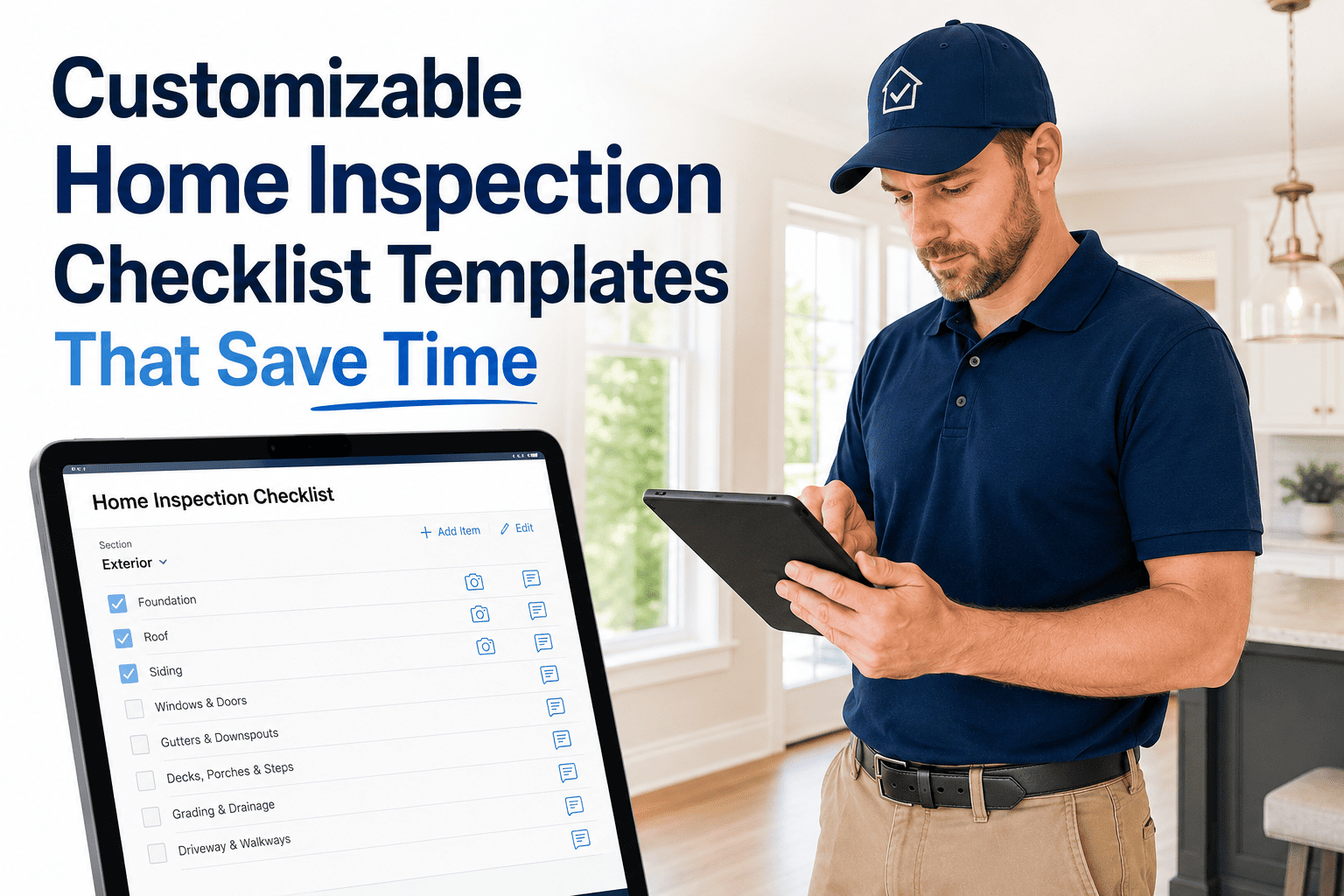
Beyond visual branding, HomeInspecto enables deep content customization. You can modify the standard inspection template to match your preferred workflow and coverage approach. Add or remove inspection categories based on your service scope. Customize checklist items within each category to reflect your thorough inspection methodology. Modify default descriptions and recommendations to match your communication style and professional standards.
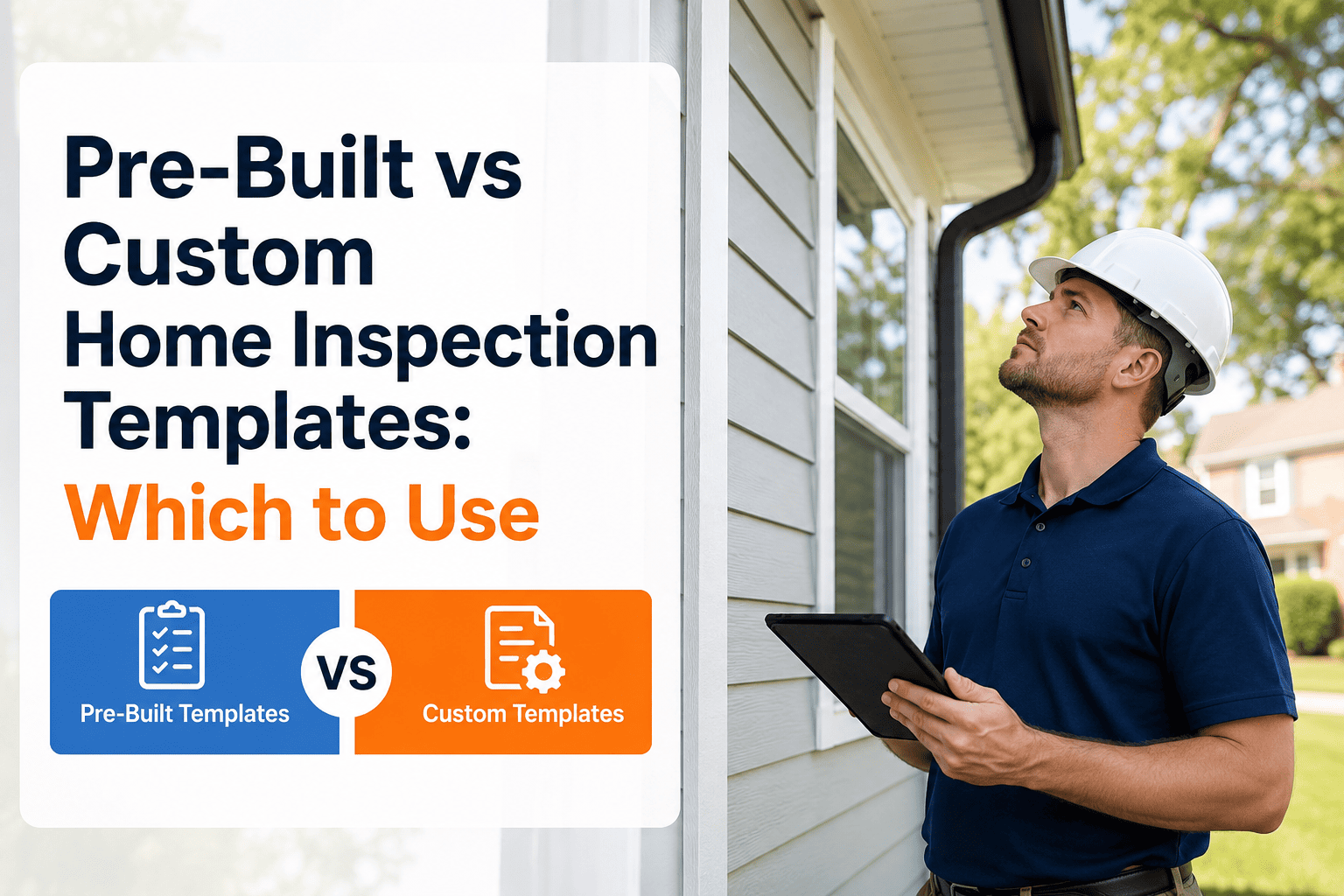
Template customization is particularly valuable for inspectors serving diverse property types. Create specialized templates for single-family homes, condominiums, commercial properties, new construction, pre-listing inspections, and specialized services like pool inspections or thermal imaging. Each template can have different section structures, checklist items, and emphasis areas appropriate for that property type. This flexibility ensures comprehensive, relevant coverage without forcing inappropriate standardization across different inspection scenarios.
Language and Tone Personalization
HomeInspecto's customization extends to language and communication style throughout reports. You can customize default observation descriptions to match your preferred terminology and tone—technical versus accessible, detailed versus concise, cautious versus direct. Recommendation phrasing can reflect your approach—suggesting specific contractors, providing repair timeframes, offering priority guidance, or maintaining neutral recommendations that respect client decision-making autonomy.
This language customization ensures reports sound like you rather than generic software output. Clients who have worked with you previously or who have researched your business recognize your voice in report descriptions. Real estate agents who refer clients regularly can identify your reports by communication style. This consistency between your verbal explanations during inspections and written report content creates coherent, professional presentation that builds trust and credibility.
Create Your Custom-Branded Reports
Experience the professional impact of customized reports. Start your free trial and see how easy it is to brand your reports.
Start Free Trial Contact SupportWhy Report Customization Matters
Understanding why report customization is valuable rather than just cosmetic preference reveals its impact on business success, client satisfaction, and competitive differentiation.
Professional Brand Identity
Your inspection reports are often the most substantial deliverable clients receive from your service. A generic, unbranded report suggests you're using basic, commodity software and don't invest in professional presentation. A customized, well-branded report demonstrates attention to detail, professional standards, and business maturity that clients value and remember.
Brand consistency across all client touchpoints—website, business cards, vehicle signage, and inspection reports—creates cohesive professional identity. When your reports feature your logo, colors, and distinctive styling matching your other materials, clients perceive you as an established, professional business rather than a side operation using free generic tools. This perception affects how seriously they take your findings, how much they trust your recommendations, and how likely they are to refer you to friends and family. Start customizing your reports today to create this professional brand presence.
For small businesses and solo inspectors competing with larger, established firms, professional branding levels the playing field. When your reports look as polished and professional as those from 10-person firms, clients can't distinguish business size from output quality. You compete based on service quality and expertise rather than being dismissed due to unprofessional presentation.
Competitive Differentiation
In competitive markets where clients evaluate multiple inspectors before choosing, differentiation matters enormously. When several inspectors have similar credentials, similar pricing, and similar services, what breaks the tie? Often, it's professional presentation—including how reports look when clients see sample reports during evaluation.
Customized reports differentiate you from competitors using generic, unbranded templates. When real estate agents refer clients, they often show sample reports from different inspectors to help clients choose. Your distinctive, well-branded report stands out from plain alternatives. Clients remember "the inspector with the really professional-looking reports" more easily than they remember generic options. This memorability translates to more referrals and repeat business.
Customization also enables service differentiation beyond just branding. If you offer specialized inspections—thermal imaging, pool inspections, commercial properties—customized templates for these services demonstrate specialization and expertise that generic templates can't convey. Specialized reports position you as an expert rather than a generalist doing everything with one-size-fits-all approaches.
Client Communication and Satisfaction
Report customization enables more effective client communication by letting you organize and present information in ways that match your communication style and client needs. If you prefer emphasizing visual documentation, customize report layouts to feature larger photos with detailed captions. If you focus on summary prioritization, customize reports to highlight critical findings prominently at the beginning.
Language customization ensures reports communicate in terms clients understand. You can adjust technical terminology levels, provide more or less explanation for common issues, and structure recommendations to match how you verbally discussed findings during the inspection. This consistency between verbal and written communication reduces confusion and increases client confidence that they fully understand their property's condition.
Satisfied clients who receive clear, well-organized, professionally presented reports are more likely to provide positive reviews and referrals. The quality of your report often determines whether clients enthusiastically recommend you or simply acknowledge you did acceptable work. Customization that enhances clarity, professionalism, and communication effectiveness directly impacts client satisfaction and subsequent referral generation.
Key Benefits of Report Customization
The specific benefits HomeInspecto's customization provides create measurable advantages for your inspection business across multiple dimensions.
Professional Brand Presence
Custom logos, colors, and styling create distinctive reports that reinforce your business identity and professional standards. Clients remember your brand through consistent presentation.
Competitive Differentiation
Stand out from competitors using generic templates. Your customized reports demonstrate professionalism and attention to detail that influences client choice and referral decisions.
Flexibility for Diverse Services
Create specialized templates for different property types and service offerings. One template for residential homes, another for condos, another for commercial properties—each optimized appropriately.
Improved Client Communication
Customize report language, organization, and presentation to match your communication style. Consistent messaging between verbal inspection discussion and written reports enhances client understanding.
Time-Saving Templates
Once configured, custom templates save time on every inspection by providing pre-structured frameworks matching your methodology. No repetitive formatting or content adjustment needed.
Scalability for Growth
As you add team members, shared custom templates ensure consistent report quality and branding across all inspectors. Maintain brand standards regardless of who conducts the inspection.
Referral Generation Impact
One often-overlooked benefit of report customization is its impact on referral generation. Real estate agents who regularly refer inspectors pay attention to report quality because it reflects on their recommendations. When they refer clients to you and those clients receive professional, well-branded reports, agents feel confident their recommendation was good. This confidence leads to continued referrals.
Conversely, generic, unprofessional-looking reports may cause agents to question their referral choice. Even if your inspection quality is excellent, poor report presentation creates negative impressions that affect future referral likelihood. Many successful inspectors report that investing in report customization—creating distinctive, professional-looking output—directly increased agent referrals because agents wanted their clients to receive the best-looking reports in the market. Questions about how to impress referring agents? Contact our team for best practices on report customization for maximum impact.
Client referrals also benefit from customization. When homebuyers show your report to friends or family considering home purchases, a professional, branded report creates stronger impression than generic alternatives. "You should use my inspector—look how professional and thorough this report is" carries more weight when the report visually supports the recommendation through polished presentation.
Efficiency Through Template Standardization
While customization focuses on personalization and differentiation, it also creates efficiency through standardization. Once you've invested time creating custom templates that match your inspection methodology, brand standards, and communication preferences, every subsequent inspection benefits from this optimization. You're not reinventing report structure for each inspection but applying proven templates that work effectively.
This standardization particularly benefits inspectors with team members. Custom templates ensure all inspectors on your team produce consistent reports matching your brand standards and quality expectations. New team members can follow established templates, producing professional output from their first inspection without needing to develop their own reporting approaches. This consistency maintains brand identity and quality standards as you scale operations.
See Customization in Action
Experience how easy it is to create branded, customized reports. Start your free trial and apply your logo in minutes.
Start Free Trial Contact SupportHow to Customize Reports in HomeInspecto
Understanding the practical steps for customizing reports helps you implement effective personalization quickly. HomeInspecto makes customization straightforward through intuitive interfaces accessible from both web and mobile apps.
Navigate to Account Settings > Branding. Upload your company logo (PNG or JPG format, recommended size 400x200 pixels). The logo will appear on all report cover pages and headers. Adjust placement and sizing using the preview tool to ensure it looks professional across different report formats. This takes 2-3 minutes and immediately brands all future reports.
In Settings > Report Layout, customize header and footer content. Add your business name, contact information, website URL, professional certifications, and license numbers. Choose header style—centered, left-aligned, or right-aligned. Configure footer to include page numbers, date generated, and any disclaimers or warranty information. Preview changes to ensure professional appearance.
Choose accent colors matching your brand identity—these apply to section headers, emphasis elements, and visual dividers throughout reports. HomeInspecto provides color picker tools or allows entering specific hex codes if you have established brand colors. Select font styles and sizes for different report elements. Preview the complete styling to ensure consistency and readability.
Navigate to Templates > Edit Templates. Choose a base template (residential, condo, commercial) then customize section structure, checklist items, and default descriptions. Add or remove inspection categories based on your service scope. Modify observation descriptions to match your terminology and communication style. Create multiple template variations for different property types you inspect regularly. Save templates with descriptive names for easy selection during inspections.
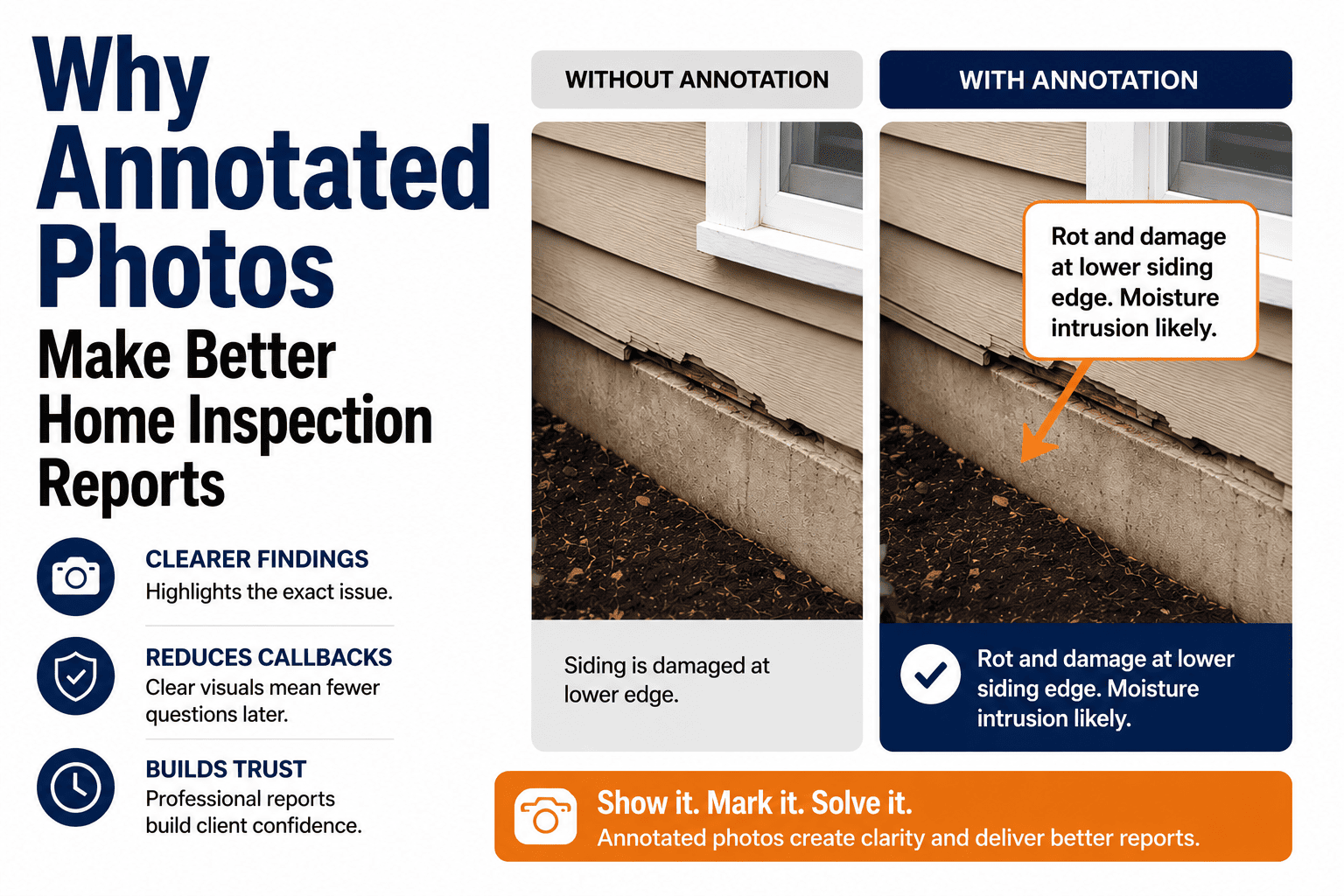
In Settings > Photo Options, select photo layout preferences—how many photos per page, caption styles, photo sizes, and organization methods. Choose whether to group photos by system/area or integrate them with text descriptions. Configure caption formats—include location, date/time stamp, inspector comments. These settings apply consistently across all reports while allowing per-inspection adjustments when needed.
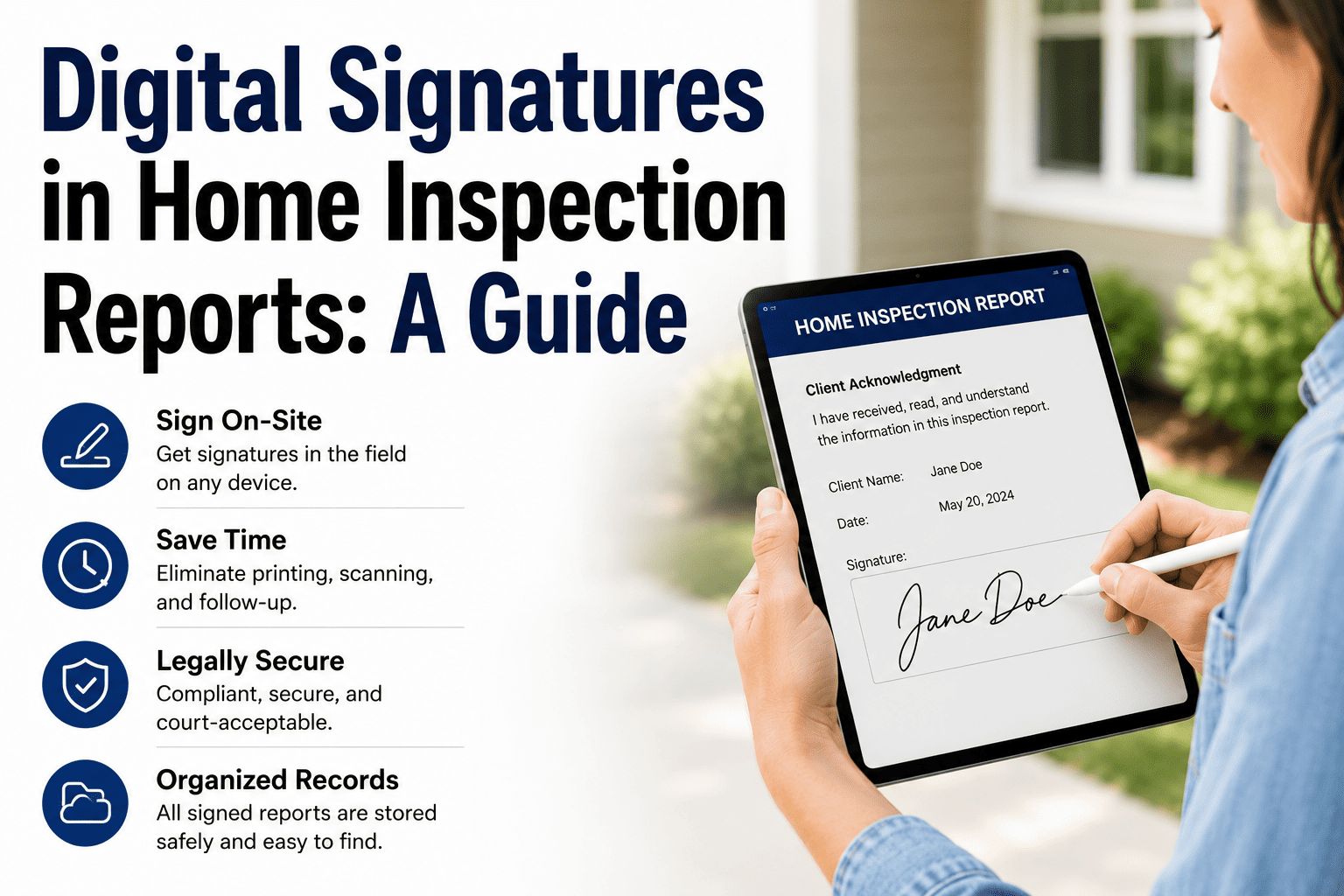
Include professional disclaimers, limitation of liability statements, warranty information, and certification details in Settings > Legal Content. This information appears automatically in report appendices. Customize language to match your business policies and legal requirements. Consult with attorney to ensure disclaimers provide appropriate protection for your jurisdiction and service model.
Generate sample reports using your custom settings to preview how everything looks in actual output. Review PDF formatting, check logo appearance, verify color scheme readability, and ensure all content displays as intended. Make refinements based on test results. Show sample reports to colleagues or trusted clients for feedback before using with actual customers.
Best Practices for Effective Customization
To maximize the effectiveness of your report customization, follow these best practices. First, maintain professional presentation standards—avoid overly decorative elements, excessive colors, or busy layouts that distract from content. Simple, clean customization looks more professional than cluttered, over-designed reports. Second, ensure readability—choose fonts and colors that are easy to read in both digital and printed formats. Some clients print reports, so test how your customization looks on paper, not just screens.
Third, stay consistent with your broader brand identity—if your website, business cards, and marketing materials use specific colors and styling, match those in reports for cohesive brand presentation. Fourth, customize thoughtfully rather than changing everything—focus customization on elements that genuinely improve communication and professionalism rather than changing things just to be different. Fifth, invest time initially to get customization right, then use those templates consistently across many inspections rather than constantly tweaking. The ROI comes from repeated use of well-designed templates, not from constant modification. Need help with customization? Contact our support team for guidance on optimal report design.
Ongoing Template Management
Report customization isn't one-time setup but ongoing refinement. As you gain experience and receive client feedback, you'll identify opportunities to improve templates—adding clarity to certain descriptions, reorganizing sections for better flow, or adjusting photo layouts for improved visual communication. HomeInspecto makes template updates easy—modify templates in settings, and changes apply to all future inspections using that template.
Maintain version control by saving major template changes with new names rather than overwriting existing templates until you're confident the changes improve effectiveness. This allows reverting if new approaches don't work as expected. For inspectors with team members, communicate template changes clearly and ensure everyone understands how updated templates differ from previous versions to maintain consistency across all inspectors.
Start Customizing Your Reports Today
Don't settle for generic reports. Create distinctive, branded output that showcases your professionalism and expertise.
Start Free Trial Contact SupportSuccess Story: Inspector Transforms Reports with Branding
The practical impact of report customization becomes clear through Rachel Thompson's experience transforming her inspection business through professional report branding.
The Starting Point: Generic Reports
Rachel Thompson had been conducting home inspections for three years when she realized her reports were indistinguishable from competitors'. "I was using HomeInspecto's default templates with no customization—no logo, generic headers, basic formatting. The reports were comprehensive and accurate, but they looked like everyone else's reports. Nothing about them said 'Thompson Home Inspections' or reflected my brand."
The generic appearance created problems. Real estate agents who referred clients to Rachel sometimes confused her reports with those from other inspectors using similar software. Clients appreciated her thorough inspections but the reports didn't create strong visual impressions that generated enthusiastic referrals. Rachel felt her professional output didn't match the quality and care she put into actual inspections. "I was doing excellent inspection work, but my reports looked mediocre and generic. That bothered me."
The Transformation: Implementing Custom Branding
Rachel decided to invest time in comprehensive report customization. She hired a graphic designer to create a professional logo featuring a house silhouette and her business name in clean, modern typography. She uploaded the logo to HomeInspecto and configured custom headers featuring her business name, certifications, and contact information. She selected brand colors—professional blue and gray tones—applied throughout report styling.
She customized templates to match her inspection methodology, adding specialized sections for energy efficiency observations she emphasized during inspections. She modified default descriptions to match her communication style—technically accurate but accessible to non-expert homebuyers. She created separate templates for single-family homes, condominiums, and the townhouse properties common in her market, each optimized for those property types. Want to see how easy customization is? Try it during your free trial and upload your logo in minutes.
"The customization took about 3 hours total—creating the logo, uploading it, configuring settings, customizing templates. But that was one-time investment. Every inspection since then has automatically used my custom branded templates without additional effort."
The Results: Measurable Business Impact
The impact of Rachel's report customization was immediate and significant. Real estate agents who regularly referred clients started commenting on her report quality. "Your reports look so much more professional than other inspectors' reports," one agent told her. "My clients are always impressed." Agent referrals increased 30% within four months of implementing custom branding.
Client feedback became more enthusiastic. Review mentions of "professional reports," "detailed documentation," and "thorough presentation" increased notably. Several clients specifically mentioned the report quality when leaving five-star reviews. Rachel's Google review rating improved from 4.6 to 4.9 stars, with report quality cited frequently as a positive factor.
Referral generation improved measurably. Before customization, approximately 15% of clients provided referrals to friends or family. After implementing professional branding, that rate increased to 28%. "When clients show my reports to friends considering home purchases, the professional appearance creates strong impressions. People say 'your inspector's reports look amazing—I want to use them too.' The report quality becomes a selling point for my services."
Rachel's business metrics reflected the change. Monthly inspection volume grew from 18-20 inspections to 25-28 inspections without increasing marketing budget. Revenue increased 35% primarily through organic referrals. Average review rating improved. Agent relationships strengthened as her professional output made their referrals look good.
"Report customization was the highest-ROI investment I've made in my business," Rachel reflects. "Three hours of setup work has generated thousands of dollars in additional business through better referrals and client satisfaction. The professional branding makes my reports memorable and positions me as a premium service provider rather than a commodity inspector. Every inspector should invest this time—it's transformative for business success."
What Inspectors Say About Customization:
- "Game-Changing Differentiation": "Custom branding transformed how clients perceive my business. I went from generic inspector to professional service provider just by adding my logo and custom styling." - Mark S., Home Inspector
- "Easy Implementation": "I thought customization would be complex and time-consuming. Took me maybe 30 minutes to upload logo and configure settings. Now every report automatically features my branding." - Jennifer L., Licensed Inspector
- "Referral Generator": "Agents specifically mention my report quality when referring clients. The professional appearance makes their recommendations look good. Directly increases my referral volume." - David K., Inspection Professional
- "Worth the Investment": "Hired designer for $200 to create professional logo. Best $200 I've spent—that logo appears on hundreds of reports and generates constant referrals." - Sarah M., Solo Inspector
- "Client Impressions Matter": "Clients judge your professionalism by deliverable quality. Customized, branded reports demonstrate you're serious about your business and craft." - Robert P., Certified Inspector
- "Consistency Across Team": "Custom templates ensure all my inspectors produce consistent branded reports. Maintains quality standards and brand identity regardless of who conducts inspection." - Linda T., Business Owner
Conclusion: Customization Creates Competitive Advantage
Report customization with HomeInspecto provides significant competitive advantages through professional branding, differentiation from generic competitors, improved client communication, and enhanced referral generation. The ability to customize visual elements—logos, colors, headers, styling—creates distinctive reports that reinforce your business identity and professional standards. Content customization—templates, language, organization—enables reports that match your inspection methodology and communication preferences.
The benefits extend beyond just appearance. Custom-branded reports generate more referrals because they create stronger impressions on both clients and referring agents. Professional presentation demonstrates business maturity and attention to detail that influences how clients perceive your expertise and thoroughness. Differentiation from generic competitors positions you as a premium service provider rather than commodity inspector competing solely on price.
Implementation is straightforward and requires minimal time investment. Upload your logo, configure header/footer content, select brand colors, customize templates to match your methodology—the entire process takes just a few hours but delivers value across hundreds of future inspections. Once configured, custom templates save time on every inspection while maintaining consistent professional presentation.
Rachel Thompson's experience demonstrates the transformative potential—35% revenue growth, 30% increase in agent referrals, improved review ratings, and stronger brand recognition, all from investing three hours in report customization. These results aren't unique; thousands of inspectors have experienced similar business improvements through professional report branding that distinguishes their output from generic alternatives.
If you're delivering generic, unbranded reports, you're missing significant opportunity for differentiation, referral generation, and professional positioning. HomeInspecto's customization features make professional branding accessible regardless of technical expertise or design skills. Start your free trial today and spend 30-60 minutes customizing your reports. The investment pays dividends through every inspection you conduct, every referral you generate, and every client impressed by your professional presentation.
Create Professional, Branded Reports Today
Stop delivering generic reports. Customize your output to reflect your professionalism, expertise, and brand identity. Start your free trial now.
Start Free Trial Contact SupportFrequently Asked Questions
How long does it take to customize reports in HomeInspecto?
Basic customization—uploading your logo, configuring header/footer content, and selecting brand colors—takes approximately 15-30 minutes. More comprehensive customization—creating multiple specialized templates, customizing descriptions and language, configuring photo layouts—takes 2-3 hours for initial setup. However, this is one-time investment. Once configured, all future inspections automatically use your custom settings without additional work. Many inspectors start with basic branding (logo and colors) implemented in 30 minutes, then refine templates gradually over subsequent inspections as they identify specific improvements.
Do I need design skills to create professional-looking custom reports?
No design skills are required. HomeInspecto provides intuitive interfaces with preview tools that show exactly how customization changes affect report appearance. If you have a professional logo (which you can commission from affordable freelance designers for $100-200 or create using tools like Canva), simply upload it and HomeInspecto handles proper placement and sizing. Color selection uses simple picker tools, and template customization involves editing text rather than design work. Many inspectors without any design experience create highly professional custom reports using HomeInspecto's straightforward customization tools.
Can I create different templates for different property types?
Yes, HomeInspecto supports unlimited custom templates for different property types and inspection scenarios. Create specialized templates for single-family homes, condominiums, townhouses, commercial properties, new construction, pre-listing inspections, or any other inspection types you offer. Each template can have different section structures, checklist items, emphasis areas, and content organization appropriate for that property type. When starting an inspection, simply select the appropriate template. This flexibility ensures comprehensive, relevant coverage without forcing inappropriate standardization across diverse inspection scenarios.
Will my logo appear professionally on all report formats?
HomeInspecto automatically optimizes logo display across different report formats—PDF, web view, email delivery. Upload a high-resolution logo (recommended 400x200 pixels in PNG or JPG format) and the system handles proper scaling and placement for professional appearance. The preview tool shows exactly how your logo appears in actual reports before you finalize settings, allowing adjustments to ensure optimal presentation. Your logo maintains quality and positioning whether clients view reports on smartphones, tablets, computers, or printed copies.
Can I update my customization after initial setup?
Absolutely. HomeInspecto allows updating customization settings anytime through Settings > Branding and Settings > Templates. Change your logo if you rebrand, modify color schemes, update header/footer content, or refine templates based on experience and feedback. Changes apply to all future inspections while leaving existing completed reports unchanged. Many inspectors start with basic customization then gradually refine templates as they identify specific improvements that enhance communication or efficiency. The flexibility supports continuous improvement rather than requiring perfect setup from day one.
Does report customization work with team/multi-inspector accounts?
Yes, customization is particularly valuable for inspection teams. Custom templates and branding settings apply across all inspectors on your account, ensuring consistent report quality and brand identity regardless of who conducts inspections. This consistency maintains professional standards as you scale operations and prevents individual inspectors from creating reports with inconsistent styling or content structure. Team administrators can manage customization settings centrally while individual inspectors follow established templates, maintaining quality control without requiring each team member to configure their own settings.