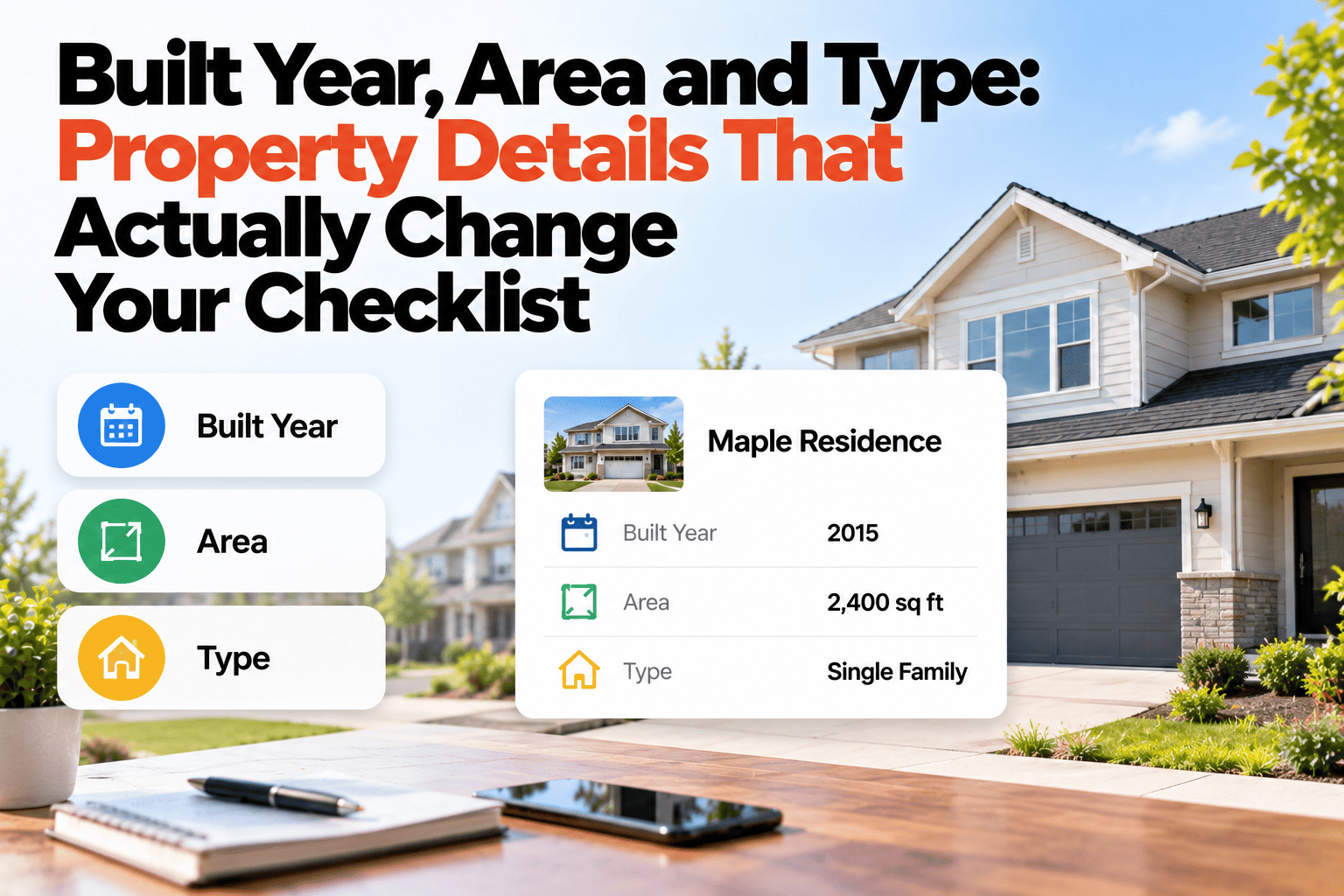
A 1920 bungalow and a 2020 townhouse are not the same inspection. One may have original wiring and old pipework; the other may have builder warranty items and shared walls. A single generic checklist misses things on both. That is why the details recorded when a property is added, its type, built year and area, are worth more than they look: they decide which checks make sense. This guide covers the property details that actually change your checklist, and how recording them once lets the right checklist load automatically. If you want checklists that adapt to each property, book a demo.
Property Details
Built Year, Area and Type Change What You Should Check.
Record property type, built year and area so the right checklist loads automatically.
Same Inspection, Two Different Properties
1920 · Bungalow · Older area
Checklist loads with
Wiring and electrical panel age
Plumbing material and old pipework
Foundation and floor movement
Insulation and draught points
2020 · Townhouse · New development
Checklist loads with
Warranty items and builder defects
Shared walls and common areas
Smart-home and ventilation systems
Settlement cracks in first years
Sample checklist items, for illustration only. Your own checklists decide what loads.
The Details That Matter Most
Property type
House, duplex, townhouse or apartment each has different shared elements and different things that wear.
Year built
Age points to the materials and systems likely to be in place, and to what is nearing the end of its life.
Area or location
Climate, flood exposure and local conditions change what to look for, such as damp, frost or heat.
Size and layout
Number of floors, units and rooms decides how long an inspection takes and what needs covering.
One Checklist for Everything Misses Things
A generic checklist is a reasonable starting point, but it treats an old property and a new one as equal. An older building may need closer attention to wiring or pipework, while a recent build may need a check against warranty items. When type, age and area are on the record, a checklist built for that kind of property can be chosen automatically, instead of relying on an inspector to remember the differences.
Making Details Work for You
Record them at onboarding
These are the fields that cost seconds to enter on day one and are tedious to chase later.
Build checklists per property type
Keep a checklist for each type you manage, then match it to the property when you add it.
Use age to set the rhythm
Older properties may warrant more frequent checks of the systems most likely to fail.
Review when details change
A renovation or extension can change what applies, so keep the record current.
Let the Right Checklist Load Itself
HomeInspecto uses type, age and area to match each property with a suitable checklist.
Frequently Asked Questions
Do I have to build a separate checklist for each property?
No. You can keep a checklist per property type and apply it to every property of that type.
What if I do not know the exact year built?
Record your best estimate and mark it as one. An approximate age is more useful than a blank field.
Can I change the checklist for one unusual property?
Yes, a checklist can be adjusted for a specific property when it differs from the standard for its type.
Do these details appear anywhere else?
They stay on the property record, where they help with search, grouping and reports as well as with inspections.
Inspect the Property You Actually Have
Record the details once, and let them shape every inspection.