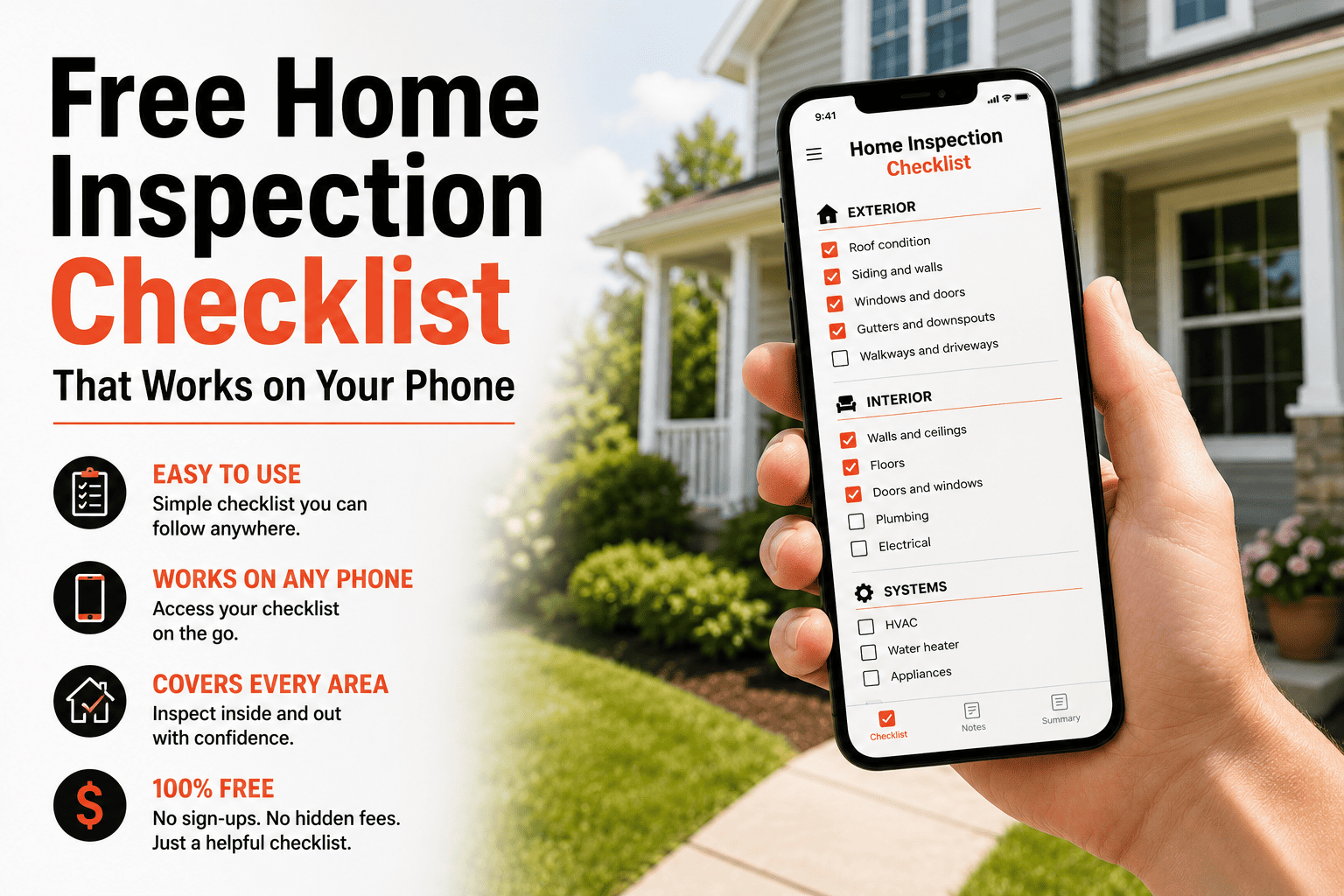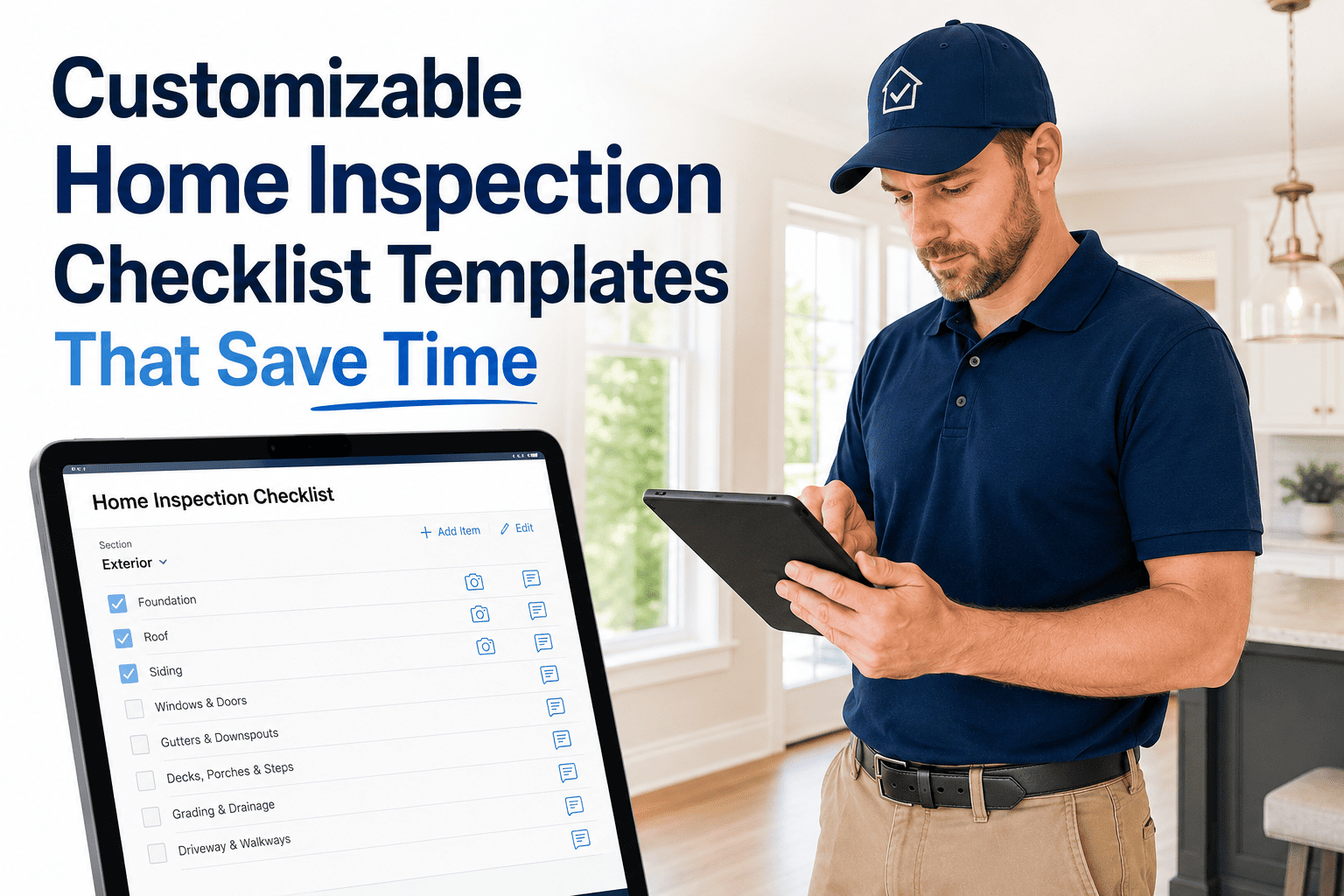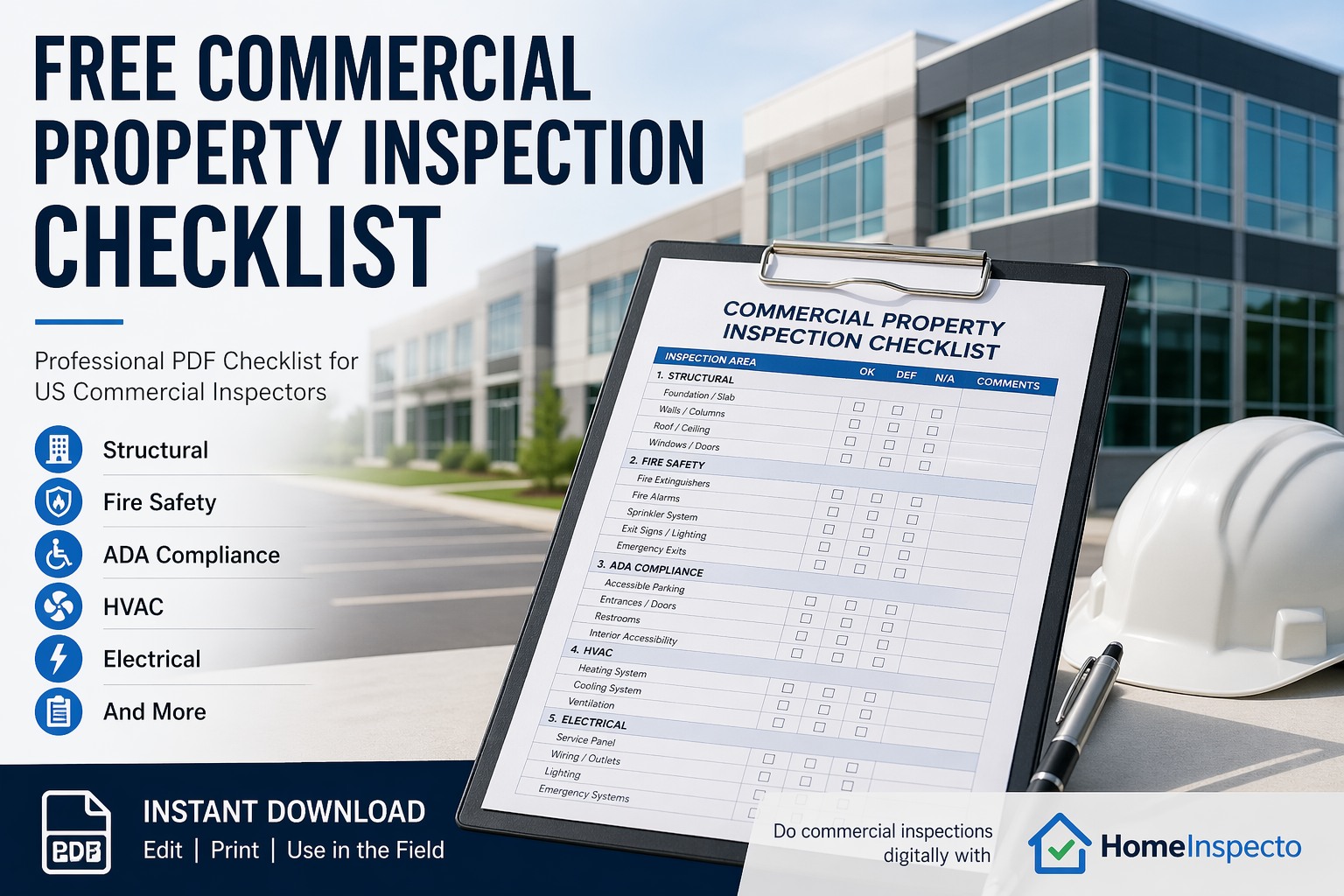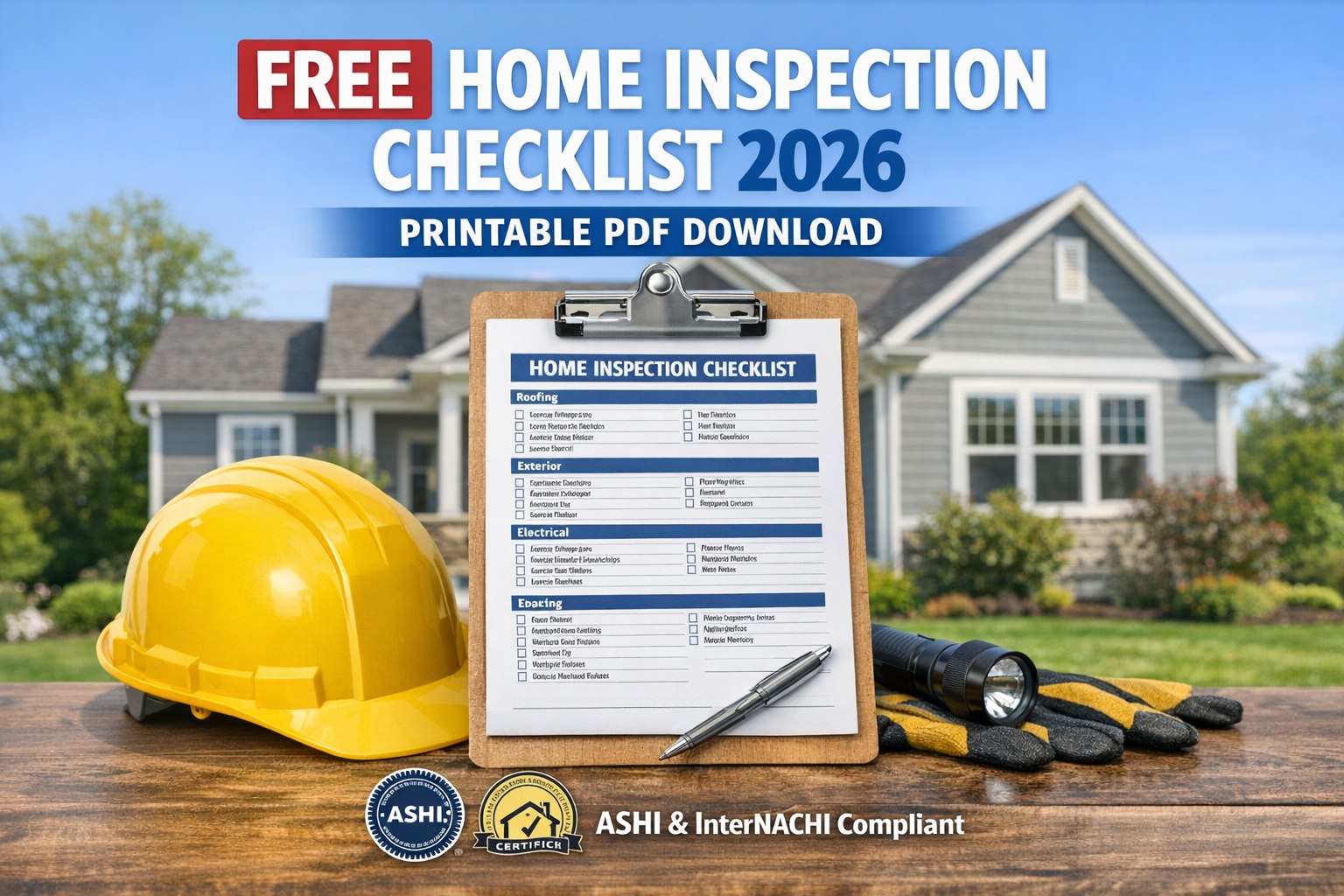
You can't always be the one holding the phone. A remote landlord needs eyes on a unit two states away. A busy property manager needs a caretaker to check a vacation rental between guests. A homeowner traveling for work needs a handyman to confirm a repair actually got done. In every one of these cases, the person who needs the report isn't the person who can be on-site — and that used to mean either flying out yourself or trusting a vague text message. A structured checklist changes that. Send it to anyone — a handyman, a caretaker, a tenant, a contractor — and the checklist does the thinking for them. The report that comes back is organized, photographed, and ready to act on, regardless of who walked the property. If you want to see how delegated inspections work, book a demo.
You Don't Have to Be There to Get the Report.
Send a guided checklist to anyone on-site. What comes back is structured, photographed, and ready to act on — no matter who walked the property.
How a Delegated Inspection Moves
The relay is simple — you assign it, someone else walks it, and the structured report lands back with you. Nothing gets lost in translation because the checklist itself carries the instructions.
You assign the checklist
Pick the property and send the guided checklist to whoever's on-site — a handyman, caretaker, tenant, or contractor.
→
They walk and tap
No training needed. The checklist guides them room by room with pre-written findings to select and photos to snap.
→
You get the report
A structured, photo-backed report lands back with you — the same format regardless of who did the walkthrough.
Who You Can Delegate To
Handyman
Confirm a repair was actually completed, with a photo of the finished work.
Caretaker
Regular condition checks on a vacation rental or second home between visits.
Tenant
Move-in or move-out self-documentation, without you needing to be present.
Contractor
Pre-work condition documentation so there's a clear before-and-after record.
Property manager
Standardized inspections across a portfolio, even when different people walk different units.
Assign it once, get a consistent report every time. The checklist keeps the walkthrough structured no matter who's holding the phone.
Frequently Asked Questions
Does the person doing the walkthrough need to install anything or create an account?
The checklist is designed to be easy to open and follow with minimal setup — the goal is that anyone you send it to can complete it without training or prior experience with the app.
Can I customize the checklist before sending it?
Yes. You can adjust rooms, items, and specific things you want checked before assigning it — useful if you're only concerned about a specific repair or a particular area of the property.
What if I need to delegate to multiple people across different properties?
You can assign checklists across a portfolio of properties to different people, and each report comes back in the same structured format — useful for comparing condition across units.
How quickly does the report come back after someone completes the walkthrough?
The report generates as soon as the walkthrough is finished — you'll have it shortly after the person on-site taps "Generate." Book a demo or start a free trial.
Stop Waiting on a Text Message and a Blurry Photo
Send the checklist, get the structured report back — even when you can't be the one on-site.