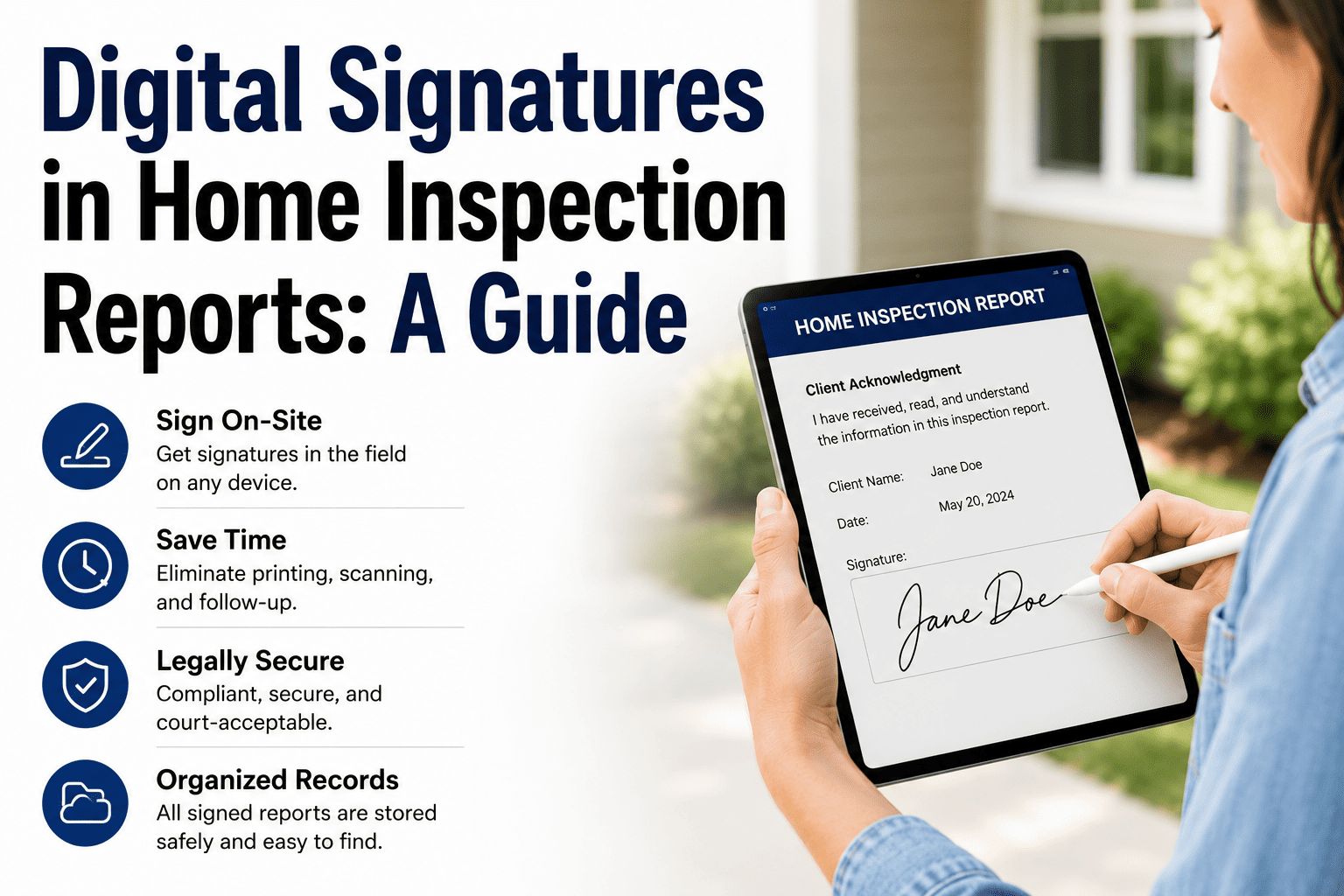
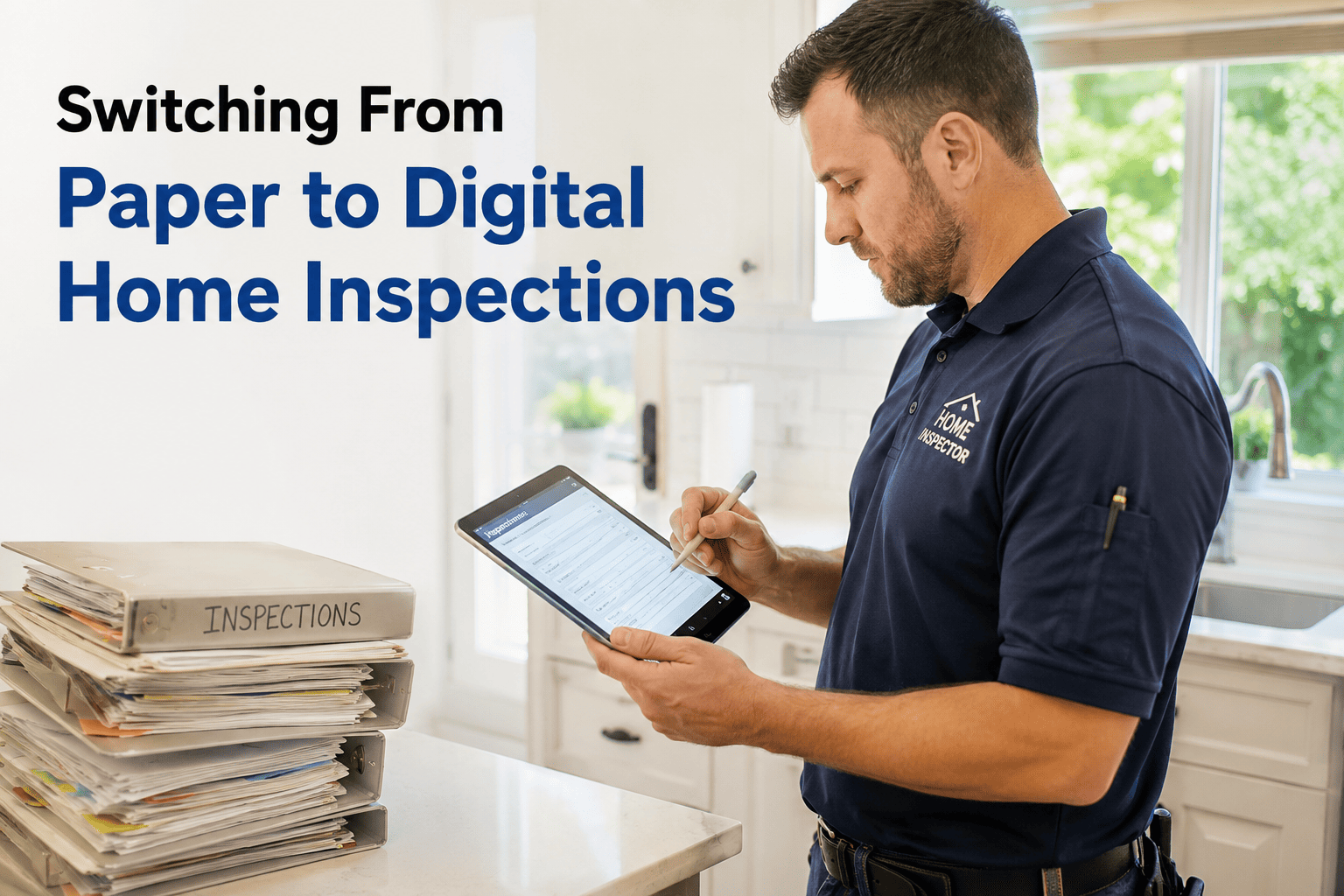
The days of handwritten notes and late-night report typing are over. Digital home inspection reporting has transformed how U.S. inspectors document findings, communicate with clients, and run their businesses. Whether you're a solo inspector considering the switch or a multi-inspector firm optimizing workflows, this guide covers everything you need to know about inspection workflow automation, digital reporting tools, and the property inspection digital reporting trends shaping the industry in 2025.
Key Takeaways
Time Savings
Cut report time from 2-3 hours to under 60 minutes
Delivery Speed
Same-day reports become standard, not exceptional
Capacity Increase
Complete 1-2 additional inspections per week
Client Satisfaction
Professional reports with photos boost referrals
Learning Curve
Most inspectors proficient within 5-10 inspections
Transforming Traditional Inspections Through Digital Reporting Innovation
The home inspection industry has undergone a fundamental shift. What was once a paper-and-clipboard profession now runs on tablets, cloud software, and instant digital delivery. This transformation isn't just about technology—it's about meeting modern client expectations while building a more efficient, profitable business.
Consider how inspections worked a decade ago: handwritten field notes, hours spent typing reports at home, next-day or multi-day delivery timelines, and limited photo documentation. Today's digital home inspection reporting flips every one of those constraints. USA certified inspector digital reporting tools enable real-time documentation, automatic report generation, and delivery before the inspector even leaves the property.
Why Inspectors Are Making the Switch
The shift to digital reporting is driven by three converging forces:
Client Expectations
Today's home buyers expect instant access to information. Waiting 24-48 hours for an inspection report feels antiquated when every other service delivers immediately. Agents increasingly prefer inspectors who can provide same-day reports.
Competitive Pressure
Inspectors using digital tools complete more inspections, deliver faster, and present more professionally. Those still on paper systems find themselves at a growing disadvantage when competing for agent referrals.
Business Efficiency
Time is money. Cutting 2 hours from each report means completing additional inspections each week. At $400-500 per inspection, that's $30,000-50,000 in additional annual revenue capacity.
Simplifying Workflows Using Mobile and Cloud-Enabled Digital Reporting Tools
Modern inspection workflow automation transforms every stage of the inspection process. From scheduling to delivery, digital tools eliminate manual steps, reduce errors, and create a seamless experience for both inspectors and clients.
The Digital Inspection Workflow
1
Online Scheduling
Clients book through your website or portal. Calendar syncs automatically. Confirmation emails send instantly with property details and preparation instructions.
2
Pre-Inspection Setup
Software pre-populates property data from MLS or manual entry. Inspection template loads based on property type. Checklist customizes for age, features, and client requests.
3
On-Site Documentation
Work through digital checklist on tablet. Capture photos directly into report sections. Add voice-to-text or typed comments. Mark defects with severity ratings.
4
Report Generation
Software compiles findings into formatted report. Photos embed automatically with captions. Summary sections generate from defect data. Review and edit as needed.
5
Delivery and Payment
Send report via email, portal, or both. Collect payment digitally. Request review automatically. All records stored in cloud for future reference.
This inspection analytics and digital reporting optimization approach eliminates the gap between field work and report delivery. Many inspectors now deliver reports on-site before leaving the property—a dramatic improvement from the multi-day turnarounds of paper-based systems.
Digital Reporting ROI: Time and Cost Savings
The business case for digital reporting is compelling. Here's how the numbers break down for a typical solo inspector:
Factor
Paper/Manual
Digital Reporting
Difference
Report writing time
2-3 hours
30-60 minutes
Save 1.5-2 hrs
Delivery timeline
24-48 hours
Same day (often on-site)
24+ hrs faster
Photos per report
20-40 (manual transfer)
100+ (automatic)
Better documentation
Weekly capacity
8-10 inspections
12-15 inspections
+4-5 inspections
Annual revenue potential
$160,000-200,000
$240,000-300,000
+$80,000-100,000
Software cost
$0
$1,200-2,400/year
ROI: 30-80x
A Florida-based inspector with 8 years of experience switched from paper forms to digital reporting software. Within 60 days:
Report time dropped from 2.5 hours to 45 minutes average
Weekly inspections increased from 9 to 13
Same-day delivery rate went from 10% to 95%
Agent referrals increased 40% within 6 months
Annual revenue increased approximately $65,000
"The software paid for itself in the first week. I should have switched years ago."
Key Features to Look for in Inspection Reporting Software
Not all digital reporting tools are created equal. When evaluating software options, prioritize these essential and advanced features:
Essential Features
Mobile App (iOS/Android)
Full functionality on tablet for on-site reporting
Offline Capability
Work without internet, sync when connected
Photo Integration
Capture and embed directly into report sections
Comment Library
Pre-written, customizable descriptions for efficiency
PDF Report Generation
Professional, formatted output ready for delivery
Cloud Storage
Secure backup and access from any device
Advanced Features
Online Scheduling
Client self-booking with calendar integration
Payment Processing
Collect fees digitally before or after inspection
Client Portal
Interactive report viewing with navigation
Automated Review Requests
Trigger Google review requests post-delivery
Team Management
Multi-inspector scheduling, reporting, analytics
Report Analytics
Track delivery times, client engagement, trends
Ready to Streamline Your Reporting?
HomeInspecto delivers all essential features plus advanced automation for growing inspection businesses.
How to Transition from Paper to Digital Reporting
Switching systems can feel daunting, but a structured approach minimizes disruption. Follow this implementation framework:
Choose software and start free trial
Add business info, logo, and branding
Import or build comment library
Configure inspection templates for your property types
Set up payment processing and delivery preferences
Complete 2-3 practice inspections (own home, friend's home)
Watch training videos and tutorials
Generate sample reports and review output
Test delivery methods (email, portal, PDF)
Identify workflow adjustments needed
Use digital system for all real inspections
Allow extra time initially (buffer 30 min)
Refine templates and comments based on use
Gather client feedback on new report format
Track time savings and delivery improvements
Pro Tip: Don't try to customize everything before starting. Begin with default templates, then refine based on actual use. Over-customizing upfront often creates unnecessary complexity.
Report Delivery Methods and Client Experience
How you deliver reports matters as much as what's in them. Property inspection digital reporting trends show increasing preference for interactive, mobile-friendly formats over static PDFs.
Method
Pros
Cons
Best For
Email (PDF attachment)
Universal, familiar, offline viewing
Large file sizes, no tracking
Clients preferring traditional format
Online Portal
Interactive, mobile-friendly, read receipts
Requires internet, login friction
Tech-savvy clients, agent sharing
Direct Link (no login)
Easy access, shareable, mobile-optimized
Less secure, link can spread
Quick sharing, text delivery
Printed Hard Copy
Tangible, no tech required
Costly, slow, photos less impactful
Elderly clients, legal requirements
Recommendation: Offer portal delivery as default with PDF download option. This satisfies modern expectations while accommodating preferences for offline access.
Data Security and Compliance Considerations
Digital reports contain sensitive information: property addresses, client contact details, photos of homes, and documented defects. Protecting this data is both an ethical obligation and a business necessity.
Requirement
SSL/TLS encryption for all data transmission
Requirement
Encrypted cloud storage with regular backups
Requirement
Access controls and user authentication
Requirement
Clear data retention and deletion policies
Requirement
Compliance with state record-keeping requirements
Requirement
Ability to export/download your data
Most states require inspectors to retain records for 3-7 years. Digital systems make this easy through cloud storage, but verify your software's retention policies align with your state's requirements.
Secure, Professional, Efficient Reporting
Join thousands of inspectors using HomeInspecto to deliver better reports faster.
Frequently Asked Questions
What is digital reporting for home inspectors?
Digital reporting refers to using software applications on tablets, smartphones, or laptops to create, edit, and deliver home inspection reports electronically. Instead of handwritten notes transferred to a computer later, inspectors document findings in real-time with photos, videos, and standardized comments that automatically generate professional PDF reports.
How much time does digital reporting save home inspectors?
Most inspectors report saving 1.5 to 2.5 hours per inspection when switching from paper to digital reporting. Report generation that previously took 2-3 hours can be completed in under 60 minutes. Same-day report delivery becomes standard rather than exceptional, allowing inspectors to complete more inspections per week.
What features should I look for in home inspection report software?
Essential features include: mobile app with offline capability, photo and video integration, customizable templates and comment libraries, cloud storage and syncing, multiple delivery options (email, portal, PDF), scheduling integration, payment processing, and branded report customization. Multi-inspector firms should also prioritize team management and reporting analytics.
Can I use home inspection software on a tablet?
Yes, most modern home inspection software is designed specifically for tablet use. iPads and Android tablets are the most common devices. Look for software with offline capability so you can complete inspections even without internet connectivity, then sync when back online. Tablets offer the ideal balance of screen size and portability for on-site reporting.
How much does home inspection reporting software cost?
Home inspection software typically costs $50-200 per month for solo inspectors, with multi-inspector firms paying $150-500+ monthly depending on features and user count. Some platforms charge per-report fees ($5-15 per report) instead of monthly subscriptions. Most offer free trials to test before committing. The ROI typically justifies the cost within 1-2 months through time savings.
How do I deliver digital inspection reports to clients?
Digital reports can be delivered via email attachment (PDF), secure online portal where clients log in to view, direct link sent via text or email, or printed hard copy if requested. Most software supports multiple delivery methods. Portal delivery is increasingly preferred as it allows interactive navigation, is mobile-friendly, and provides read receipts.
Is digital inspection data secure and private?
Reputable inspection software uses encryption for data transmission and storage, secure cloud servers, and access controls. Look for platforms with SSL encryption, regular security audits, and clear privacy policies. Client data should be protected and only accessible to authorized parties. Some states have specific data retention requirements for inspection records.
Can digital reports meet state licensing requirements?
Yes, digital reports can meet and often exceed state licensing requirements. Most states accept electronic delivery and digital signatures. Digital reports typically provide better documentation with timestamped photos, GPS data, and comprehensive audit trails. Check your specific state's requirements, but digital reporting is accepted in all 50 states.
How long does it take to learn home inspection software?
Most inspectors become proficient with new reporting software within 5-10 inspections, typically 1-2 weeks of regular use. Initial setup (templates, comments, branding) takes 2-4 hours. Software with intuitive interfaces and good training resources shortens the learning curve. Many platforms offer onboarding support and video tutorials.
What happens if my tablet dies during an inspection?
Quality inspection software saves data continuously, so work is preserved even if your device dies. Cloud-synced platforms allow you to log in from another device and continue where you left off. Best practices include keeping a backup device charged, using a tablet with long battery life, and carrying a portable charger. Offline capability ensures data is stored locally until sync is possible.