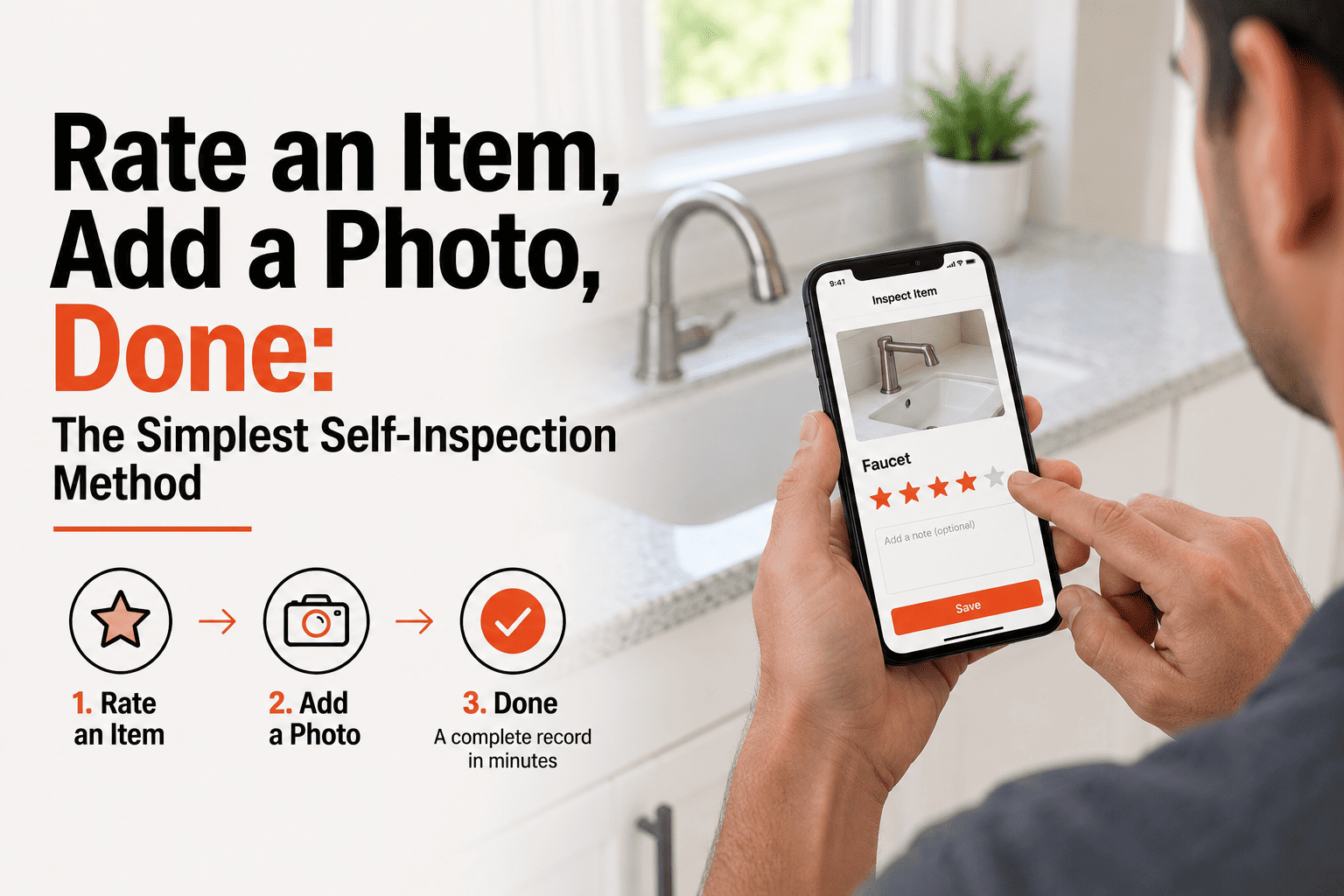
Most people avoid self-inspecting a property because they imagine it means writing paragraphs of notes for every item in every room. It doesn't. The simplest version of a self-inspection is two actions, repeated: rate the item, attach a photo. No composing sentences, no deciding how to phrase a finding, no formatting anything afterward. You tap a rating, you tap the camera, you move to the next item. By the time you've walked the property, the report has already assembled itself from nothing but taps and photos. This guide walks through exactly how the rate-and-photo method works and why it's fast enough that people actually finish the walkthrough instead of abandoning it halfway through. If you want to try it yourself, book a demo.
The Simplest Method
Rate It. Photograph It. Move On.
No writing, no formatting, no report to assemble afterward — just two taps per item, repeated until the walkthrough is done.
The Rating Scale
Every item gets rated on the same simple scale — no ambiguity about what to write, just a tap on the condition that fits.
1
Needs Attention
2
Below Average
3
Functional
4
Good
5
Excellent
Two Taps, Repeated
Tap 1
Rate the item
Select a number from 1 to 5 for the item in front of you — the scale is the same for every item in every room, so there's nothing new to learn as you move through the property.
Tap 2
Attach a photo
Snap a photo of the item — it attaches directly to that rating, so anyone reading the report later sees the number and the evidence side by side.
That's the entire method. No notes field to fill in, no dropdown of finding descriptions to read through — just a number and a photo, item after item, until the walkthrough is finished. The report builds itself from those two data points, organized by room, ready to generate the moment you're done.
The fastest way to finish a walkthrough is to make each step this simple. Rate it, photograph it, move to the next item — HomeInspecto handles the rest.
Frequently Asked Questions
Can I add written notes if I want more detail on an item?
Yes. The rating and photo are the required minimum, but you can add a note to any item if something needs more explanation than a number alone provides.
What does a rating of "3" actually mean in the report?
A 3 means the item is functional with no notable issues — it's the baseline "working as expected" rating. Ratings below 3 flag something worth attention, and above 3 indicate better-than-average condition.
Is a rating-only report detailed enough for a real inspection?
For routine documentation — move-in/move-out records, maintenance tracking, condition snapshots — yes. The rating plus photo gives anyone reading the report a clear picture without needing paragraphs of description.
How long does a full property walkthrough take with this method?
Because each item only takes two taps, most single-family homes take well under 30 minutes to fully walk and rate. Book a demo or start a free trial.
The Easiest Walkthrough You'll Ever Finish
Rate each item, snap a photo, and let the report build itself while you walk.